
Copyright 2026 © swekartor. All Rights Reserved.



Information about Clean Cleaner - Safe & Fast
App Feature
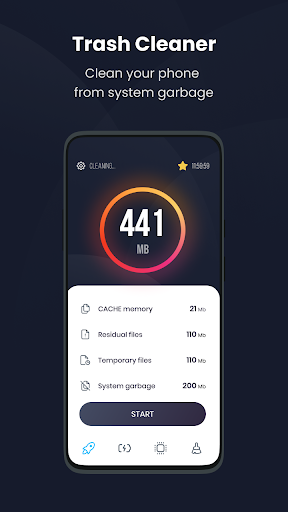
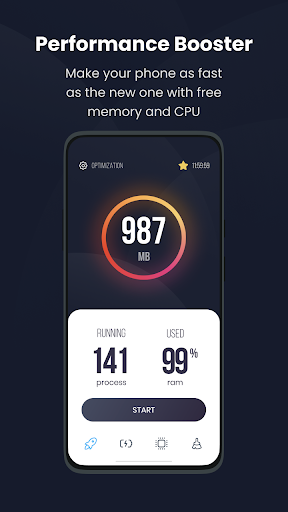
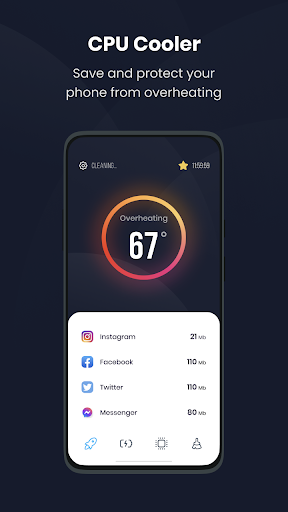
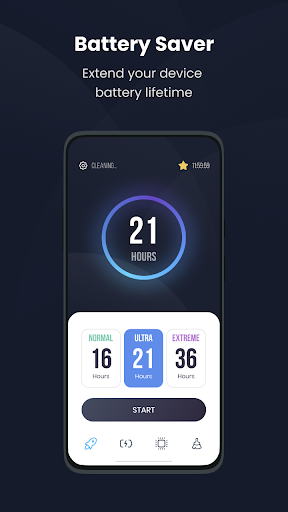
Android utility focused on quick performance boosts, safe junk/cache removal, freeing storage (including duplicate media cleanup), smarter notification management, and basic battery optimization insights.
Verdict
A handy all‑in‑one cleaner for quick wins, best for light maintenance rather than deep system tuning.
Who is it for
Best for:
- Users who want one‑tap speed boosts and easy storage cleanup
- People overwhelmed by notification clutter who want quick filtering
- Budget‑minded users seeking a free, simple maintenance tool
Not ideal for:
- Power users needing granular controls and detailed system analytics
- Anyone expecting permanent performance fixes on very old devices
- Users who prefer native, zero‑maintenance solutions over utility apps
Real-world User Experience
Users like it:
Generally positive sentiment (4.3 rating) around quick, one‑tap boosting, straightforward junk/cache cleaning that avoids personal files, and the ability to declutter the notification shade.
Users complain about:
As with many cleaner apps, some users may feel the impact is temporary on heavily aged devices, and duplicate/media cleanup can require user review to avoid removing wanted items.
Is it Worth Paying For?
The app is free and no in‑app purchases are indicated; it delivers core cleaning and notification management without a paywall, so there’s no cost risk to try it.
How it Compares to Alternatives
Compared with Files by Google, this offers a broader toolkit (booster, notification cleaner, battery tips) but may be less conservative than Google’s native suggestions. Against CCleaner or SD Maid, it emphasizes simplicity and one‑tap actions over deep, technical controls; SD Maid typically offers more advanced, expert‑level housekeeping, while this app focuses on ease and speed.
Summary
Clean Cleaner – Safe & Fast bundles a one‑tap device booster, safe junk/cache removal, duplicate file cleanup, notification filtering, and battery usage tips into a straightforward, free package. It’s designed to reclaim space, trim background load, and keep your notification bar tidy without touching personal content. Expect quick, visible wins and easier day‑to‑day maintenance; for heavy, persistent slowdowns or advanced diagnostics, more specialized tools or manual tuning may still be required. With a solid rating and no upfront cost, it’s a practical option for routine housekeeping on most Android phones.
Ratings
Trending APP












Alternative to this app










