
Copyright 2026 © swekartor. All Rights Reserved.


Information about PDF Reader - Editor & Viewer
App Feature
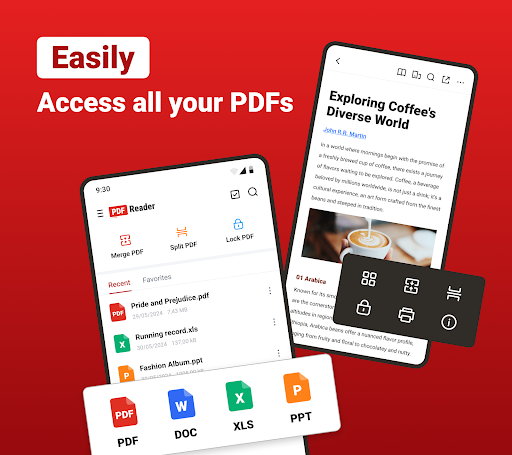
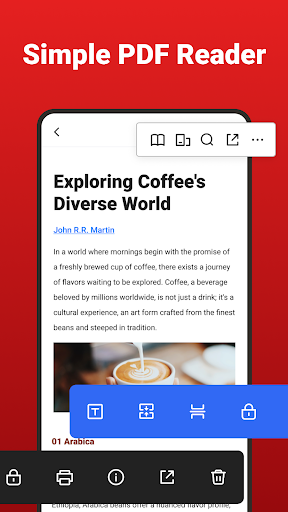
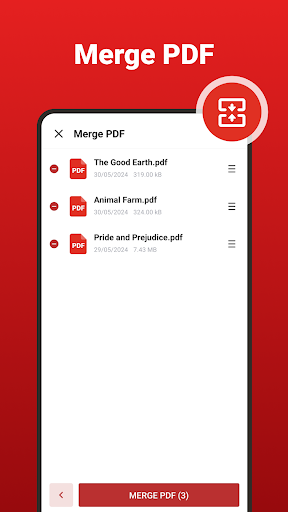
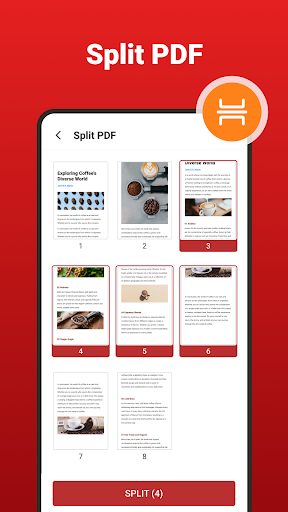
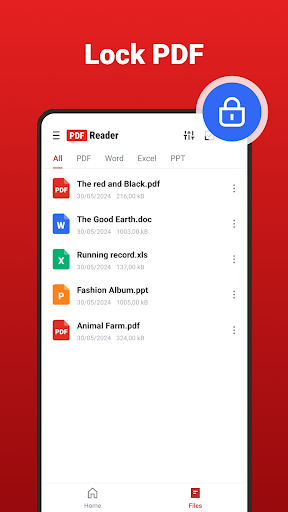
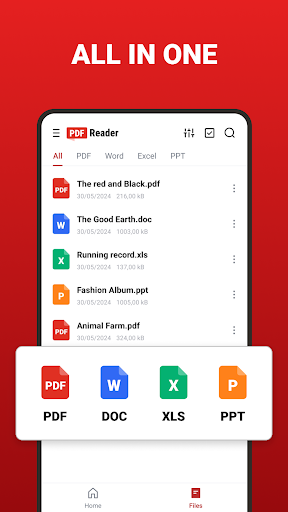
PDF Reader - Editor & Viewer is a free mobile toolkit for viewing and managing documents. It auto-scans and organizes files, reads multiple formats (PDF, DOC/DOCX, XLS/XLSX, PPT/PPTX, EPUB), supports annotations (highlight, underline, strikethrough, notes, signatures), form filling, AI Scan for document capture, AI summaries, PDF merge/split/compress/lock, image↔PDF conversion, and offers quick sharing with cloud-friendly workflows.
Verdict
Verdict: A capable all-in-one mobile PDF and office viewer with handy AI tools, but heavy ads and mixed polish mean power users may prefer premium alternatives.
Who is it for
Best for:
- Students and professionals needing quick mobile reads, annotations, and basic edits
- Users who want merge/split/compress and image↔PDF conversions in one app
- Anyone who values on-device scanning and one-tap AI summaries
Not ideal for:
- Users who dislike frequent ads or interruptions
- Power users needing advanced PDF editing, OCR export, or enterprise-grade collaboration
- Those seeking a strictly ad-free experience without paying
Real-world User Experience
Users like it:
Fast file opening with smooth performance; reliable reading across formats; easy highlighting, signing, and basic editing; recent updates improved usability; straightforward, self-explanatory interface.
Users complain about:
Frequent ads, including before opening files, slow down quick tasks; value concerns compared to other free options that feel more generous or polished.
Is it Worth Paying For?
The app is free with ads and offers in-app purchases. If you use annotations, scanning, and PDF tools regularly, paying to remove ads or unlock extras can be worthwhile for convenience. Light or occasional users may be fine staying on the free tier despite interruptions.
How it Compares to Alternatives
Compared to Adobe Acrobat Reader, this app adds built-in merge/split/compress and multi-format viewing, but Acrobat offers stronger ecosystem integration and premium editing. Versus Xodo, it is similar on annotations and organization but Xodo is often praised for a cleaner, ad-lighter experience. Against WPS Office, it’s leaner for PDFs and scans but WPS provides deeper Office suite features. If you prioritize minimal ads and advanced polish, Acrobat or Xodo may feel superior; for an all-in-one free toolkit, this app holds its own.
Summary
PDF Reader - Editor & Viewer bundles a broad set of features—multi-format viewing, annotations, form filling, AI scanning, AI summaries, and PDF utilities—into a single free app. Real-world feedback highlights quick performance and ease of use, weighed down by frequent ads that can interrupt urgent tasks. With 5M+ installs and a mid-to-high rating, it’s a practical choice for everyday reading and basic PDF management on the go. Users who can tolerate ads (or opt into IAP to reduce them) will find solid value, while those needing ad-free polish or advanced editing should consider premium-focused alternatives.
Ratings
Trending APP












Alternative to this app










