
Copyright 2026 © swekartor. All Rights Reserved.


Information about PDF Reader App : Read All PDF
App Feature
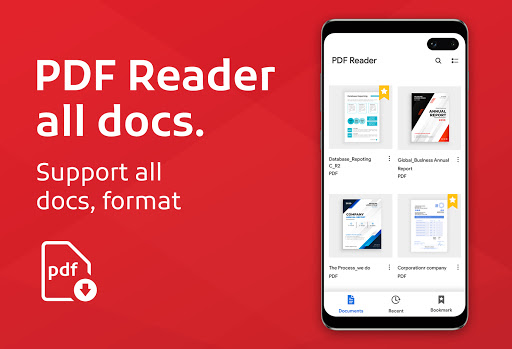
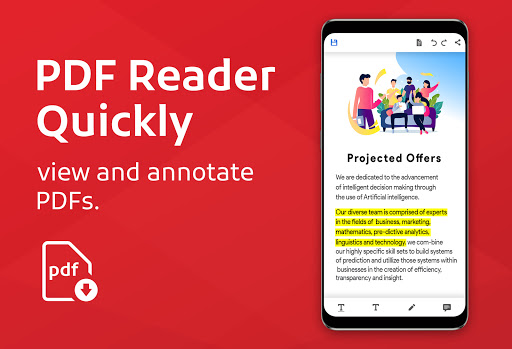
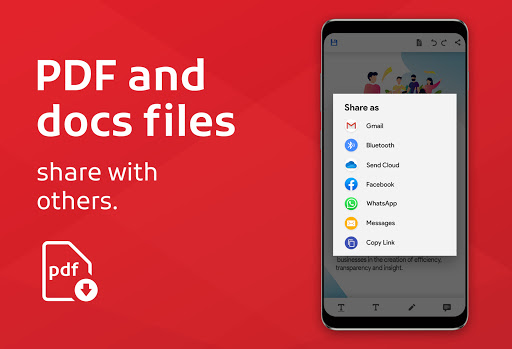
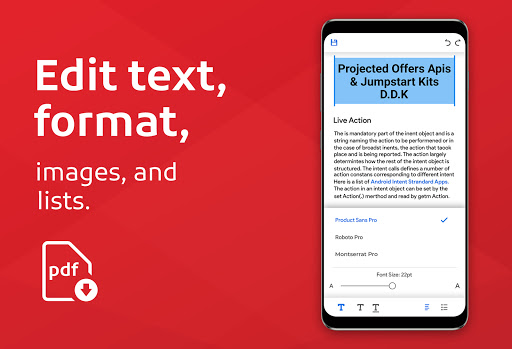
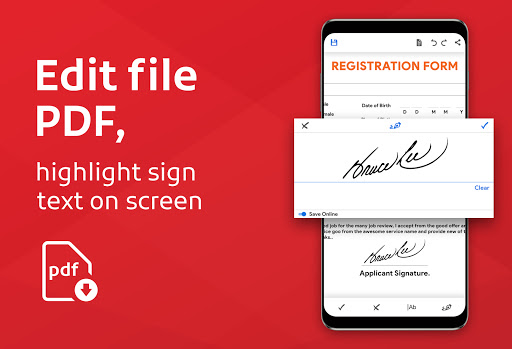
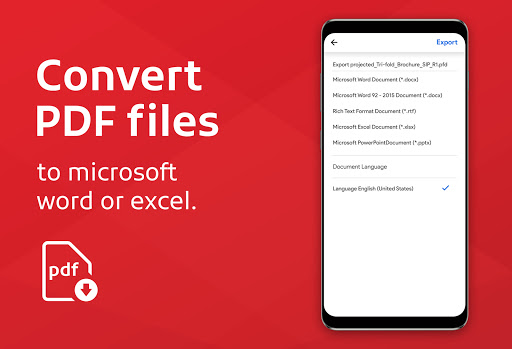
An all-in-one AI-powered PDF reader and converter for Android that lets you view, search, bookmark, annotate, sign, and organize PDFs; convert images/text to PDF; merge/split files; scan documents; use text-to-speech; and even summarize or chat with PDFs. Works offline and supports other formats like Word, Excel, and PowerPoint.
Verdict
Verdict: A versatile, AI-enhanced PDF toolkit with strong offline reading and conversion, but frequent ads in the free tier may annoy power users.
Who is it for
Best for:
- Students and professionals needing quick PDF viewing, organizing, and conversion on mobile
- Users who want AI summaries, TTS, and simple e-signing in one app
- Anyone managing mixed document types (PDF, Word, Excel, PPT) offline
Not ideal for:
- Users who are sensitive to startup/exit ads or want an ad-free free app
- Heavy-duty PDF editors requiring advanced layout editing and form creation
- Enterprises needing tight cloud integration, collaboration workflows, or strict compliance features
Real-world User Experience
Users like it:
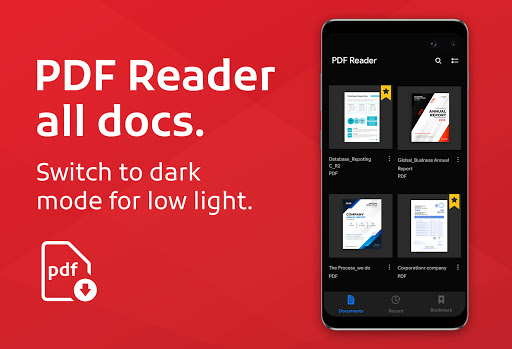
Fast and easy to use; reliably opens most documents; helpful for organizing files by source and type; effective for scanning, reducing file size, and reading ebooks; offline access and dark mode appreciated; occasional success restoring corrupted files; generally intuitive UI suitable for non‑tech users.
Users complain about:
Frequent ads, especially on app launch and exit; some desire richer annotation/note‑taking despite basic tools; confusion around editing capabilities vs. reading focus; premium payment cadence (monthly vs yearly) not always clear.
Is it Worth Paying For?
The free version is fully usable but ad-heavy. Paying to remove ads and unlock higher‑end tools or limits (e.g., AI usage, advanced conversions/merge-split at scale) is worthwhile if you use it daily for school/work or need a cleaner experience; casual readers can stick with free.
How it Compares to Alternatives
Compared to Adobe Acrobat Reader, it’s lighter with broader built‑in conversions and appealing AI features (summarize/chat), but Acrobat still leads on forms, cloud, and enterprise polish. Against Xodo or Foxit, this app’s AI and TTS stand out, while Xodo/Foxit may offer smoother annotation workflows and fewer intrusive ads. Overall, it’s a strong all‑rounder with unique AI perks for mobile use.
Summary
PDF Reader App: Read All PDF is a high‑rated, widely installed mobile PDF suite that blends solid fundamentals—fast viewing, offline access, bookmarks, dark mode, scanning, and conversions—with modern extras like AI summaries, chat with PDFs, e‑signatures, and text‑to‑speech. Real‑world users praise its simplicity, reliability, and file organization, making it handy for school and work on the go. The main trade‑off is advertising in the free tier, which some find intrusive at launch/exit, and its editing is more light‑touch than desktop‑grade. If you value AI assistance and an all‑in‑one toolkit on Android, it’s an excellent pick; upgrade if you want an ad‑free, more streamlined experience.
Ratings
Trending APP












Alternative to this app










