Copyright 2026 © swekartor. All Rights Reserved.


Information about PDF Reader, All PDF Editor
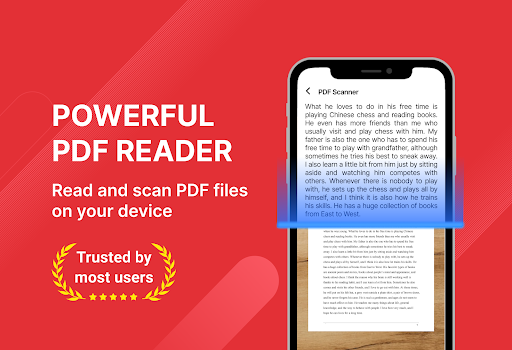
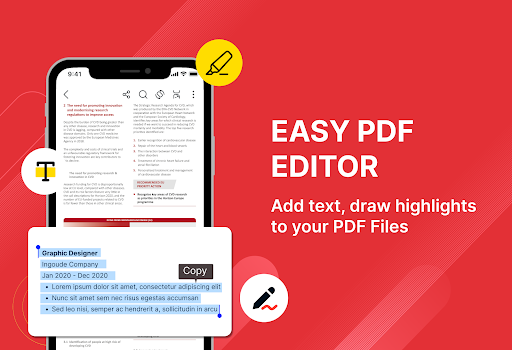
App Feature
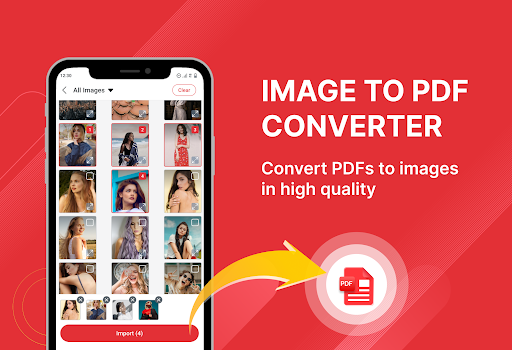
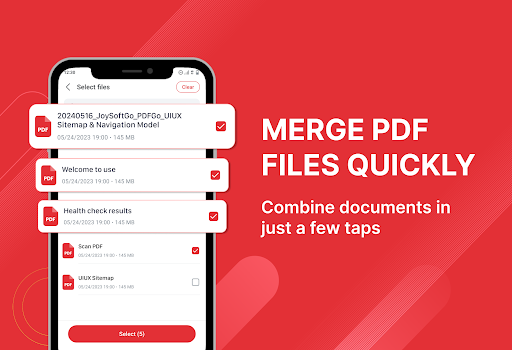
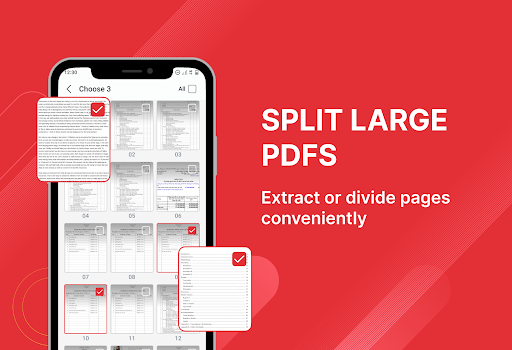
A free, all-in-one PDF toolkit for Android that lets you quickly view, scan, annotate, convert images to PDF, merge/split files, bookmark pages, search text, and print—wrapped in a clean, beginner-friendly interface with basic organization tools.
Verdict
Verdict: A capable everyday PDF viewer/editor for students and office use, but power users may outgrow its advanced editing depth.
Who is it for
Best for:
- Students needing fast reading, highlighting, and page bookmarking
- Professionals who scan, merge/split, and share PDFs on the go
- Casual users organizing manuals, tickets, and receipts
Not ideal for:
- Users needing desktop-grade editing (form creation, advanced redaction, OCR)
- Those who want an ad-free experience without paying
- Teams requiring cloud collaboration and workflows
Real-world User Experience
Users like it:
Smooth PDF viewing with quick load times, handy annotations, simple image-to-PDF conversion, and practical tools like merge/split and printing. Interface is straightforward and easy to navigate.
Users complain about:
Ads can interrupt flow, and some features seem limited versus pro editors. Occasional hiccups on very large files or complex PDFs; advanced editing and collaboration options are sparse without upgrading.
Is it Worth Paying For?
The free version covers viewing, basic editing, scanning, and simple management well for most users. If you’re sensitive to ads or need smoother, possibly expanded features, the IAP to remove ads/unlock extras can be worth it; otherwise, the free tier offers solid value.
How it Compares to Alternatives
Compared to Adobe Acrobat Reader, it’s lighter and simpler but lacks deep form handling, cloud integration, and enterprise tools. Against Xodo and Foxit, it’s competitive for viewing/annotating and quick scans, though Xodo often edges ahead on collaboration and Foxit on power features. As a general-purpose toolkit, it balances speed and simplicity better than many ad-heavy readers in the Tools category.
Summary
PDF Reader, All PDF Editor focuses on speed, clear navigation, and practical tools—reading, annotating, scanning, converting, and rearranging PDFs—making it a strong daily driver for school and work. The 4.0 rating and large install base suggest most users find it reliable for core tasks, though ads and a lack of advanced, pro-level editing limit it for power workflows. If you want a straightforward, mobile-friendly PDF utility that covers the essentials without a steep learning curve, it’s a solid pick; for advanced document automation or collaboration, consider more feature-rich alternatives.
Ratings
Trending APP












Alternative to this app