Copyright 2026 © swekartor. All Rights Reserved.



Information about Proxy Browser
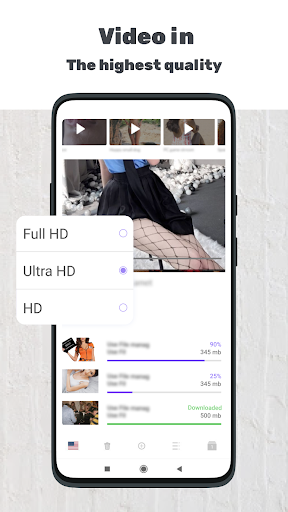
App Feature
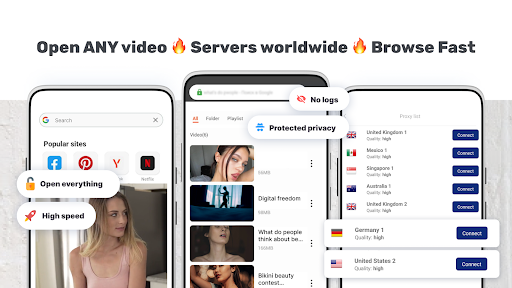
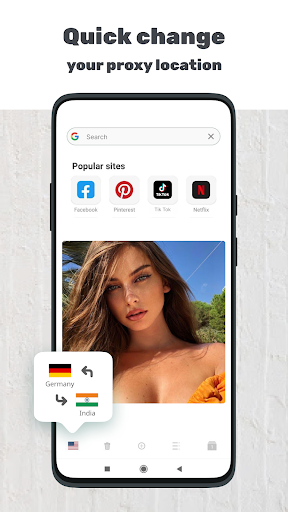
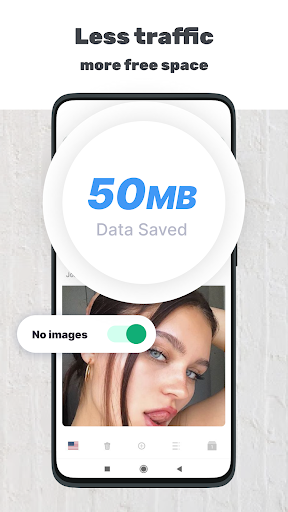
Proxy Browser is a free Android web browser with an integrated proxy that routes traffic through secure servers to hide your IP, bypass site restrictions, and offer anonymous browsing. It emphasizes quick setup, claims no-logs, includes basics like ad blocking and downloading, and promises fast, reliable connections with dynamic IP switching.
Verdict
Verdict: A convenient, free proxy browser for quick, private access to blocked sites, but occasional disconnects and ads may frustrate power users.
Who is it for
Best for:
- Users who need simple, in-browser unblocking without configuring a VPN
- People seeking quick, anonymous browsing on public Wi‑Fi
- Anyone wanting a free solution with minimal setup
Not ideal for:
- Users who need device‑wide VPN protection (outside the browser)
- Those sensitive to ads or occasional connection hiccups
- Power users needing advanced privacy features or extensions
Real-world User Experience
Users like it:
Consistently praised for easy setup, effective access to blocked sites, generally fast browsing, and working reliably across networks; many appreciate the built‑in adblock and that it functions well as a normal browser.
Users complain about:
Reports of occasional random disconnects or buggy behavior when turning it off, speed that can fluctuate, ads appearing periodically, and a request for auto-reconnect; some confusion about premium/device limits in certain reviews.
Is it Worth Paying For?
The app is free with ads and offers in‑app purchases. Based on reviews, the free tier is usable and effective. A paid option may remove ads or expand servers/stability, but details aren’t clearly stated; unless you’re bothered by ads or need more consistency, the free version should suffice.
How it Compares to Alternatives
Compared to full VPN apps, Proxy Browser secures only in‑app traffic, not system‑wide connections. Against privacy browsers (e.g., Brave, Opera with VPN), it focuses on straightforward proxy access rather than a rich feature set (sync, extensions, advanced privacy controls). It stands out for one‑tap access and unblocking but may trail top VPNs in stability, server transparency, and robust privacy features.
Summary
Proxy Browser delivers a simple way to browse privately and reach blocked websites by routing traffic through proxy servers within the browser. It’s fast for many users, works on public Wi‑Fi, and includes conveniences like ad blocking and downloading. However, it carries trade‑offs typical of free tools: intermittent disconnects, variable speeds, and ads. If you want an easy, no‑fuss solution to access restricted content in the browser, it’s a solid pick. If you need device‑wide protection, advanced privacy controls, or guaranteed stability, a reputable full VPN or a more feature‑rich privacy browser may be better.
Ratings
Trending APP












Alternative to this app