Copyright 2026 © swekartor. All Rights Reserved.


Information about All Documents Reader:PDF/Word
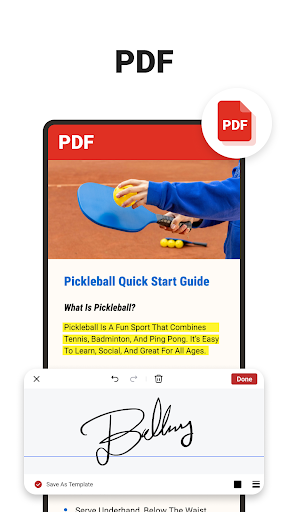
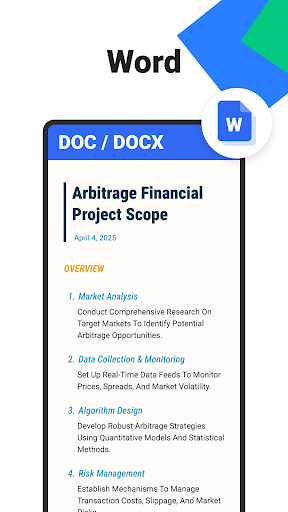
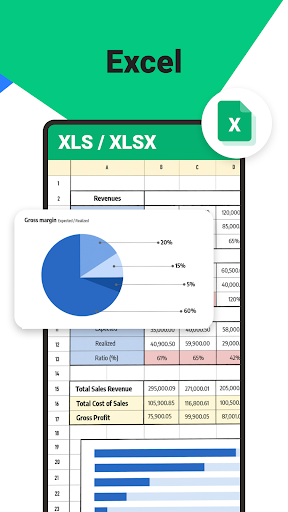
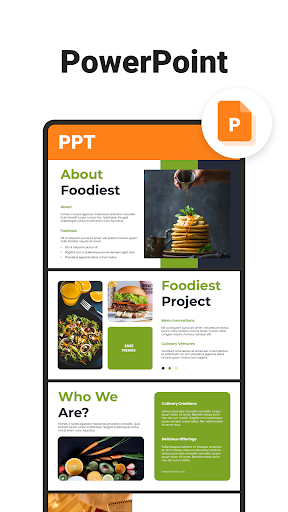
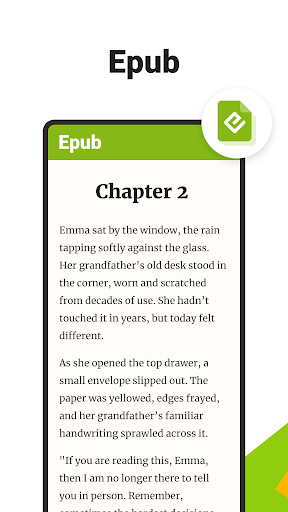
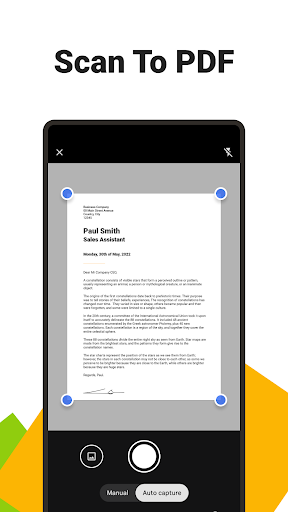
App Feature
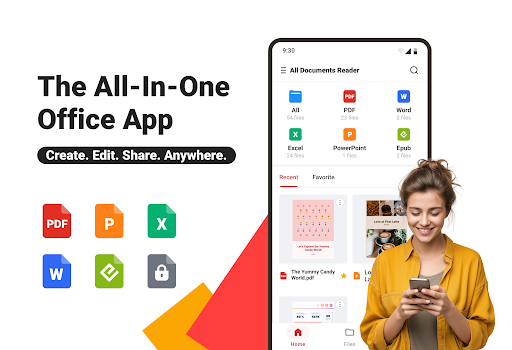
An all-in-one document hub that opens and manages PDFs, Word, Excel, PowerPoint, and EPUB files, with PDF tools (annotate, merge/split, fill/sign), a built-in scanner to PDF, AI summarization, offline access, and a file manager with search and categorization.
Verdict
Verdict: A capable multi-format reader with handy PDF utilities, best if you want one app for viewing and light editing rather than pro-grade document workflows.
Who is it for
Best for:
- Students and professionals who need a single app to read PDFs/Office files
- Users who want built-in PDF tools like annotate, merge/split, and scan-to-PDF
Not ideal for:
- Power users needing advanced desktop-level editing or robust collaboration
- Anyone who is sensitive to ads or prefers a completely free, ad-free experience
Real-world User Experience
Users like it:
Broad file support, quick viewing, searchable navigation, and useful PDF utilities (annotating, merging, scanning). The offline mode and on-device privacy are also appealing to many.
Users complain about:
Presence of ads and in-app purchases, and—given the mid-to-high 3.9 rating—some users likely report occasional bugs, performance hiccups on large files, or features gated behind paywalls.
Is it Worth Paying For?
The free tier covers reading and basic management well. Paying makes sense if you frequently need premium PDF tasks (e.g., frequent merging/splitting, heavy annotation, AI summaries, or advanced conversions) and want to reduce friction from ads. Casual readers can stay on the free plan.
How it Compares to Alternatives
Against Adobe Acrobat Reader, it’s more of a multi-format hub (EPUB/Office) but may trail in enterprise-grade PDF precision and cloud workflows. Compared to Microsoft Office, it reads a wider set in one place but lacks deep Word/Excel editing. Versus WPS Office, it offers competitive PDF tooling without full office-suite creation features. For pure reading, apps like ReadEra excel at EPUB/ebook ergonomics, while this aims for versatility and light editing across formats.
Summary
All Documents Reader:PDF/Word brings together broad file compatibility, solid reading tools, and practical PDF utilities—including scan-to-PDF and AI summarization—into a single, offline-capable app. With a 3.9 rating and 1M+ installs, it appears reliable for everyday viewing and light edits, though ads and some premium-gated features may frustrate a subset of users. If you need a versatile reader/organizer with convenient PDF features and you’re comfortable with an ad-supported model (or upgrading for more), it’s an efficient, privacy-conscious choice for work, school, and personal documents.
Ratings
Trending APP












Alternative to this app