Copyright 2026 © swekartor. All Rights Reserved.



Information about Screen Recorder Video Recorder
App Feature
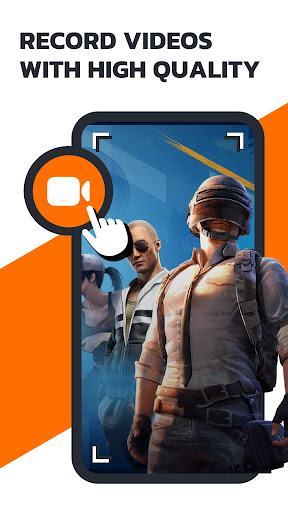
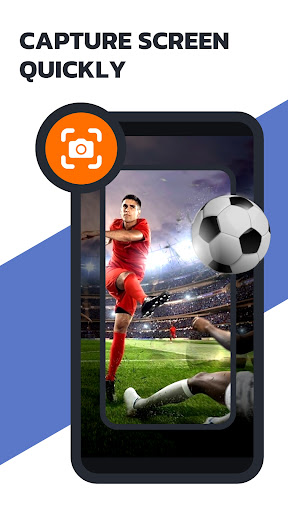
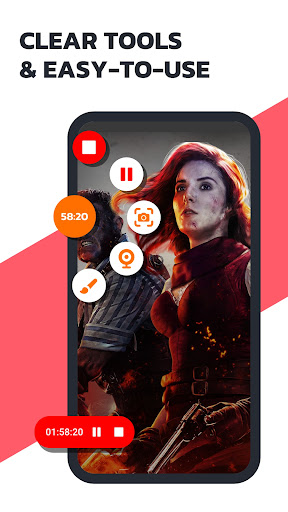
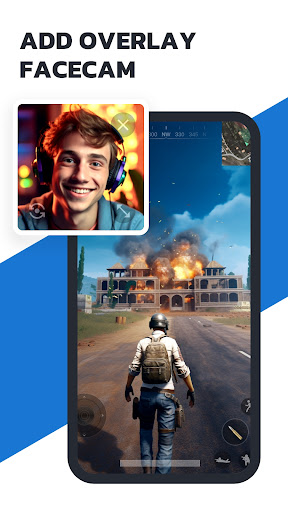
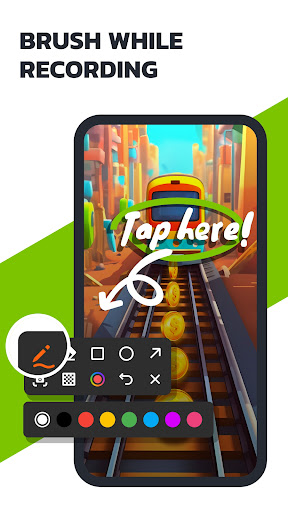
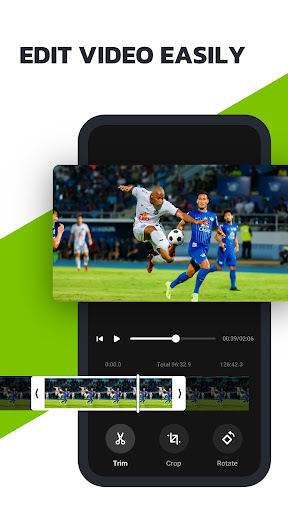
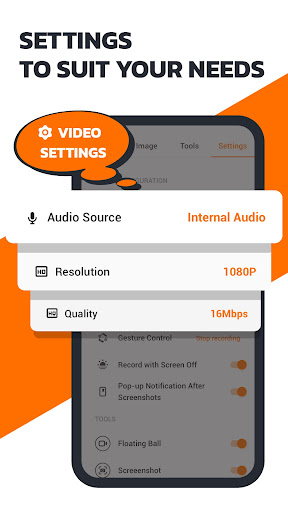
Screen Recorder Video Recorder (Recordify) is an all-in-one Android screen recorder with HD/120FPS capture, internal/external audio, floating controls, no watermark or time limit, facecam overlay, live drawing/annotation, basic editing (trim/merge/text/music/filters), GIF export, and scheduled recording with auto-stop.
Verdict
Verdict: A polished, flexible screen recorder for everyday use and creators, though ads and occasional audio/compatibility quirks may frustrate power users.
Who is it for
Best for:
- Creators and gamers needing reliable HD screen capture with facecam and quick edits
- Users who want simple controls (floating bubble) and no watermarks or time limits
Not ideal for:
- Users needing guaranteed capture of DRM-protected apps/streams without black screens
- Those sensitive to ads or requiring advanced multi-track audio mixing and fine gain control
Real-world User Experience
Users like it:
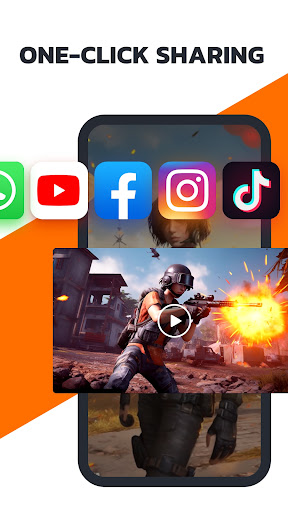
Easy to use with a handy floating bubble; stable long recordings without random stops; clear internal audio and simultaneous mic capture on many devices; basic editor and quick sharing; recovers recordings after crashes; moderate ads for free users; works well for tutorials, gameplay, and voiceovers.
Users complain about:
Ads can be annoying inside the app; occasional heat/slowdown during long/high-FPS sessions; mixed results with DRM/streaming content (black screen now for some); ambient noise captured alongside system audio with limited mixing controls; UI quirks (floating ball sensitivity, ultra-tall screen handling); limitations when microphone is in use by another app; subscription confusion (pricing and forgotten trials).
Is it Worth Paying For?
The free version is strong (no watermark, no time limit) and adequate for most users. Paying removes ads and unlocks VIP perks, which is worthwhile if you record/edit frequently or want a smoother workflow. Given mixed reports on pricing ($19–$40/year, short free trial), evaluate the trial first and set a reminder to cancel if unsure.
How it Compares to Alternatives
Compared to AZ Screen Recorder and XRecorder, Recordify matches core features (HD capture, floating controls, basic editing) and stands out with scheduled recording, live drawing, and a robust no-watermark free tier. Mobizen emphasizes beginner-friendly editing and device connectivity, while AZ often feels more minimal and stable across devices. Like all competitors, DRM-limited apps may still block capture; none reliably bypass this. Recordify’s ad load is moderate, sitting between lightweight AZ and sometimes heavier alternatives.
Summary
Recordify delivers a capable, creator-friendly screen recorder with crisp HD capture, internal/mic audio, facecam, live annotations, scheduling, and a useful built-in editor—without watermarks or time limits in the free tier. Users praise its simplicity, stability, and recovery of in-progress videos, though ads, occasional performance heat/slowdowns, and audio mixing/DRM limitations are recurring themes. If you often record tutorials or gameplay, it’s an excellent default choice; try the VIP trial to see if ad removal and extras are worth it, but the free version already covers most needs.
Ratings
Trending APP












Alternative to this app