
Copyright 2026 © swekartor. All Rights Reserved.


Information about Screen Mirroring TV & Miracast
App Feature
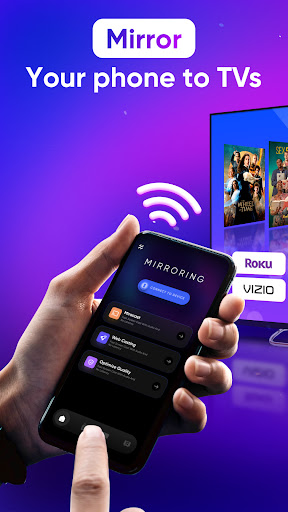
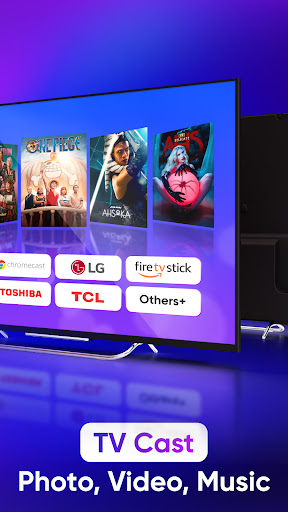
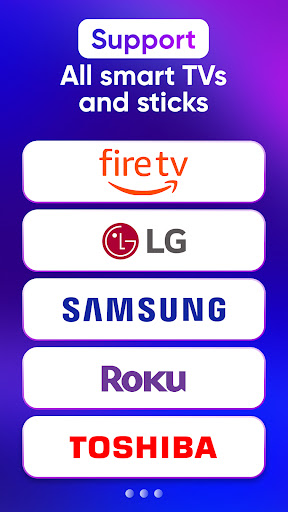
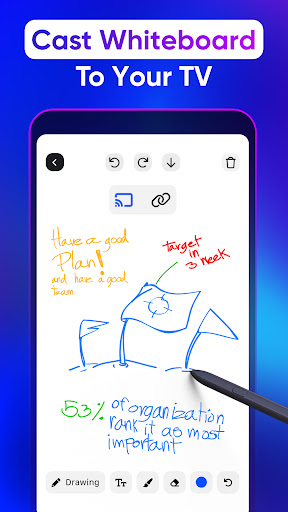
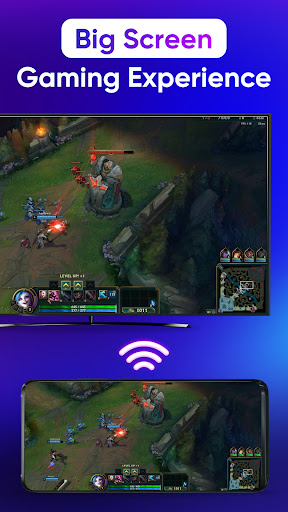
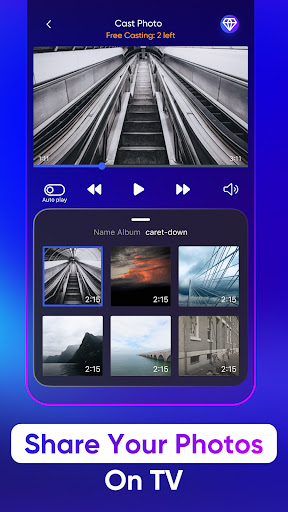
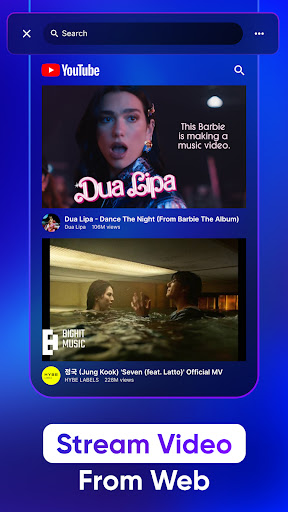
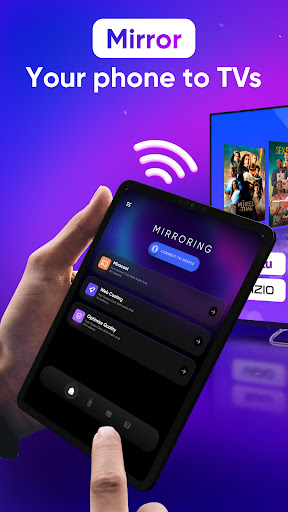
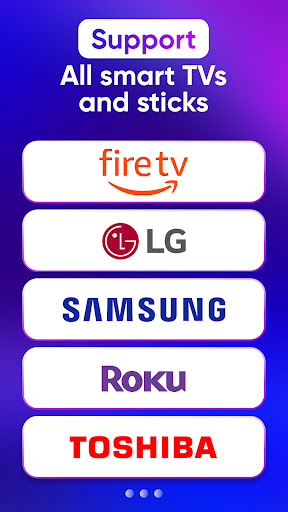
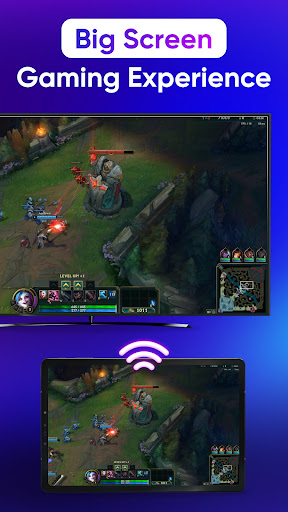
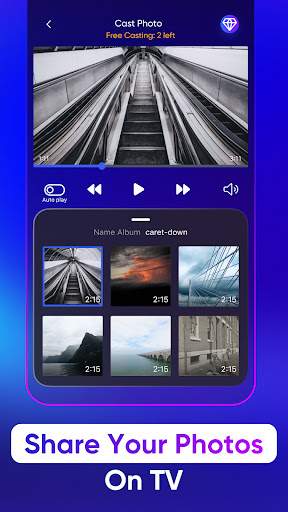
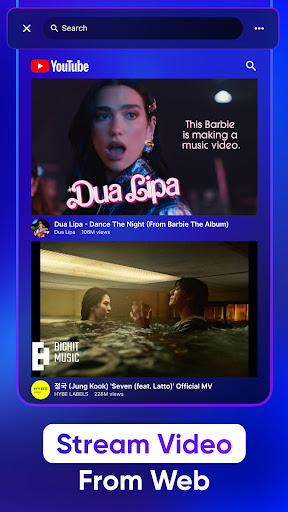
Screen Mirroring TV & Miracast mirrors Android screens and media to a wide range of TVs and dongles (Chromecast, Roku, Samsung, LG, Fire TV, DLNA), with basic remote controls and quick, Wi‑Fi–based setup for casting videos, photos, and web content.
Verdict
Verdict: A reliable, easy-to-use screen mirroring and casting app with broad device support, best if you need cross-brand compatibility beyond your phone’s built-in cast.
Who is it for
Best for:
- Users with mixed TV ecosystems (Roku, Samsung, LG, Chromecast, Fire TV) needing one app to cast.
- People who want to cast local files or web media with simple controls.
- Anyone whose phone’s native cast tools are limited or inconsistent.
Not ideal for:
- Users satisfied with native casting (e.g., Google Home, built-in Cast) who don’t need extra features.
- Those expecting flawless live screen mirroring on every device/protocol.
- Users who want an ad-free experience without paying.
Real-world User Experience
Users like it:
Consistently connects and works across popular TVs; quick setup; stable playback of local media; controls (volume, pause/seek) feel responsive; ads exist but many find them tolerable; helpful for Chromecast and LG/Samsung setups.
Users complain about:
Some confusion in UI/flow (e.g., device not showing 'connected'); occasional gaps like live screen mirroring not working where file casting does; sporadic broken links/features for specific devices (e.g., Fire TV); perceived pressure to review early; redundancy if native Android Cast already meets needs.
Is it Worth Paying For?
Free with ads and optional IAP. For casual casting, the free version seems sufficient per reviews. Paying to remove ads or unlock any premium perks is worthwhile if you mirror frequently or want a smoother, distraction-free experience—especially across multiple TV brands.
How it Compares to Alternatives
Compared to Google Home (Chromecast) or OEM apps like Samsung Smart View/LG ThinQ, this offers broader cross-brand support in a single interface and convenient local/web media casting. It’s simpler than feature-heavy media servers (e.g., Plex) and more plug-and-play than niche Miracast tools. However, native casting is more seamless on fully supported devices, and dedicated brand apps may integrate deeper with their own TVs.
Summary
Screen Mirroring TV & Miracast delivers dependable casting and basic remote features across a wide range of TVs and streaming sticks. Users report smooth media playback, quick connections, and acceptable ads, with some friction around UI clarity and occasional device-specific limitations—especially for live screen mirroring. If your home includes multiple TV brands or your phone’s built-in cast falls short, this app offers a practical, unified solution. Power users wedded to a single ecosystem may prefer native apps, but for mixed setups and local/web media casting, it’s a strong, highly rated pick.
Ratings
Trending APP












Alternative to this app










