
Copyright 2026 © swekartor. All Rights Reserved.



Information about Smart Printer: Print Documents
App Feature
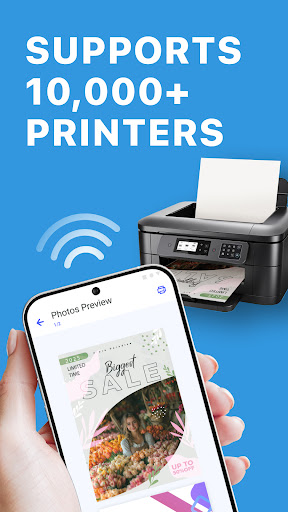
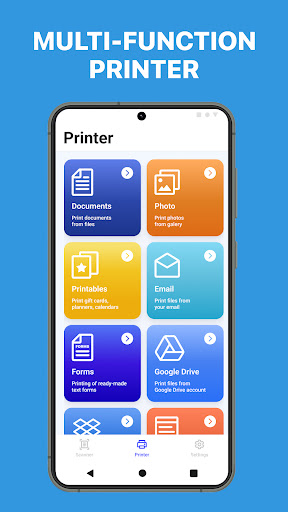
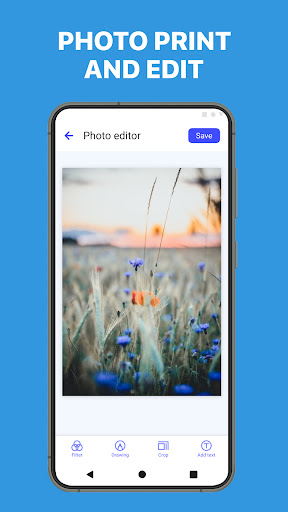
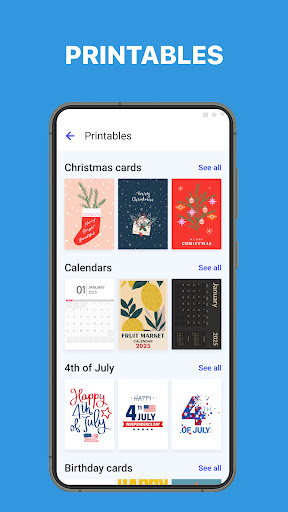
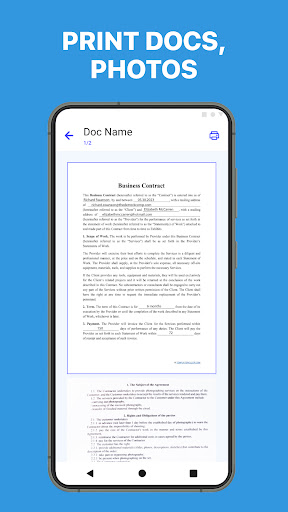
Smart Printer: Print Documents is a mobile printing utility that lets you discover and connect to a wide range of printers, then print photos, PDFs, Office files, web pages, email attachments, and multi-image layouts. It offers preview controls, wireless printing, broad file-format support, and a built‑in template library to streamline common print jobs.
Verdict
Verdict: A convenient, universal mobile printing app that’s great for quick, wireless jobs, though power users may still prefer brand-specific tools for advanced workflows.
Who is it for
Best for:
- Users who want simple, wireless printing from Android to many printer brands
- People printing common formats (PDF, DOCX, images) without complex setup
- Home/office users who value templates for quick cards, calendars, and labels
Not ideal for:
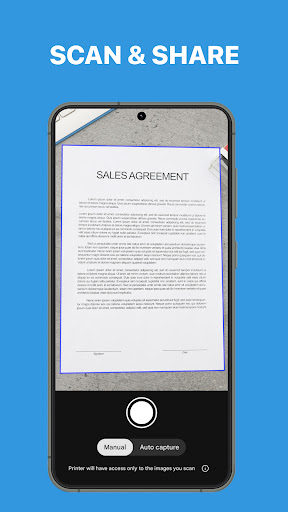
- Users needing deep, brand-specific features like firmware updates or advanced scanning
- Enterprises requiring centralized fleet management or admin controls
- Those who demand guaranteed compatibility with very old or niche printers
Real-world User Experience
Users like it:
Quick, seamless printer discovery and connection where OEM apps fail; easy interface that makes completing a print job straightforward.
Users complain about:
No consistent negatives in the provided reviews; insufficient data to identify recurring complaints.
Is it Worth Paying For?
The app is free with optional in‑app purchases. Given the broad feature set (universal printing, previews, multi‑image layouts, template library) and no ads, the free version should cover most casual needs. Consider paying only if a premium tier unlocks specific extras you value (e.g., advanced options or expanded templates).
How it Compares to Alternatives
Compared to OEM apps like HP Smart, Canon PRINT, or Epson iPrint, Smart Printer focuses on cross‑brand convenience rather than brand‑specific controls, maintenance, or scanning features. Versus Mopria Print Service, it provides a friendlier UI and extras (multi‑image layouts, templates) but may not match Mopria’s system‑level integration on all devices. It’s a strong all‑rounder for mixed‑printer environments, while OEM tools remain best for deep device features.
Summary
Smart Printer: Print Documents delivers an accessible, universal printing experience for Android with reliable discovery, wide format support, and thoughtful touches like previews, multi‑image layouts, and a robust template library. Its 10M+ installs and solid rating suggest it capably handles everyday jobs across many printer brands, making it a practical choice for home and small office users who need fast, wireless prints without juggling multiple vendor apps. While it likely won’t replace brand‑specific tools for advanced maintenance or fleet use, it’s an excellent, ad‑free option for straightforward printing—try the free version first and only consider IAP if you need additional functionality.
Ratings
Trending APP












Alternative to this app










