
Copyright 2026 © swekartor. All Rights Reserved.



Information about Auto Click: Automatic Clicker
App Feature
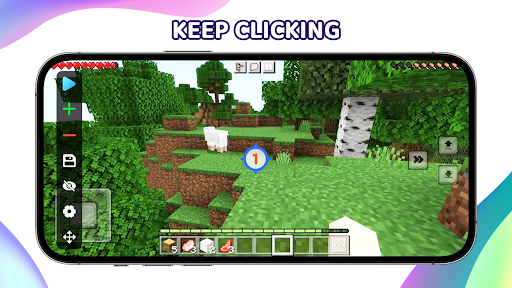
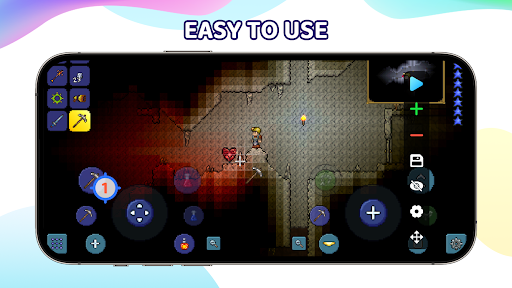
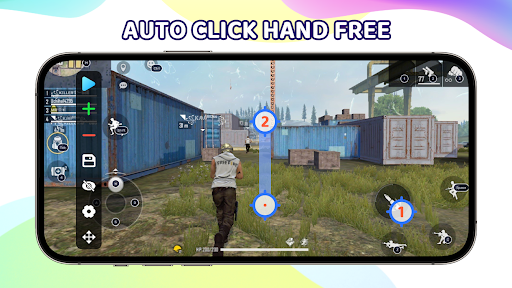
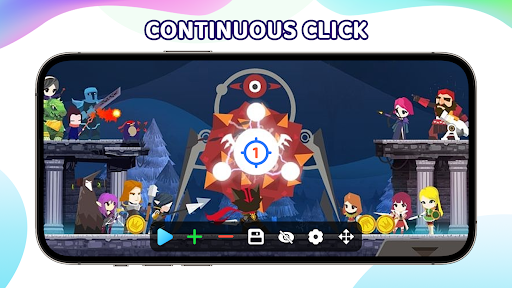
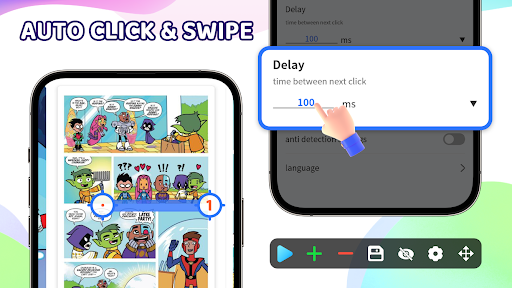
Auto Click: Automatic Clicker automates taps, swipes, long-presses, and multi-touch sequences without root. It offers record/playback macros, a floating control panel, global timers, script import/export with optional cloud sync, edge-click precision, and background operation via AccessibilityService on Android 7.0+.
Verdict
Verdict: A powerful, easy-to-use auto clicker with robust macro and multi-touch features, best for repetitive tasks and AFK gaming but subject to app/game policies and accessibility permissions.
Who is it for
Best for:
- Mobile gamers needing AFK farming or repeated taps/swipes
- Users automating repetitive app workflows with macros and timers
- Anyone wanting multi-point, swipe, and long-press sequences without root
Not ideal for:
- Users uncomfortable granting AccessibilityService permissions
- Games or apps with strict anti-automation/anti-cheat enforcement
- Power users needing ultra-low intervals (e.g., below 40ms) or desktop automation
Real-world User Experience
Users like it:
Reviewers consistently praise its reliability, speed, and simplicity. The multi-target/multi-touch modes, easy adjustments, and convenience for AFK gameplay are highlighted. Ads are noted as short/tolerable, and overall setup is straightforward even for beginners.
Users complain about:
A minority wish for faster tap intervals below 40ms. As with most free tools, ads exist. No notable recurring stability complaints appear in the highlighted reviews, but advanced users may want finer granularity.
Is it Worth Paying For?
The app is free with ads and optional IAP. The free version appears fully usable for common tasks (single/multi-point, macros, record/playback). Paying likely removes ads and may unlock advanced limits (e.g., more points, cloud sync tiers), which can be worthwhile for heavy users or complex scripts; casual users can stay on the free tier.
How it Compares to Alternatives
Compared to popular alternatives like True Developers Studio’s Auto Clicker or Click Assistant, this app matches core features (multi-point, swipes, intervals) and adds quality-of-life touches such as cloud sync, edge-clicks, and a polished floating panel. Its record/playback and macro system are competitive, while the claimed game-mode/anti-detection is typical marketing—no auto clicker can guarantee bypassing in-game detection or ToS restrictions. Interval limits may be slightly higher than the most granular competitors that allow sub-40ms.
Summary
Auto Click: Automatic Clicker is a capable, no-root automation tool that streamlines repetitive taps, swipes, and long-press routines with multi-touch support, macro recording, timers, and script portability. Users find it fast, reliable, and approachable, making it well-suited for AFK gaming and productivity automations. While ads exist, they’re reported as short, and the free tier covers most needs; the optional IAP likely helps remove ads and extend limits. Keep in mind it requires AccessibilityService and adherence to app/game policies—automation may be restricted in some titles. If you want a stable, easy-to-use Android auto clicker with macro flexibility and cloud-friendly scripting, this is a strong pick.
Ratings
Trending APP












Alternative to this app










