
Copyright 2026 © swekartor. All Rights Reserved.



App Feature
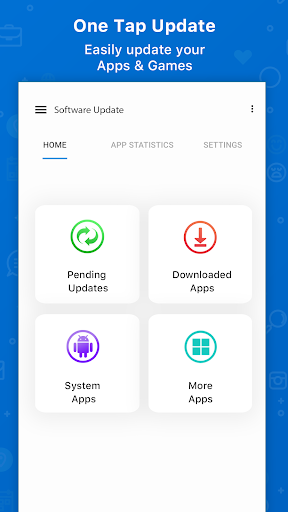
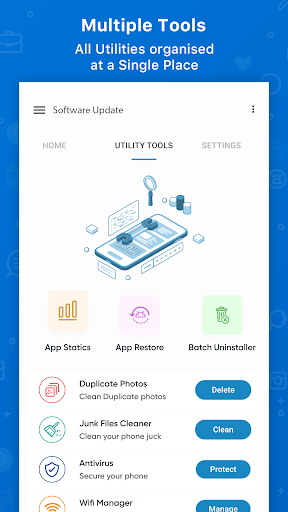
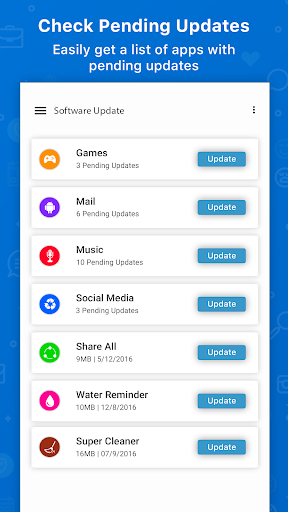
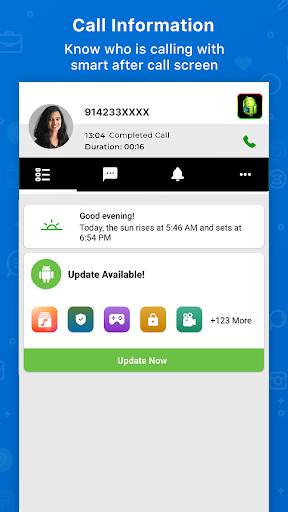
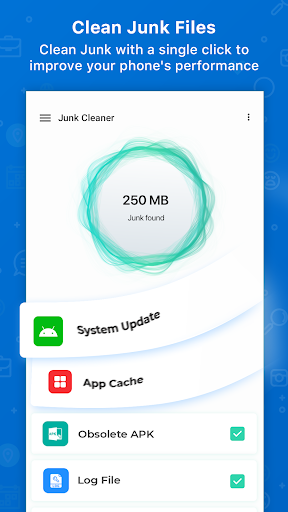
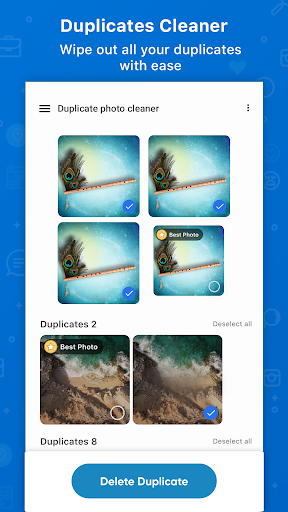
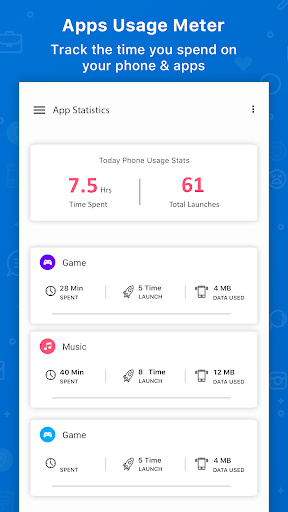
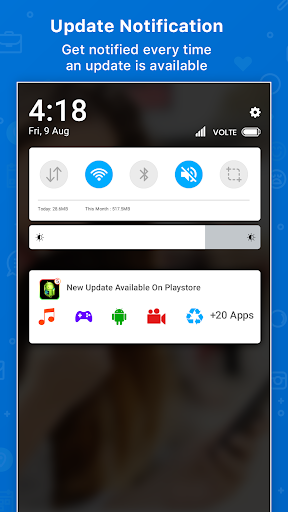
A utility to check and manage pending updates for installed apps and games, bundle version info in one place, and trigger updates with minimal taps. It layers on extras like after-call update reminders, caller ID, internet speed tests, Wi‑Fi analyzer, duplicate cleaner, and basic app recovery/history tools.
Verdict
Verdict: A convenient update dashboard with handy extras, but heavy ads and Play Store limits keep it from replacing native updates.
Who is it for
Best for:
- Users who want a single screen to see all pending app updates and version info.
- People who appreciate utility add‑ons (speed test, Wi‑Fi tools, duplicate cleaner) alongside update reminders.
Not ideal for:
- Privacy‑conscious users wary of caller ID/phone permissions and ad tracking.
- Users expecting true one‑tap, fully automatic bulk updates across all apps and OS.
Real-world User Experience
Users like it:
Frequent, configurable notifications about pending updates; clear list of apps needing action; perceived speed/stability improvements; simple UI; low battery impact in many reports; helpful for users who don’t regularly open Play Store to check updates.
Users complain about:
Many ads and interruptions; confusing wording around call monitoring/caller ID permissions; cannot reliably update everything in one shot due to Play Store constraints; some skepticism about claimed OS/system update capabilities; desire for true bulk update without switching to Play Store.
Is it Worth Paying For?
Free with ads and optional IAPs (likely to remove ads/unlock extras). Paying may be worth it only if you rely on its all‑in‑one dashboard and want fewer ads; otherwise, Google Play’s free auto‑updates and specialized free tools (Files by Google, Speedtest, Wi‑Fi analyzers) cover most needs at no cost.
How it Compares to Alternatives
Compared to the native Google Play updater, this surfaces pending updates in a single view with extra reminders and utilities, but it cannot bypass Play Store’s update flow or the need for user taps. Versus other ‘update manager’ apps, it’s feature‑rich (caller ID, Wi‑Fi tools, duplicate cleaner), though ad load seems heavier and permissions feel broader. For diagnostics, dedicated apps (Ookla Speedtest, standalone Wi‑Fi analyzers, Files by Google for cleaning) offer more accuracy and fewer ads, while OEM/system updaters remain the only reliable path for OS updates.
Summary
Update Software Latest is a popular, ad‑supported toolbox centered on app update awareness. It consolidates version info, flags pending updates, and nudges you to act—sometimes after calls—while bundling network tests, Wi‑Fi analysis, duplicate cleaning, and recovery/history features. Reviews praise the convenience and perceived performance boost, but also highlight heavy advertising, confusing call permissions, and the unavoidable reality that true one‑tap, fully automatic updates are constrained by Play Store rules. If you want a centralized reminder hub with extra utilities and can tolerate ads (or pay to remove them), it’s useful; if you already rely on Play Store auto‑updates and prefer minimal permissions, you may not gain much.
Ratings
Trending APP












Alternative to this app










