
Copyright 2026 © swekartor. All Rights Reserved.




App Feature
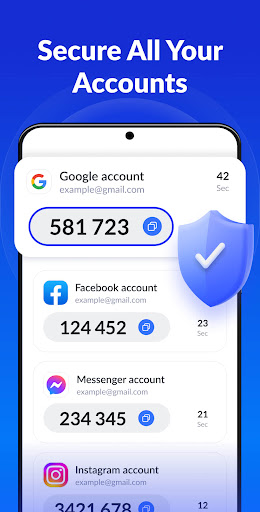
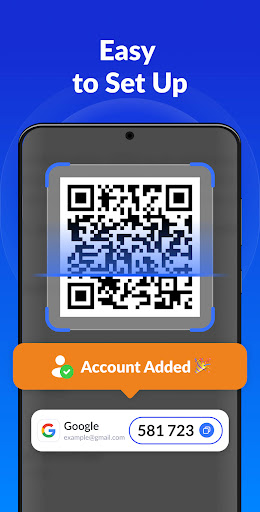
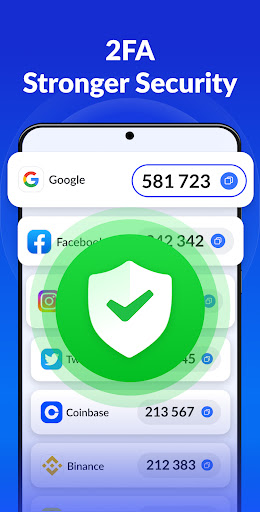
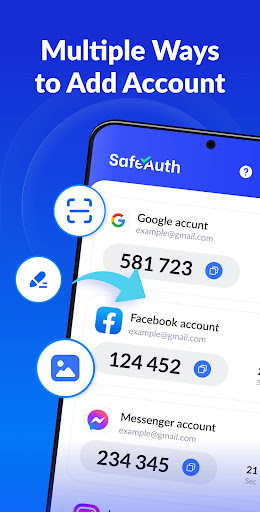
SafeAuth is a free 2FA authenticator that generates time-based one-time passwords (TOTP) for securing logins, supports multiple accounts, works offline, offers cloud backup/sync via Google login, and includes PIN/biometric app lock.
Verdict
Verdict: A capable, user-friendly 2FA app with useful backup and lock features, but subscription and refund friction may frustrate some users.
Who is it for
Best for:
- Users who want a simple, offline-capable TOTP app with biometric/PIN lock
- People juggling many accounts who value cloud backup and device sync
- Android users seeking a clean interface and quick QR-code setup
Not ideal for:
- Anyone who wants entirely free backup/sync with zero subscription prompts
- Users expecting Microsoft/enterprise push notifications or tight ecosystem integration
- Those sensitive to ads or who want a strictly ad-free experience without paying
Real-world User Experience
Users like it:
Setup is quick and intuitive; adding accounts via QR or key is easy. Many report reliable 2FA code generation and appreciate the extra security and simple design. Biometric/PIN app lock adds peace of mind, and some users successfully secured accounts they previously struggled with.
Users complain about:
Multiple reviews mention accidental subscription purchases, difficulty canceling, and trouble obtaining refunds. There’s confusion from some who expected Microsoft’s authenticator. Trial length and paywall prompts feel aggressive to a few, and support responsiveness around billing is inconsistent.
Is it Worth Paying For?
Core TOTP functionality is free. The value of paying hinges on how much you need cloud backup/sync and an ad-free experience. If you rely on multi-device recovery, premium can be worthwhile, but proceed carefully: manage the trial/subscription via Google Play and verify refund terms due to mixed reports about cancellations.
How it Compares to Alternatives
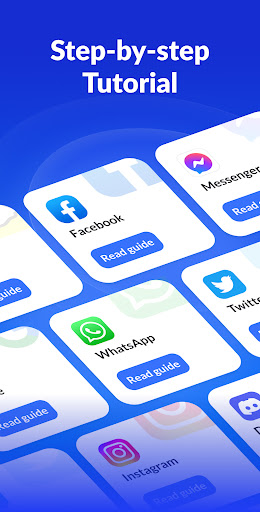
Compared with Google Authenticator, SafeAuth adds clear in-app guides and an app lock, while Google now offers account sync and remains fully free and ad-free. Versus Microsoft Authenticator, SafeAuth focuses on TOTP and backups; Microsoft adds push approvals and deep Microsoft ecosystem features. Against Authy, SafeAuth is similar on multi-device/backup ideas; Authy is widely adopted for encrypted backups and multi-device use, though desktop support has changed over time. SafeAuth’s main differentiators are its approachable UI and PIN/biometric lock; its main drawback is perceived subscription/refund friction.
Summary
Authenticator App – SafeAuth is a straightforward, offline-capable TOTP authenticator that makes adding and organizing 2FA codes painless. It bolsters security with a biometric/PIN lock and offers cloud backup/sync through Google login for easier device changes. With a 4.3 rating and 10M+ installs, it largely delivers on reliability and ease of use. However, several reviews flag accidental subscriptions, cancellation hurdles, and refund challenges, plus some confusion with Microsoft’s official app. If you want a simple authenticator with optional backup and don’t mind managing a subscription, it’s a solid pick. If you prefer a completely free, ad-free option or need advanced push-based approvals within a specific ecosystem, alternatives like Google or Microsoft Authenticator (or Authy for encrypted multi-device backups) may fit better.
Ratings
Trending APP












Alternative to this app










