
Copyright 2026 © swekartor. All Rights Reserved.



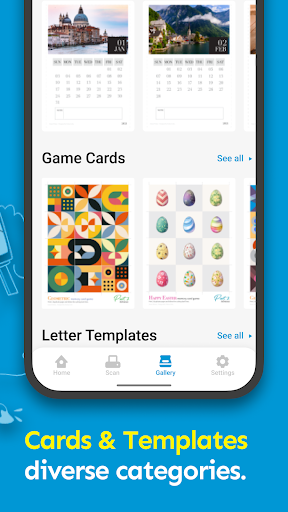
App Feature
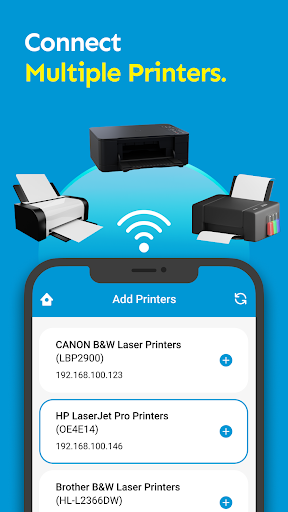
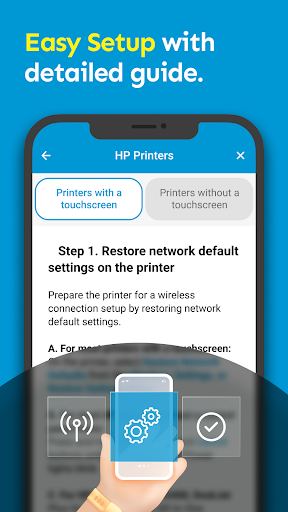
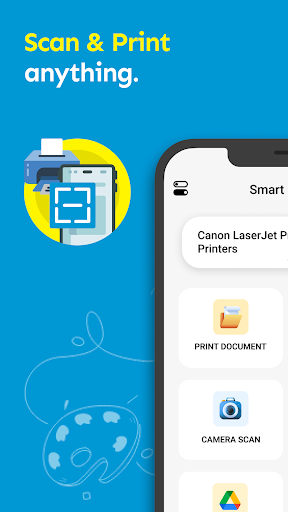
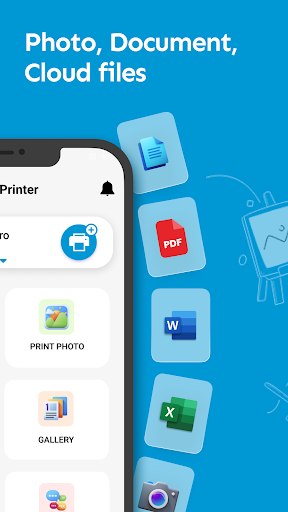
A mobile printing utility that lets you print documents, photos, and web pages directly from Android over Wi‑Fi, Bluetooth, or USB without extra drivers. It includes scanning to PDF, cloud/file/email printing, an in‑app browser, photo/PDF editing (merge/split), and advanced controls like paper size, quality, duplex, and color/BW. Despite the HP‑leaning name, it aims to support a wide range of printer brands and models.
Verdict
A capable, brand-agnostic mobile print app with useful PDF/photo tools, best if you want simple, driverless printing without OEM lock‑ins.
Who is it for
Best for:
- Users who want quick, driverless printing to many printer brands
- People who prefer not to sign into OEM ecosystems like HP Smart or Instant Ink
- Android users who need built‑in scan‑to‑PDF and basic PDF/photo edits
Not ideal for:
- Those needing deep OEM features (firmware updates, supply management, diagnostics)
- Users with very old or niche printers where compatibility may vary
- Anyone sensitive to ads or upsells in free apps
Real-world User Experience
Users like it:
Works when other third‑party print apps fail; simple workflow via Documents/Pictures with the expected print settings; avoids HP/Instant Ink account hurdles and proprietary tie‑ins.
Users complain about:
From the limited reviews provided, little direct criticism; one user initially rated it poorly before realizing the straightforward print flow. Broader store data (ads/IAP, mixed overall rating) suggests some users may encounter interruptions or uneven compatibility.
Is it Worth Paying For?
Core printing appears usable for free. In‑app purchases likely unlock extras or remove limitations/ads; unless you need frequent advanced features or an ad‑free experience, try the free tier first and upgrade only if you hit limits.
How it Compares to Alternatives
Compared to OEM apps like HP Smart, Brother iPrint&Scan, or Canon PRINT, this app trades brand‑specific integrations for broad compatibility and fewer account requirements. Versus Mopria Print Service (a system‑level plugin), it adds convenient extras (scan, PDF merge/split, templates, in‑app browser) but may be more ad‑driven. If you need device management and supply monitoring, OEM apps win; for quick, multi‑brand printing with light editing, this app is more flexible.
Summary
Smart Print for HP Printer App is a misnamed but versatile Android print companion that supports many printer brands via Wi‑Fi/Bluetooth/USB without extra drivers. It covers everyday needs—printing from local storage, cloud, email, and web—plus scan‑to‑PDF and handy PDF/photo tools and templates. Reviews highlight that it can work where others don’t and that it avoids OEM account friction, though the free model includes ads and optional purchases and real‑world compatibility will vary by printer. If you want straightforward, cross‑brand printing with built‑in utilities, it’s a strong pick; if you rely on deep OEM features and device management, stick with the manufacturer’s app.
Ratings
Trending APP












Alternative to this app










