
Copyright 2026 © swekartor. All Rights Reserved.


App Feature
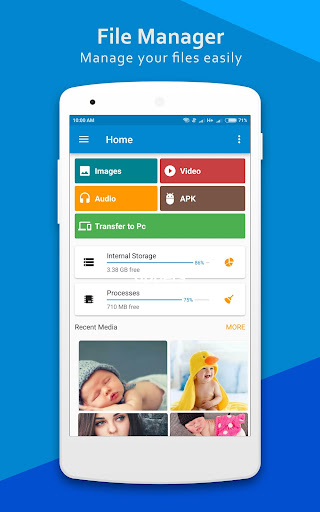
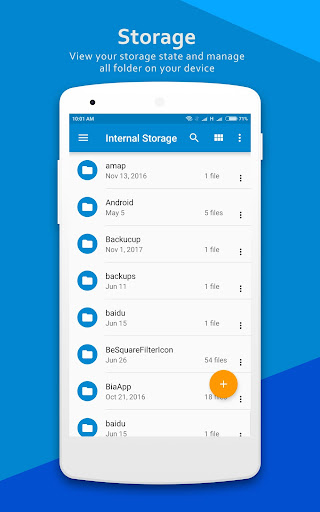
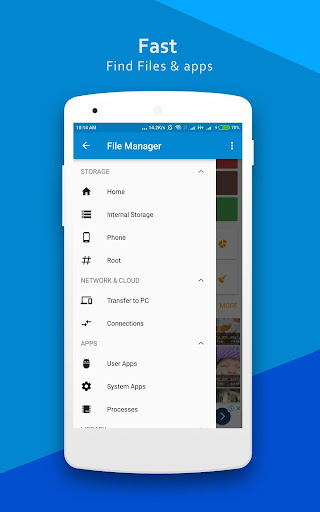
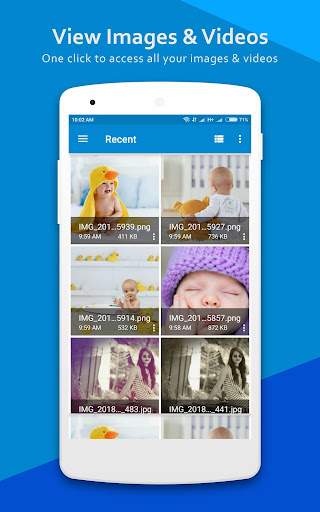
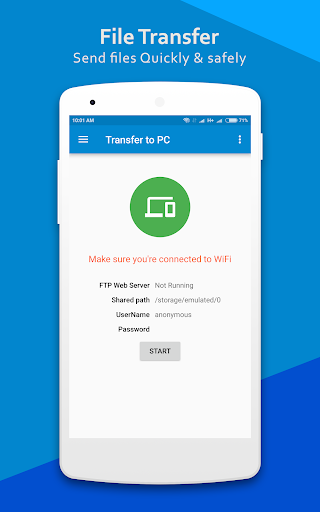
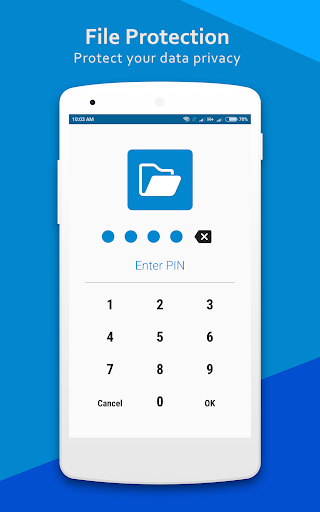
A free, ad-supported Android file manager that handles local storage, SD/USB OTG, basic cloud connections, and LAN/FTP access. It includes built-in viewers/editors, multi-select with cut/copy/move/rename, compression/extraction, search and sorting, storage analysis, and an app manager for uninstall/backup.
Verdict
Verdict: Feature-rich and capable for basic to intermediate file tasks, but the low rating and ads make it a risky pick versus better-reviewed rivals.
Who is it for
Best for:
- Users who want an all-in-one file, network (FTP/LAN), and app manager
- People needing quick organization, compression, and built-in media viewers
Not ideal for:
- Users sensitive to ads or wanting an ad-free option
- Those prioritizing polish, stability, and strong privacy reputations
Real-world User Experience
Users like it:
Reported as useful and generally effective for managing files; one user finds it great overall.
Users complain about:
Ads are present and there’s no purchase option to remove them, which frustrates at least one user.
Is it Worth Paying For?
There are no in-app purchases, so you can’t pay to remove ads or unlock features. As a free tool, value is decent if you tolerate ads; if you want ad-free, consider paid alternatives.
How it Compares to Alternatives
Compared to Files by Google, this offers broader power-user features (FTP/LAN, app manager, compression) but lacks Google’s clean UI and trust signals. Versus Solid Explorer or FX File Explorer, it matches many capabilities but trails in reliability, UX polish, and ad-free options; paid competitors often provide smoother experiences and better long-term support. MiXplorer (sideload) remains a strong advanced alternative with extensive protocol support and no ads.
Summary
ES File Manager | File Explore promises a complete toolkit—local and external storage browsing, compression, built-in viewers, storage analysis, and network/FTP/cloud access—plus basic app management. It’s free and broadly capable, making it appealing for users who need more than the bare minimum. However, the 2.8 rating and ad presence, without a way to remove ads, suggest trade-offs in stability, UX, or trust that many users may not accept. If you can tolerate ads and want lots of features in one place, it’s serviceable; if you value a cleaner, more reliable experience, consider Files by Google for simplicity or invest in Solid Explorer/FX for premium, ad-free usability.
Ratings
Trending APP












Alternative to this app










