
Copyright 2026 © swekartor. All Rights Reserved.



App Feature
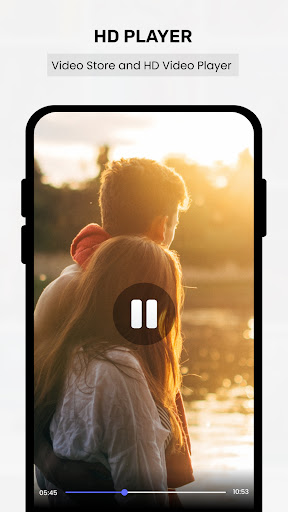
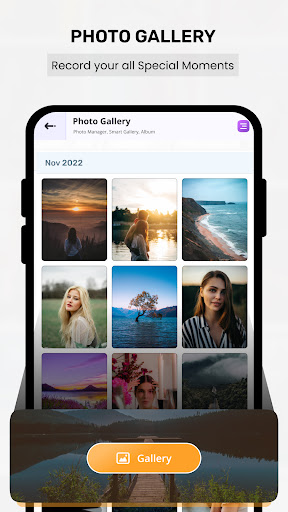
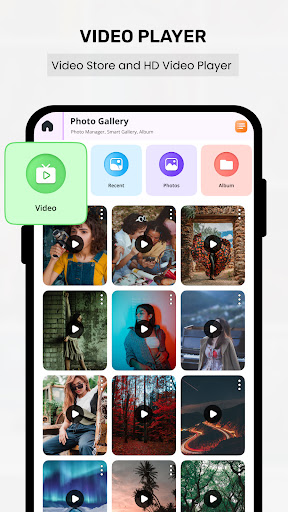
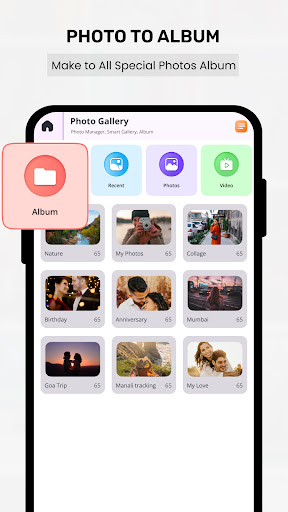
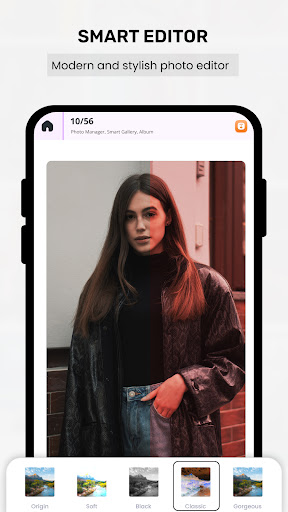
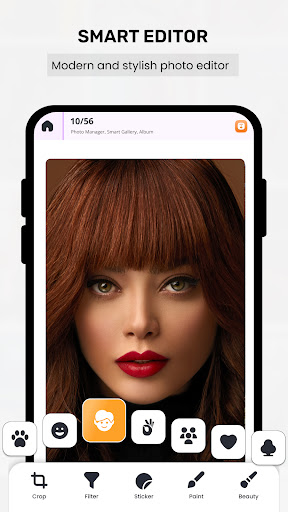
Gallery - Photo& Video is a free media manager focused on fast, intuitive browsing of local photos and videos, private storage with encryption, and built‑in editing (filters, effects, crop, resize). It adds customization (album organization, thumbnail size/color), a 3D viewing mode, and a simple Gallery Lock for sensitive content.
Verdict
Verdict: A capable, privacy‑minded gallery with fun extras, but average polish and depth compared to top-tier rivals.
Who is it for
Best for:
- Users who want a clean, customizable local gallery with basic editing
- Privacy-conscious users who prefer on-device storage with a lock feature
- People who enjoy novel touches like 3D viewing and flexible layouts
Not ideal for:
- Users who need seamless cloud backup, cross-device sync, or AI search
- Power editors seeking pro-grade photo/video tools and batch workflows
- Anyone expecting the stability and ecosystem integration of Google/Samsung defaults
Real-world User Experience
Users like it:
The interface feels straightforward and quick to navigate; organizing albums and customizing thumbnail sizes/colors is convenient; the lock feature adds a sense of privacy; built-in filters and simple edits cover everyday tweaks; the 3D gallery offers a fresh way to browse.
Users complain about:
With a 3.7 rating, some users likely report occasional glitches or performance hiccups on certain devices, limited advanced editing tools, and fewer smart features (cloud, AI, robust search) compared to leading alternatives.
Is it Worth Paying For?
The app is free and no paid tiers are indicated. There’s no cost barrier, so it’s worth trying if you want a straightforward, private gallery with basic editing and customization.
How it Compares to Alternatives
Compared to Google Photos, it prioritizes local privacy and customization over cloud backup, AI, and cross-device syncing. Versus Samsung Gallery (on Samsung phones), it’s more customizable but less integrated. Against Simple Gallery Pro, it offers a playful 3D mode and editing while Simple Gallery Pro emphasizes a polished, ad-free offline experience. Power users may still prefer dedicated editors (Lightroom, VN) for advanced tools.
Summary
Gallery - Photo& Video delivers a clear, easy-to-use gallery with on-device privacy, customizable layouts, and handy editing tools, plus a distinctive 3D browsing mode. It’s a solid pick if you value straightforward organization and keeping media local, and don’t need cloud sync or advanced AI features. The mid-range rating suggests occasional rough edges, but for everyday browsing, quick edits, and locking a few private items, it’s a lightweight, capable option worth a try.
Ratings
Trending APP












Alternative to this app










