
Copyright 2026 © swekartor. All Rights Reserved.




App Feature
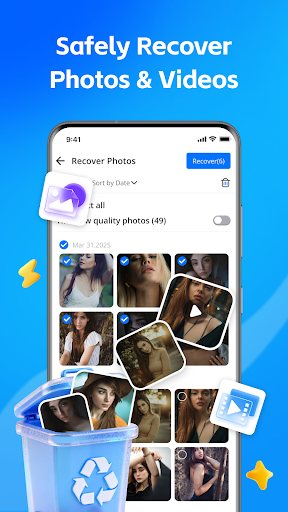
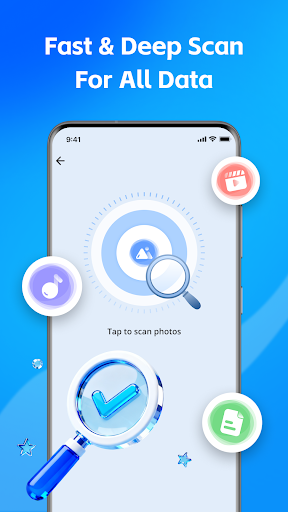
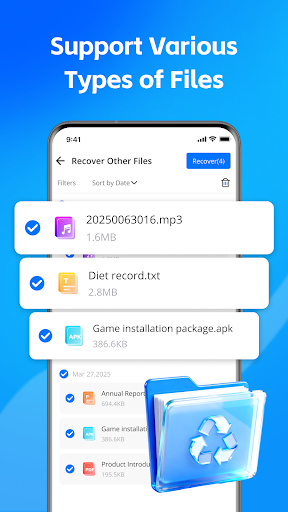
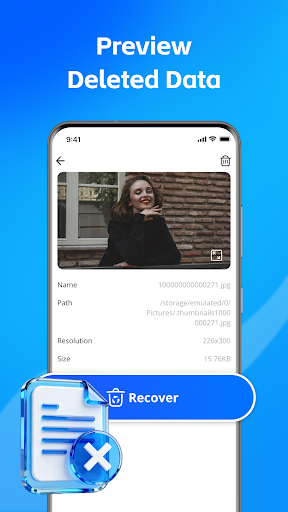
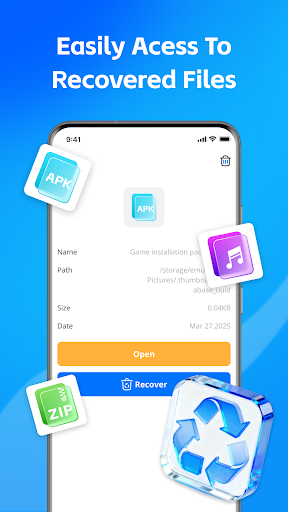
All Restore - Photo & Video is a free, ad‑supported recovery tool that scans internal/external storage to find and restore deleted photos, videos, and common documents. It offers quick and deep scans, format support (JPG, PNG, MP4, PDF, DOC, etc.), thumbnail previews, sorting by date/type, and selective one‑tap restore to gallery or a chosen folder.
Verdict
Verdict: A capable, beginner‑friendly file recovery utility with useful previews and selective restore, but the ad load may frustrate frequent use.
Who is it for
Best for:
- Users who need a simple, tap‑to‑restore tool for recently deleted media
- People who want preview and selective recovery without desktop software
- Anyone seeking a lightweight, on‑device scan with basic format support
Not ideal for:
- Power users needing forensic‑level recovery or advanced filters/logs
- Those who dislike frequent ads or require fully ad‑free workflows
- Users expecting guaranteed recovery of long‑deleted or overwritten files
Real-world User Experience
Users like it:
Straightforward recovery that can bring back lost photos, with an approach that feels reliable and reassuring.
Users complain about:
Too many ads interrupting the experience, which can slow down or annoy during multiple recoveries.
Is it Worth Paying For?
The app is free with ads and has no in‑app purchases; there’s nothing to buy. As a no‑cost option, it’s worth trying, keeping in mind the ad‑supported experience.
How it Compares to Alternatives
Compared with well‑known recovery apps like DiskDigger or Dumpster, All Restore prioritizes simplicity and selective restore with previews, but lacks advanced controls, cloud backup, or ad‑free tiers that some competitors offer. Versus Google Photos’ built‑in Trash (time‑limited), it can find files beyond that window, though recovery success still depends on how much the storage has been overwritten.
Summary
All Restore - Photo & Video focuses on quick, on‑device recovery of deleted photos, videos, and documents through simple scans, previews, and selective restore. Its deep scan and broad format support boost the odds of retrieval without requiring technical know‑how. The trade‑off is an ad‑heavy experience and limited advanced options. With a 4.0 rating and 100K+ installs, it’s a practical first stop for casual recovery needs; just set expectations around ads and the inherent limitations of recovering long‑deleted or overwritten files.
Ratings
Trending APP












Alternative to this app










