
Copyright 2026 © swekartor. All Rights Reserved.



App Feature
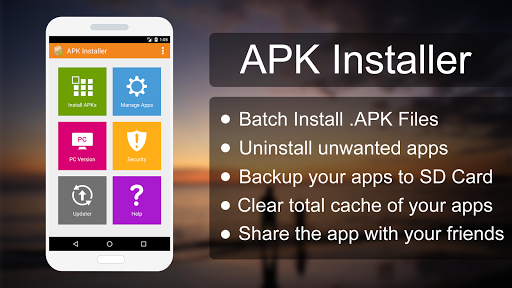
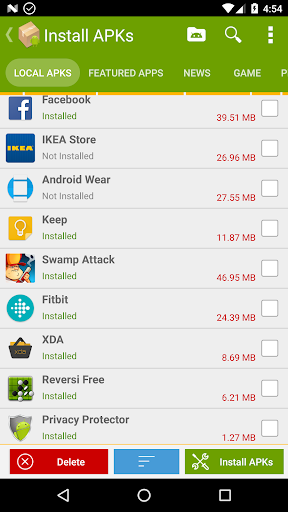
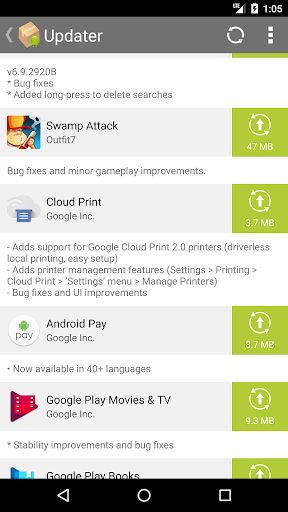
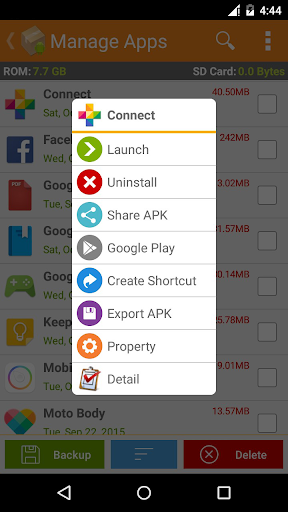
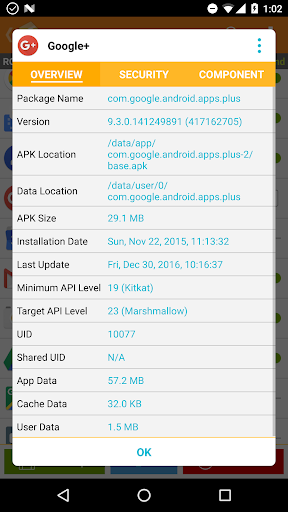
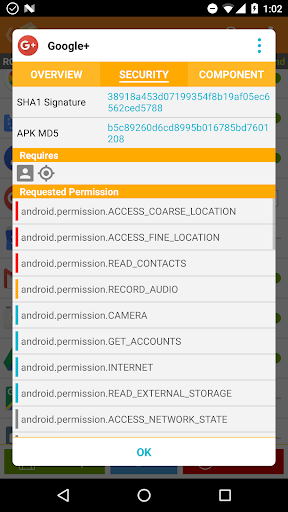
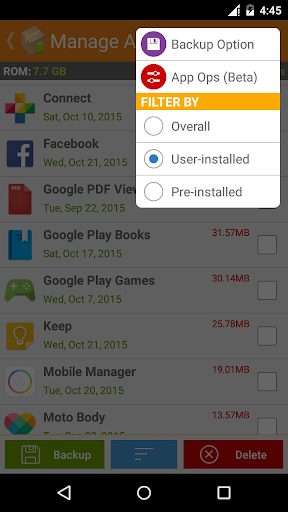
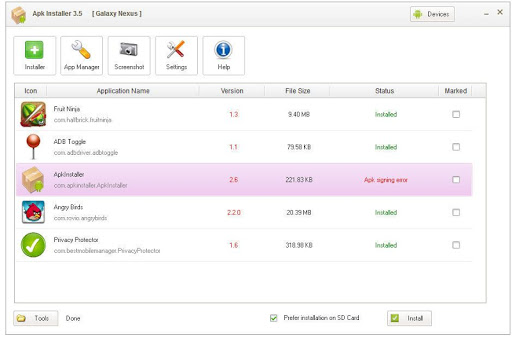
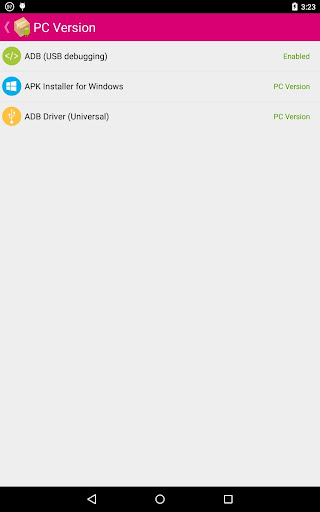
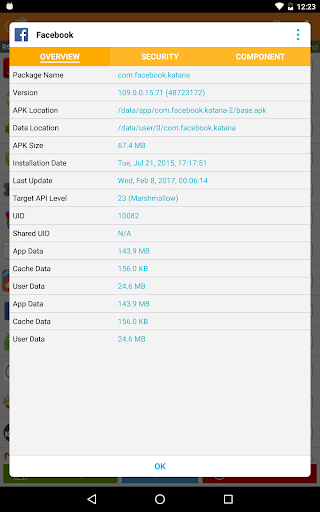
APK Installer streamlines sideloading by batch-installing APKs, backing up apps to SD card, scanning packages for risks (ads/add-ons/signature), and offering one-tap cache clearing for smoother performance.
Verdict
Verdict: A capable, no-frills APK manager for batch installs and backups, though power users may want deeper split-APK support and a more modern UI.
Who is it for
Best for:
- Users who sideload apps frequently and want batch installs
- People who need quick APK backups to SD card
- Anyone who values a basic security scan before installing
Not ideal for:
- Users needing advanced split/Bundle (APKM/XAPK) handling
- Those wanting polished, modern UI/UX with detailed analytics
- Anyone uncomfortable managing Android’s Unknown Sources/permissions steps
Real-world User Experience
Users like it:
Straightforward batch installation, reliable APK export/backup to SD card, fast pre-install security checks, and convenient one-tap cache clearing that helps free space and speed up devices.
Users complain about:
Occasional compatibility friction on newer Android versions (permissions/Unknown Sources), conservative scanner warnings that can feel noisy, and a utilitarian interface that could be clearer for beginners.
Is it Worth Paying For?
The app is free and no paid plan/IAP is indicated; for most users, the provided batch install, backup, and scanning features deliver solid value at no cost.
How it Compares to Alternatives
Compared with APKPure Installer or XAPK/Apk Bundle tools, APK Installer focuses on classic APKs with simple batch flows and backups rather than deep support for split packages. Versus SAI (Split APKs Installer), it is easier for basic tasks but less specialized for modern split/Bundle formats. Security scanning is a nice add-on, though dedicated mobile security apps offer more depth.
Summary
APK Installer targets a common pain point—sideloading and managing multiple APKs—and does it with speed and simplicity. Its batch installer, SD card backups, and built-in security scan reduce risk and effort for users who frequently manage APK files. While its interface is functional rather than flashy and it may require some Android permissions know‑how, the overall experience is dependable. If you primarily work with standard APKs and want quick backups and basic safety checks, this is a practical, free utility. Users who need advanced split-APK handling or a more polished UI may prefer specialized alternatives.
Ratings
Trending APP












Alternative to this app










