
Copyright 2026 © swekartor. All Rights Reserved.



App Feature
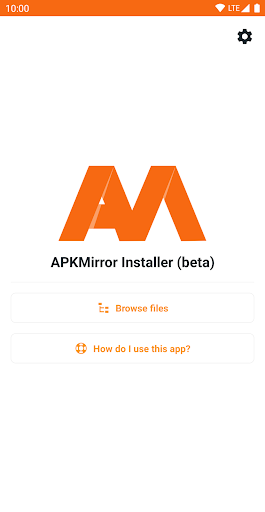
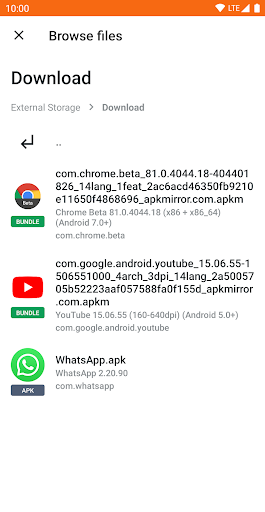
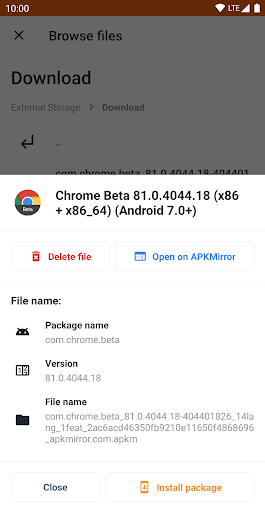
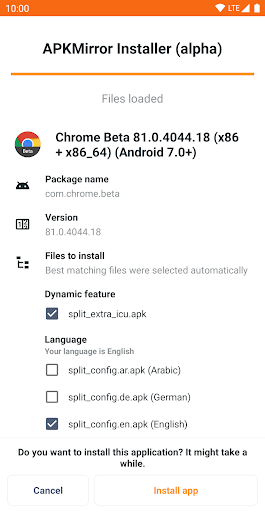
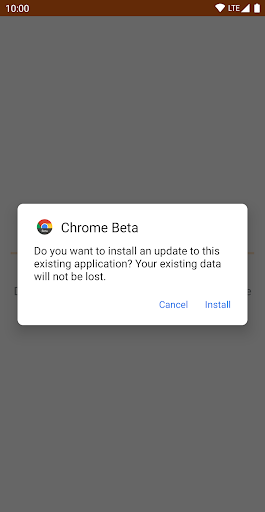
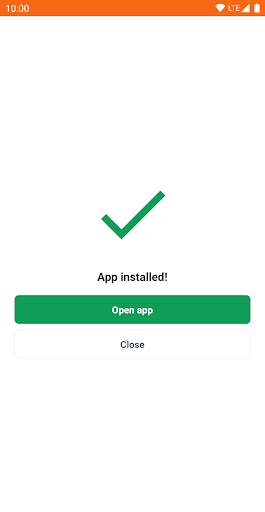
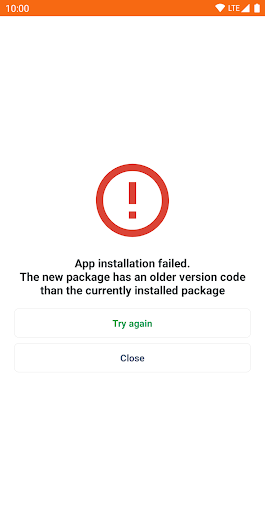
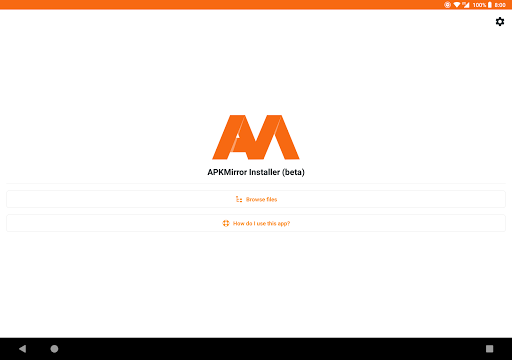
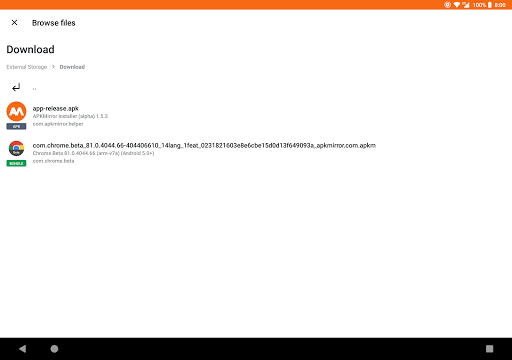
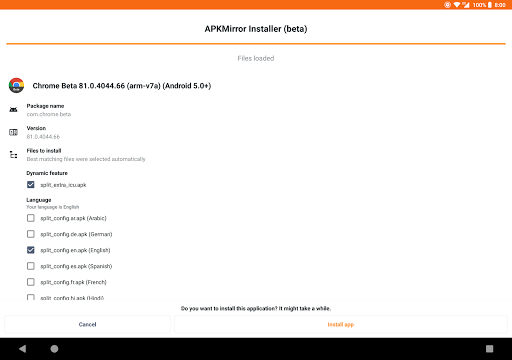
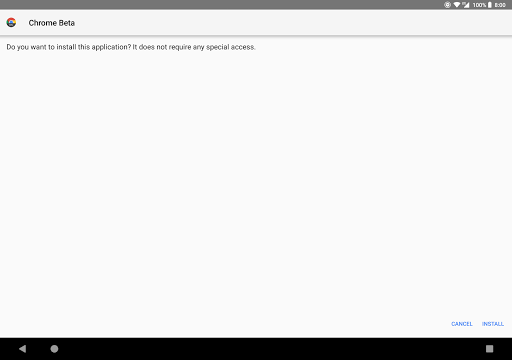
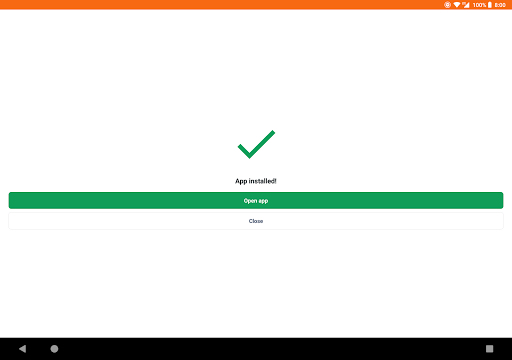
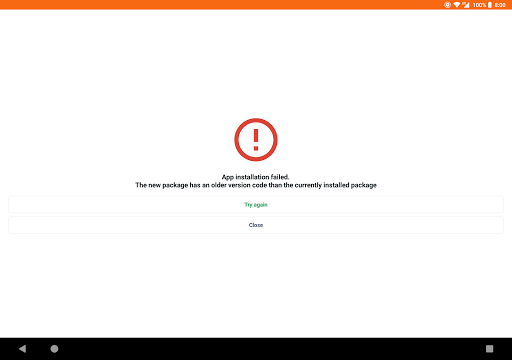
APKMirror Installer (Official) lets you safely install standard APKs and modern split app bundles (.apkm, .xapk, .apks), offers failure diagnostics for sideloads, and supports selective split installation to save storage.
Verdict
Verdict: A dependable APK/app-bundle installer for power users, with ads and a few OEM caveats.
Who is it for
Best for:
- Users who sideload apps and need split APK/app-bundle support
- Tinkerers who want clear install-error diagnostics
- Anyone downloading from APKMirror seeking a first‑party installer
Not ideal for:
- Users on heavily modified Android skins (e.g., some MIUI builds) who want zero setup tweaks
- People expecting a full app store with discovery, reviews, and automatic updates
- Those who prefer an ad‑free experience without paying
Real-world User Experience
Users like it:
Straightforward installation of .apkm/.xapk/.apks, reliable handling of split APKs, and transparent error messages when installations fail.
Users complain about:
Ads in the free version and potential extra steps or compatibility workarounds on certain devices (notably some Xiaomi/Redmi/Poco MIUI variants).
Is it Worth Paying For?
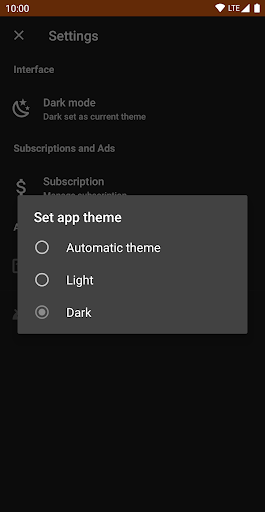
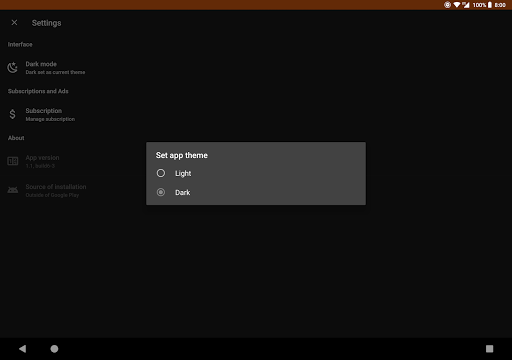
Free with ads; optional subscriptions remove ads and unlock extras. If you sideload frequently or want a cleaner, faster flow, the ad‑free option is reasonable; casual users can stick with the free tier.
How it Compares to Alternatives
Compared with generic installers or alternatives like SAI or APKPure’s/XAPK installers, APKMirror Installer stands out for tight integration with APKMirror, clear failure diagnostics, and selective split control. SAI is a capable community option for split APKs, while APKPure offers a full store-like experience but is less focused on diagnostics and APKMirror integration.
Summary
APKMirror Installer (Official) solves a modern Android pain point: installing split APKs and app bundles safely and predictably. It handles .apkm, .xapk, .apks, and standard APKs, shows exactly why installs fail, and lets you choose which splits to install to save space. The free version is ad‑supported, with optional subscriptions to remove ads. While most Android devices are supported, some MIUI-based phones may require additional steps. If you regularly sideload apps—especially from APKMirror—this is a trustworthy, purpose‑built tool; if you want a full alternative app store or guaranteed plug‑and‑play on every OEM skin, consider broader app store options instead.
Ratings
Trending APP












Alternative to this app










