
Copyright 2026 © swekartor. All Rights Reserved.



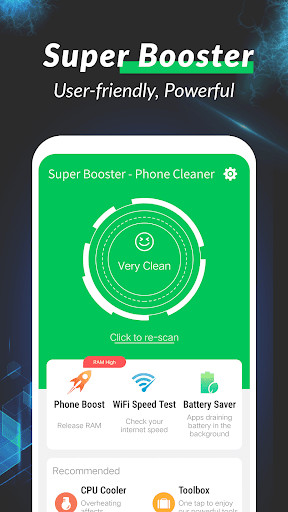
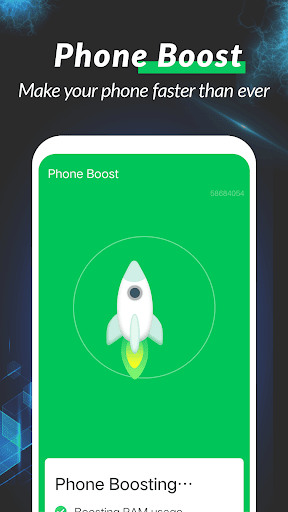
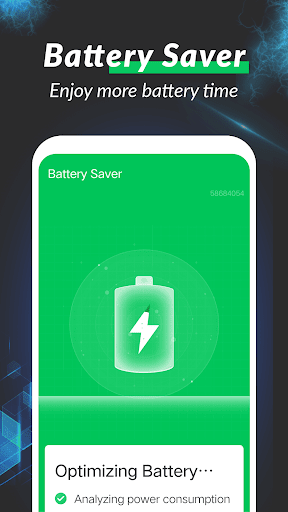
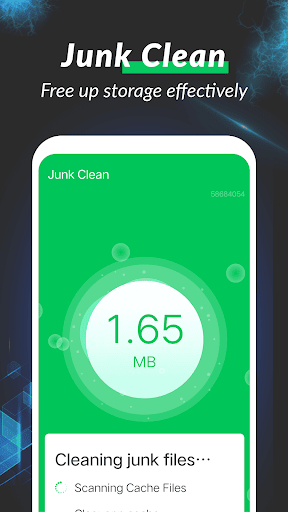
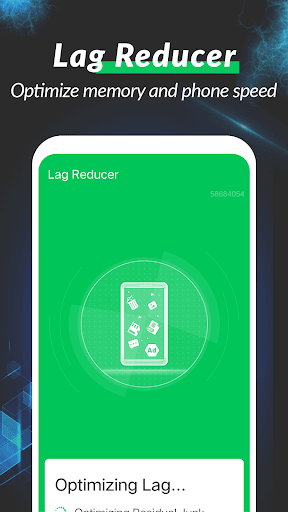
App Feature
Super Booster - Phone Cleaner aims to speed up Android devices by clearing junk files and cached data, stopping unnecessary background processes to free RAM, and offering an app manager for uninstalling or backing up rarely used apps. It also includes battery saver tools and a CPU temperature monitor/cooler to reduce heat and extend battery life.
Verdict
Verdict: A capable all-in-one cleaner and booster for basic maintenance, but power users may prefer more transparent, system-level controls.
Who is it for
Best for:
- Users with older or budget phones that feel sluggish
- People who want a simple, one-tap cleanup and app management
- Anyone seeking basic battery saving and CPU cooling in one place
Not ideal for:
- Users who want detailed analytics and granular control over processes
- Privacy-focused users wary of broad permissions or ads in utility apps
- Those who already use system tools like Digital Wellbeing or Files by Google
Real-world User Experience
Users like it:
Given its 4.0 rating and 1M+ downloads, many users appear to appreciate quick performance boosts, straightforward junk cleaning, and the convenience of bundled tools (app manager, battery saver, CPU cooler) in a single app.
Users complain about:
Cleaner/booster apps commonly face feedback about aggressive memory killing, limited lasting impact after a short boost, potential notifications or ads, and uncertainty about how much the CPU cooling actually changes device thermals. Expect a mix of these concerns alongside the positive reports.
Is it Worth Paying For?
The app is free based on the provided info. No paid plans or in-app purchases are specified, so there’s no direct cost barrier. Value is solid if you want a no-cost, one-tap tidy-up—just be mindful of any ads or permissions typical of this category.
How it Compares to Alternatives
Compared with Files by Google, Super Booster focuses more on RAM boosting, background app control, and battery/CPU tools, while Files excels at safe, transparent storage cleanup with minimal extras. CCleaner and AVG Cleaner offer recognizable brands, scheduling, and clearer reporting but may gate some features behind paid tiers. Nox Cleaner and Phone Master provide similar all-in-one toolsets; differences usually come down to ad load, UI polish, and how conservatively they kill background apps. If you prioritize transparent storage management and minimal ads, Files by Google is a safer bet; if you want multiple utilities in one, Super Booster competes well with other free all-in-ones.
Summary
Super Booster - Phone Cleaner packages junk removal, RAM freeing, app management, battery saving, and CPU cooling into a single, easy utility aimed at keeping Android phones responsive. Its appeal lies in quick, visible cleanups and the convenience of managing apps and background processes without digging through system menus. Like many boosters, long-term speed gains may be modest and aggressive process killing can have side effects, but its 4.0 rating and large install base suggest it helps many users tackle everyday sluggishness. If you want a free, simple maintenance tool and don’t need deep diagnostics, it’s a practical pick; if you prefer minimal ads, fine-grained control, or fully transparent system behavior, consider more conservative tools like Files by Google or paid, brand-name cleaners.
Ratings
Trending APP












Alternative to this app










