
Copyright 2026 © swekartor. All Rights Reserved.




App Feature
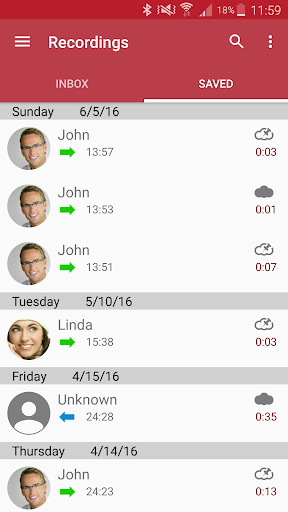
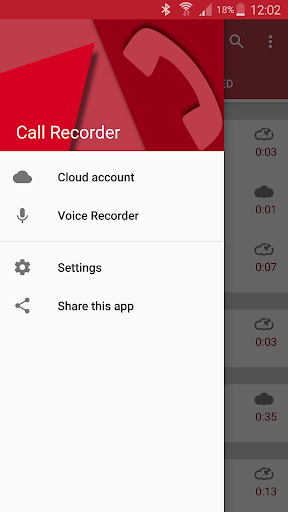
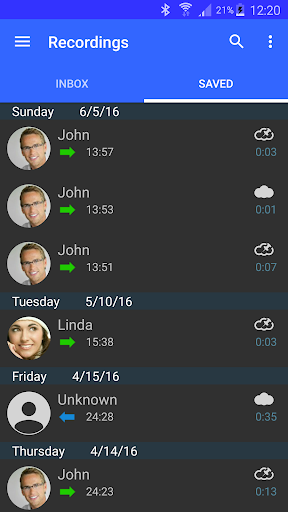
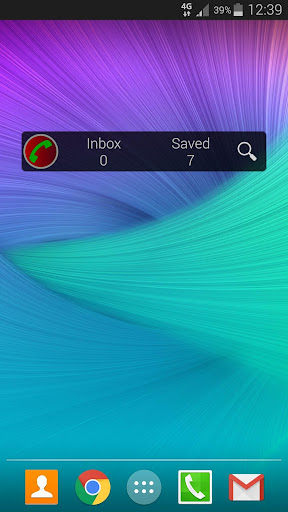
Automatic Call Recorder records incoming and outgoing calls, offers advanced controls for audio quality/format/storage, and supports automatic or contact-specific capture plus scheduled recordings.
Verdict
Verdict: A capable, free call recorder with flexible settings, but reliability varies across devices and Android versions.
Who is it for
Best for:
- Users who need a simple way to log important phone conversations
- People who want granular control over audio quality, format, and auto-record rules
- Anyone who benefits from scheduled or always-on call capture
Not ideal for:
- Users on newer Android versions where call recording is restricted
- Those needing guaranteed two‑way audio clarity on every device
- Privacy‑sensitive users uncomfortable with recording and storage permissions
Real-world User Experience
Users like it:
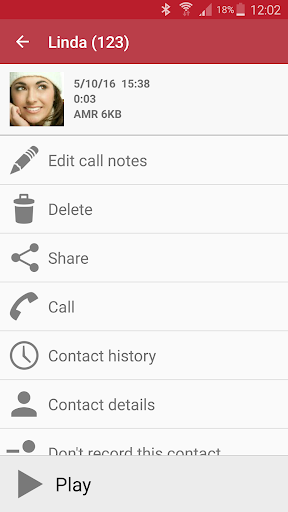
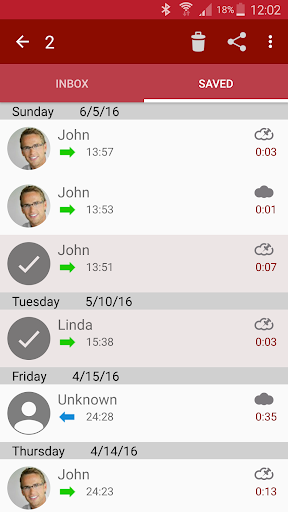
Easy, one-tap recording of incoming and outgoing calls; customizable quality and formats; the convenience of auto-record per contact and scheduling; straightforward playback and file management.
Users complain about:
Inconsistent recording on some phones/OS versions (one-sided audio or silent files due to platform limitations); occasional glitches after updates; potential battery/permission prompts; interface and ads (if present) can be distracting.
Is it Worth Paying For?
The app is listed as free; with no paid plan/IAP indicated here, it’s worth trying at no cost.
How it Compares to Alternatives
Compared to popular options like Cube ACR or ACR by NLL, it offers similar core features (auto-record, quality controls) but—like all Android recorders—faces OS-level restrictions that can impact reliability. Some alternatives add extras such as cloud backups or transcription (often behind paid tiers), while this app focuses on straightforward recording and scheduling. If your device blocks call audio, no recorder consistently outperforms others; success depends largely on phone model and Android version.
Summary
Automatic Call Recorder delivers the essentials: reliable one-tap call capture when supported by your device, robust settings for audio quality and storage, and helpful automation like per-contact rules and scheduling. Its 3.7 rating and massive install base suggest it works well for many, but results vary due to Android’s evolving policies—expect occasional one-sided or failed recordings on certain phones and after OS updates. If your device allows call audio access, it’s a practical, no-cost solution; if not, alternatives face the same constraints. Test on your phone, verify both sides are captured, and configure storage and auto-record lists to get the most from it.
Ratings
Trending APP












Alternative to this app










