
Copyright 2026 © swekartor. All Rights Reserved.


App Feature
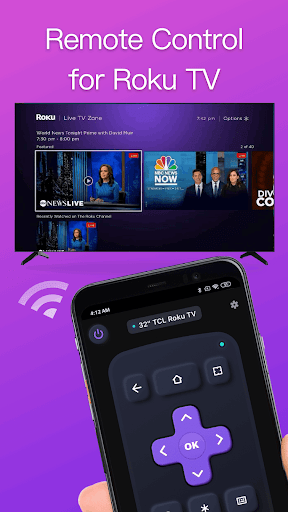
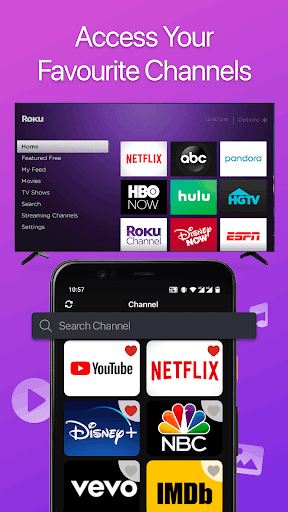
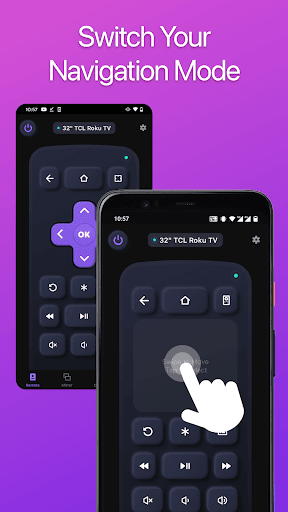
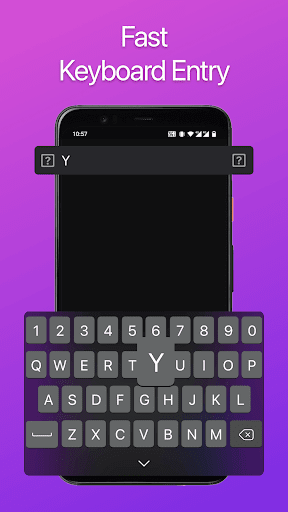
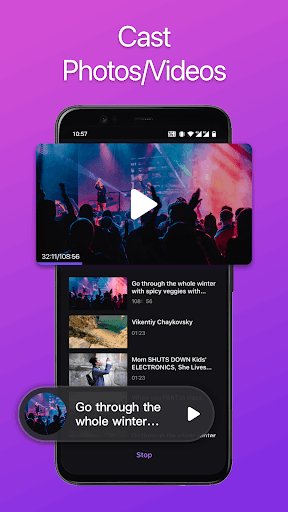
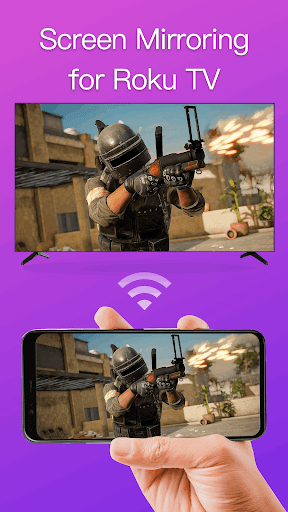
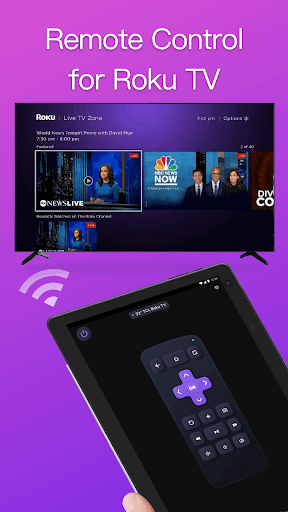
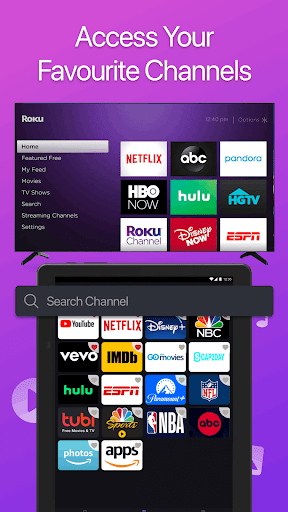
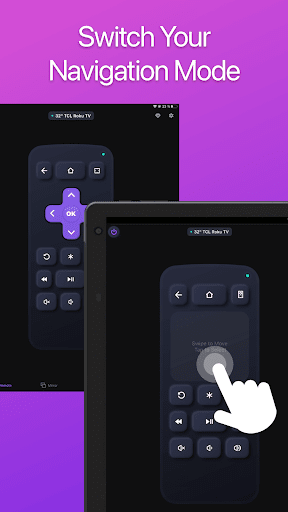
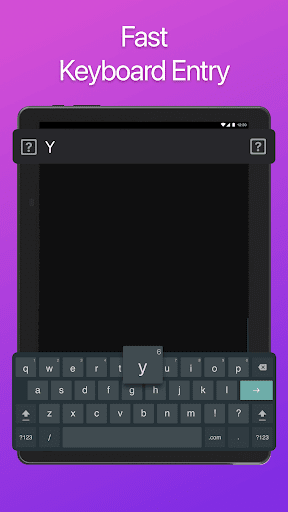
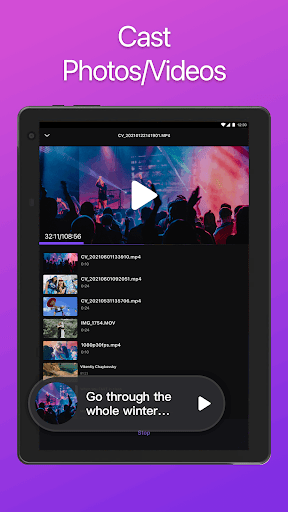
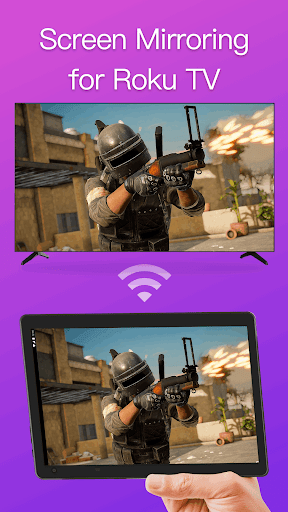
Turns your Android phone into a universal remote for popular Smart TVs and streaming boxes (Samsung, LG, Vizio, Sony, Roku, Fire TV, Apple TV). Core tools include touchpad navigation, playback controls, volume/power, text entry via keyboard, channel shortcuts, screen mirroring, and local media casting. Works over Wi‑Fi with simple, auto‑scan setup.
Verdict
Verdict: A capable, widely compatible TV remote replacement with strong features, but the free tier’s ads can be intrusive.
Who is it for
Best for:
- Users who misplace remotes and want a fast Wi‑Fi replacement
- Households with multiple TV brands or devices (broad compatibility)
- People who value keyboard input, casting, and mirroring from one app
Not ideal for:
- Users who are sensitive to frequent ads in the free tier
- Those needing guaranteed keyboard support in every app (some TV apps block it)
- Anyone who prefers an official first‑party remote app experience
Real-world User Experience
Users like it:
Quick, easy setup; reliably finds devices on the same Wi‑Fi network. Remote layout adapts well and mimics original remotes. Solid day‑to‑day control for navigation, volume, and playback; especially handy when the physical remote is lost. Several users report good value from a low‑cost lifetime unlock.
Users complain about:
Ads can appear very frequently on the free tier, sometimes interrupting scrolling or repeated taps. Occasional connection confusion if the phone and TV aren’t on the same network. Keyboard input doesn’t work in certain TV apps. A few reports of paid users still seeing ads until a device restart.
Is it Worth Paying For?
The free version works, but ads can be heavy. If you’ll use it daily, the reported one‑time/lifetime unlock (often cited around $10–$20) is a reasonable value to remove ads and improve reliability. For occasional use, stick with the free tier; if ads persist after paying, a device restart has helped some users.
How it Compares to Alternatives
Compared with official apps (Roku, Samsung SmartThings, LG ThinQ, Google TV, Fire TV), this offers broader cross‑brand control and extras like a universal touchpad and casting in one place, but with more ads and occasional keyboard limitations. Versus other universal remotes, setup is straightforward and detection is quick; ad load is heavier than some competitors unless you pay.
Summary
Remote for Smart TV is a flexible, Wi‑Fi–based universal remote that covers most major TV and streaming brands with intuitive navigation, playback controls, text entry, and media casting/mirroring. Its 4.2 rating and 10M+ installs reflect dependable performance once devices are on the same network. The main trade‑off is advertising in the free tier, which can disrupt rapid navigation; a reasonably priced lifetime upgrade appears to alleviate this for frequent users. If you need one app to control mixed TV ecosystems, it’s a strong pick; if you only own a single brand, the official remote app may be sleeker with fewer ads.
Ratings
Trending APP












Alternative to this app










