
Copyright 2026 © swekartor. All Rights Reserved.





App Feature
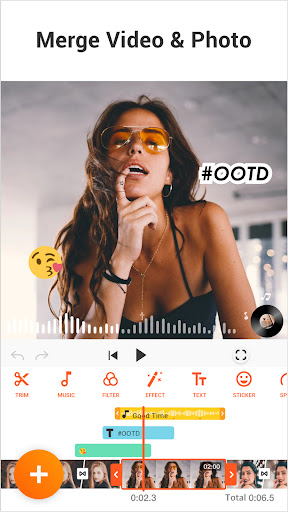
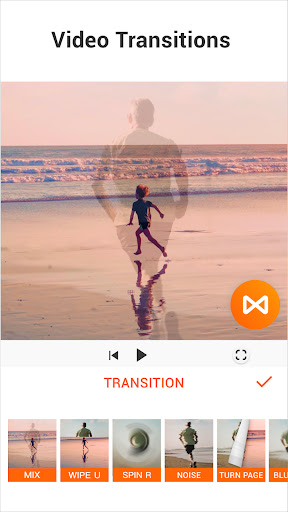
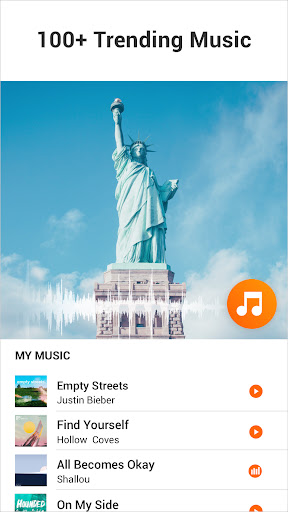
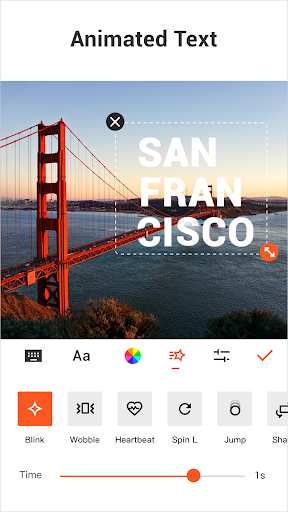
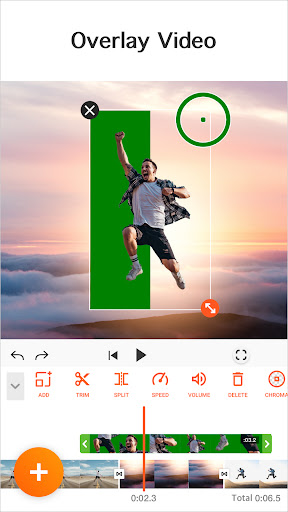
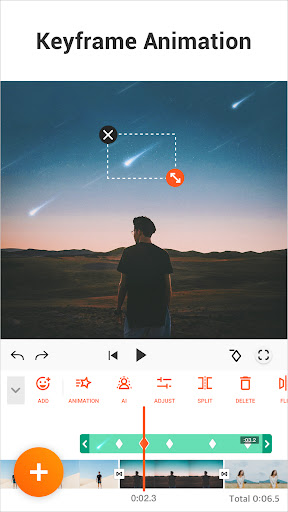
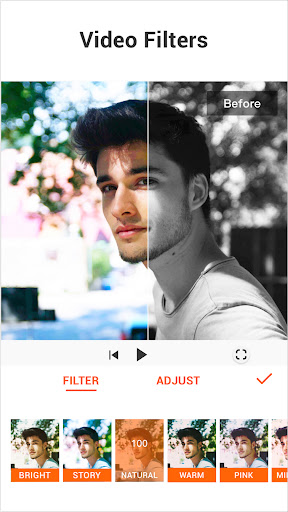
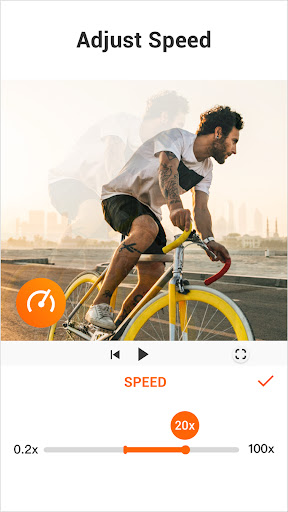
YouCut is a free, mobile video editor and YouTube video maker focused on fast, intuitive editing without watermarks. Core tools include trim, split, merge, multi-layer timeline, speed control (0.2×–100×), filters/FX, color adjustment, aspect-ratio and background changes, chroma key/green screen, photo slideshow, multiple audio tracks, volume control, and new AI features like auto-captions, background removal, enhancement, and smooth slow motion.
Verdict
Verdict: A standout no-watermark mobile editor that balances powerful features, ease of use, and exceptional value for everyday creators.
Who is it for
Best for:
- Creators making reels, Shorts, and quick social videos who want no watermark and minimal friction
- Beginners to intermediates needing reliable trim/merge, simple multi-track audio, and handy AI boosts
- Budget-conscious users who prefer a low-cost one-time purchase over subscriptions
Not ideal for:
- Heavy motion-graphics or complex, multi-layer VFX workflows that demand desktop-grade precision
- Users needing frame-accurate trimming with detailed waveforms or advanced audio tooling
- Teams needing licenses that seamlessly transfer across secure profiles or managed environments
Real-world User Experience
Users like it:
Consistently praised for being genuinely usable for free with no watermark, minimal and well-placed ads (mostly at export), and an easy, fast workflow. Users highlight dependable core editing (trim, split, merge), simple multi-track audio, chroma key, social-ready exports, and AI conveniences. Many report years of stable use for YouTube, Instagram, and personal projects, calling it the best free editor on Android and great value to upgrade.
Users complain about:
A few report occasional hiccups like a project failing to load photos, slight lag with many layers, or needing an app restart. Some note difficulty hitting exact trim points and wish for audio waveforms for precise beat syncing. One user mentions license not transferring to Secure Folder; another notes audio desync when trimming from the start that requires re-sync.
Is it Worth Paying For?
Yes. While the free version is remarkably capable with no watermark, the premium upgrade is inexpensive and unlocks more effects/features with no recurring hassle. User reports cite affordable options (e.g., low-cost yearly or a one-time lifetime purchase), making it excellent value if you edit regularly or want to support the developers.
How it Compares to Alternatives
Compared with many mobile editors, YouCut’s free tier stands out for no watermark, minimal ad disruption, and practical tools that cover most social-video needs. Versus CapCut, users find YouCut visually appealing, competitively priced, and less pushy—with the option to watch ads for pro features or pay a reasonable one-time fee. It may offer fewer trendy templates than some rivals, but for straightforward editing, it’s lighter, faster, and more budget-friendly.
Summary
YouCut - Video Editor & Maker delivers an impressively capable, watermark-free editing experience that’s both friendly to beginners and reliable for everyday creators. Core editing is quick and intuitive, multi-audio and chroma key broaden creative options, and new AI features (auto-captions, background removal, enhancement, smooth slow-mo) streamline workflows. Real-world feedback highlights minimal ad interruptions, strong performance, and excellent value—especially with an affordable upgrade path. While it’s not a replacement for pro desktop suites or intricate VFX work, and precision trimming/audio tooling could be deeper, it’s one of the best Android choices for fast, polished social content without subscription headaches.
Ratings
Trending APP







Alternative to this app









