
Copyright 2026 © swekartor. All Rights Reserved.



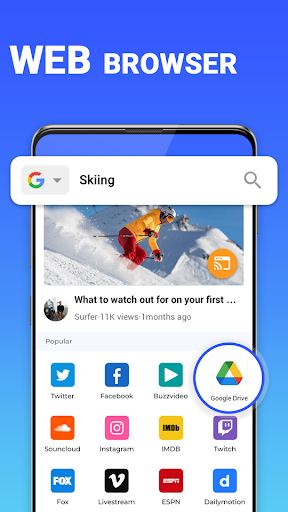
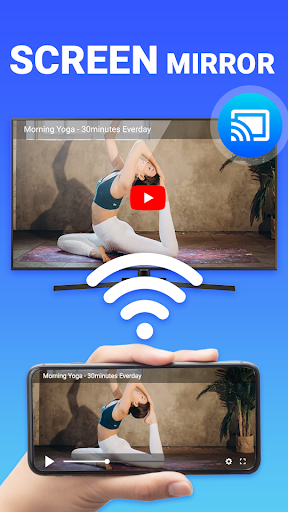
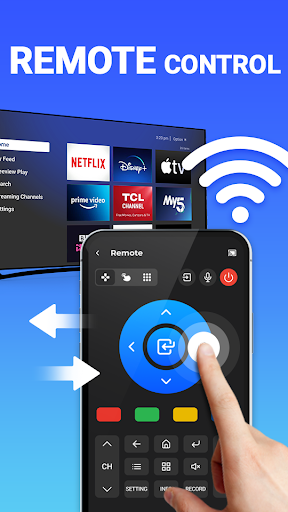
App Feature
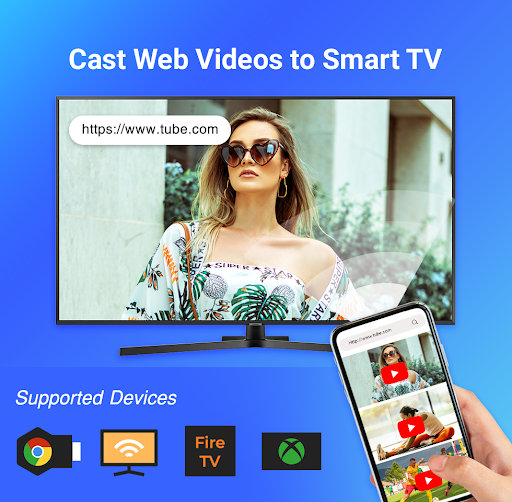
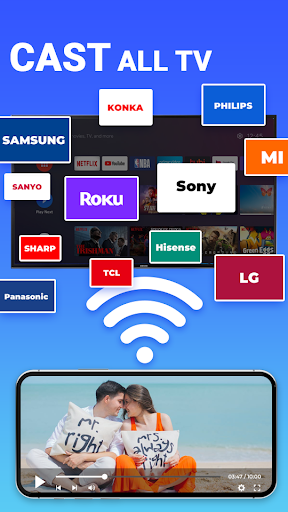
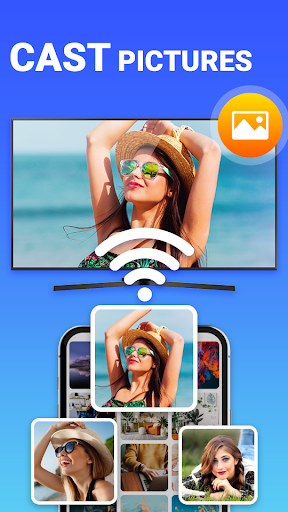
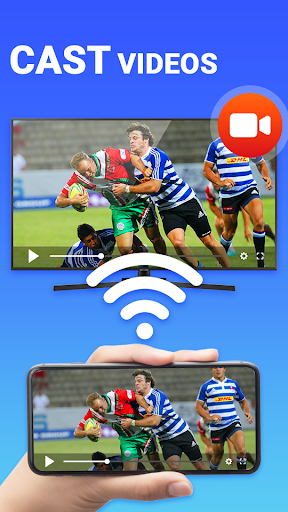
Cast to TV & Screen Mirroring mirrors your phone or tablet to a TV over Wi‑Fi and streams videos, photos, music, apps, and games. It auto-detects devices on the same network and supports popular platforms (Chromecast, Roku, Fire TV/Stick, Xbox, Samsung, LG, Sony, TCL, DLNA/AirPlay-compatible TVs). Core strengths are quick setup, simple controls, and generally smooth, low-latency casting for everyday use.
Verdict
Verdict: A capable, easy-to-use screen mirroring app for most smart TVs, though ads and occasional setup friction may deter power users.
Who is it for
Best for:
- Users who want quick, cable-free phone-to-TV mirroring for photos, videos, and basic presentations
- Households with mixed TV/streaming devices (Chromecast, Roku, Fire TV, DLNA) needing a single, simple casting tool
- Non-technical users who value straightforward setup and controls
Not ideal for:
- Users who demand completely ad-free, premium-grade casting without paying
- Gamers or presenters who require consistently ultra-low latency and advanced fine-tuning
- People whose TVs already have reliable native casting (e.g., Chromecast built-in) and prefer first-party solutions
Real-world User Experience
Users like it:
Fast connections, simple setup, and reliable mirroring across various TV brands. Works as a handy fallback when built-in Chromecast fails. Non-technical users praise its ease of use; many report smooth, consistent performance for everyday casting.
Users complain about:
Intrusive/oversized ads and some initial setup confusion. A few users had to retry steps to get it working. Occasional friction is noted, especially compared to native casting experiences.
Is it Worth Paying For?
The app is free with ads and offers in-app purchases (likely to remove ads or unlock extras). If you cast frequently and find the ads disruptive, paying to remove them can be worthwhile. Casual users who cast occasionally may be fine with the free version.
How it Compares to Alternatives
Compared to Google Home/Chromecast built-in, this is more universal but can feel less seamless and more ad-heavy. Versus manufacturer apps (Samsung Smart View/SmartThings, LG ThinQ), it’s simpler and broader in compatibility but lacks deep TV-specific features. Alternatives like AirScreen or Miracast utilities can be smoother on certain devices; however, this app’s wide device support and no-cable approach make it a strong generalist option.
Summary
Cast to TV & Screen Mirroring focuses on hassle-free, wireless phone-to-TV mirroring that works across a broad range of smart TVs and streaming devices. With quick discovery, straightforward controls, and generally smooth performance, it suits everyday casting of videos, photos, and presentations. User feedback highlights its reliability and simplicity, particularly as a fix when native casting fails, while calling out intrusive ads and occasional setup hiccups. If you want a universal, easy casting solution and can tolerate or pay to remove ads, it’s a solid pick—especially for households with multiple TV platforms.
Ratings
Trending APP












Alternative to this app










