
Copyright 2026 © swekartor. All Rights Reserved.



App Feature
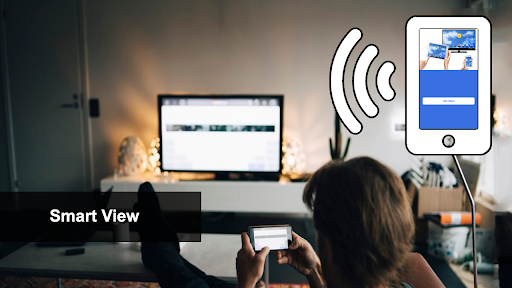
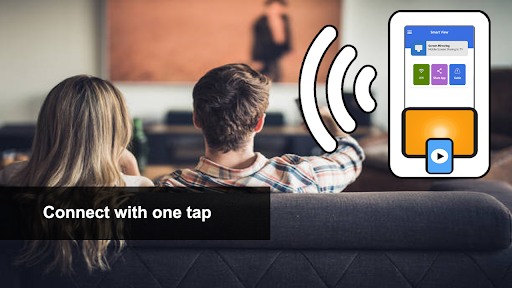
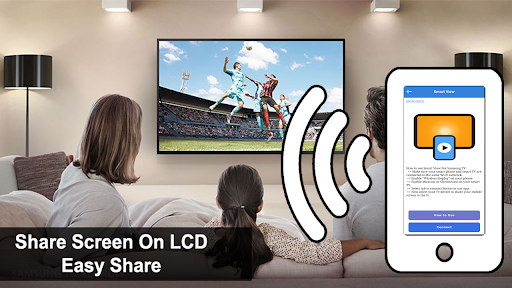
A third‑party screen mirroring and casting tool that lets Android users mirror photos, videos, games, and more to Samsung and other smart TVs via Miracast/Chromecast, with a phone-based remote control and simple, Wi‑Fi–based setup.
Verdict
Verdict: Convenient cross‑brand casting when it works, but variable reliability and heavy ads make it hit‑or‑miss.
Who is it for
Best for:
- Users who need quick, cable‑free screen mirroring to various smart TVs
- People comfortable trying third‑party casting apps to supplement built‑in options
- Households wanting a basic remote/control companion on Android
Not ideal for:
- Users expecting official Samsung support or guaranteed compatibility
- Anyone who dislikes frequent ads or paywalls in core flows
- Gamers or presenters who need ultra‑stable, low‑latency mirroring
Real-world User Experience
Users like it:
When compatible, setup is straightforward, casting media to big screens is smooth enough for casual viewing, and having a simple phone‑based remote is handy.
Users complain about:
Frequent ads and prompts for in‑app purchases, inconsistent device compatibility, occasional lag or connection drops, and confusion because it is not an official Samsung app.
Is it Worth Paying For?
The app is free with ads and offers IAP. Given mixed user satisfaction (score around 2.8 with large install volume), it’s best to trial the free version first. Paying to remove ads may be worthwhile only if it consistently works with your TV and network; otherwise, consider official or alternative free options.
How it Compares to Alternatives
Compared with official apps like Google Home (Chromecast) or Samsung SmartThings, this offers broader cross‑brand mirroring and a simple remote but tends to be less reliable and more ad‑heavy. Alternatives like Roku’s official app, LG ThinQ, LocalCast, or BubbleUPnP often provide more stable casting within their ecosystems. This app’s advantage is convenience across multiple TV brands; its trade‑offs are ads, IAP, and variable performance.
Summary
Samsung Smart View - Cast To aims to make Android screen mirroring and TV casting accessible across Samsung and many other smart TVs using Miracast/Chromecast. It’s easy to start—connect to the same Wi‑Fi, enable wireless display, pick your TV—and it includes a basic phone remote. However, user feedback suggests a mixed experience: some enjoy quick casting of videos, photos, and casual games, while others encounter aggressive ads, prompts to pay, inconsistent compatibility, and occasional lag or drops. If it pairs well with your TV and you tolerate ads, it can be a handy, free utility; if you need guaranteed stability or official integration, check Google Home, Samsung SmartThings, or your TV’s official app first.
Ratings
Trending APP












Alternative to this app










