
Copyright 2026 © swekartor. All Rights Reserved.







App Feature
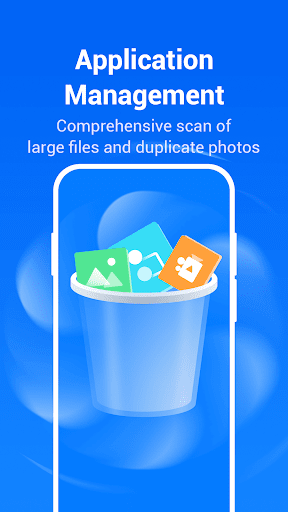
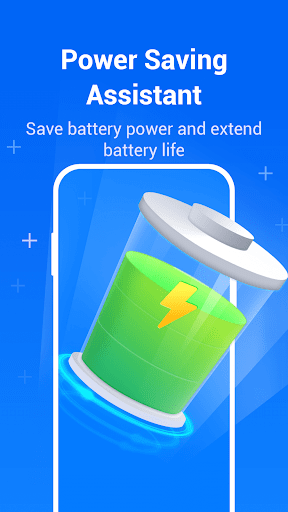
Force Cleaner is an all‑in‑one Android utility that targets storage cleanup, malware scanning, and performance tuning. It cleans junk and cache files, includes a TRUSTLOOK‑certified antivirus scan, offers battery saving and CPU cooling tools, helps manage apps, and finds duplicate/similar photos to free space.
Verdict
Verdict: A capable all‑round cleaner with antivirus, best for quick storage wins and basic maintenance rather than deep optimization.
Who is it for
Best for:
- Users who want one‑tap junk cleaning and space recovery
- People seeking a simple antivirus check bundled with a cleaner
- Anyone managing storage by removing duplicate photos and unused apps
Not ideal for:
- Power users needing granular system controls or automation
- Users expecting dramatic, sustained performance boosts from RAM/CPU tweaks
- Privacy purists who avoid system cleaners or broad device scans
Real-world User Experience
Users like it:
Given a 4.1 rating and 5M+ downloads, many users likely appreciate easy storage cleanup, noticeable space recovery, and the peace of mind from integrated malware scanning. The app and photo managers also add practical value for decluttering.
Users complain about:
As with most cleaner apps, some may find performance gains to be short‑lived, battery/CPU optimizations limited by Android’s own management, and occasional false positives or over‑aggressive suggestions during scans.
Is it Worth Paying For?
The app is free. With no paid plan mentioned, it offers good value if you want basic cleaning, antivirus checks, and storage tools without a subscription.
How it Compares to Alternatives
Compared to Files by Google, Force Cleaner adds antivirus scanning, photo similarity cleanup, and CPU/battery utilities, while Files by Google focuses on safe, OS‑friendly storage cleanup and file management. CCleaner and AVG Cleaner provide similar junk cleaning; AVG leans into security features, while CCleaner emphasizes reputable, lightweight cleanup. Force Cleaner’s TRUSTLOOK‑certified engine is a plus for those wanting built‑in malware scanning, but its CPU cooling/battery saver claims—like many peers—may yield modest, scenario‑dependent gains.
Summary
Force Cleaner combines junk cleanup, antivirus scanning, battery saving, CPU cooling, app management, and duplicate photo detection in a single, approachable package. It is strongest at reclaiming storage and simplifying device maintenance for everyday users, and its TRUSTLOOK‑certified scan adds security reassurance. As with most Android cleaners, system‑level performance boosts can be temporary or limited by the OS, so expectations should be modest for RAM or CPU acceleration. Still, for a free utility that helps you clear space and perform basic safety checks, it’s a practical tool to keep your phone tidy without much effort.
Ratings
Trending APP












Alternative to this app










