
Copyright 2026 © swekartor. All Rights Reserved.



App Feature
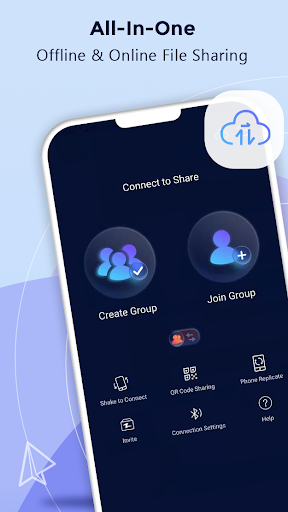
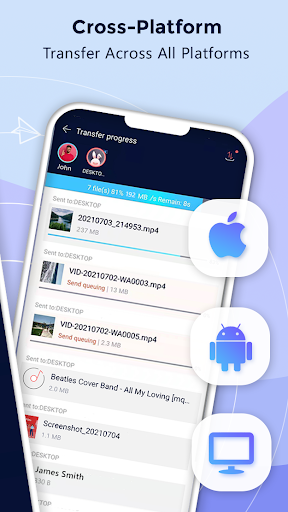
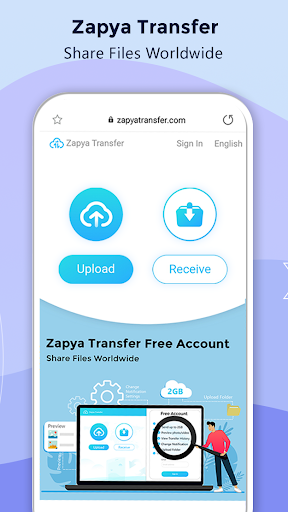
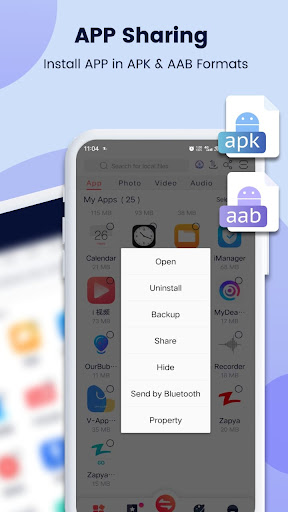
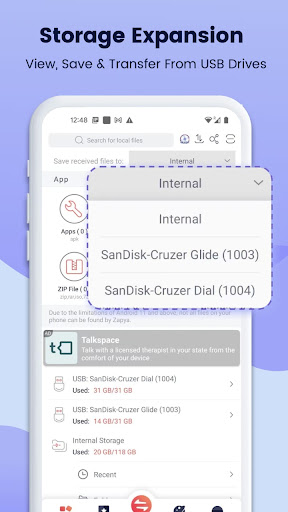
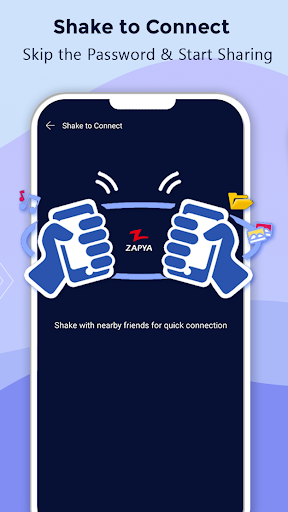
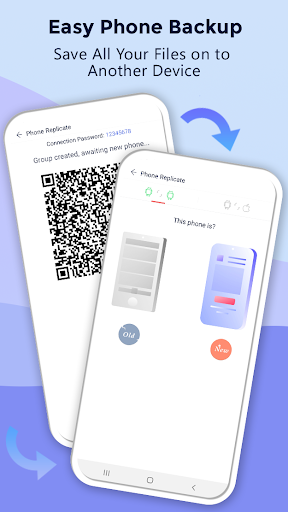
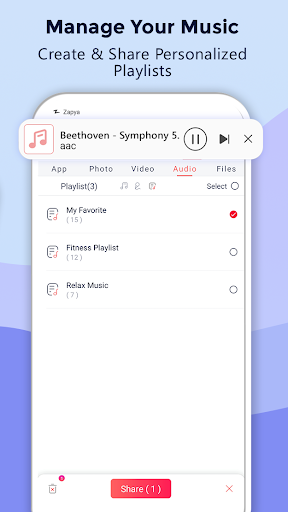
Zapya - File Transfer, Share enables fast, cable-free file transfers of any size and format across Android, iOS, Windows, Mac, and the web. It supports offline sharing via group, QR code, shake-to-connect, and radar, plus online sharing through a browser-based Zapya Transfer. Extras include phone replication (device migration), bulk/folder transfers, app sharing/install (APK/AAB), USB drive browsing/transfer, and in‑app chat/group sharing.
Verdict
Verdict: A reliable, cross‑platform file‑sharing workhorse with standout offline speed, though occasional connection quirks and ads may frustrate some users.
Who is it for
Best for:
- Users who need fast, offline, cross‑platform transfers (Android ↔ iOS ↔ PC/Mac)
- People migrating to a new phone and moving large folders/media in bulk
- Users who want simple browser-based transfers without installing desktop clients
Not ideal for:
- Those who dislike ads or prefer a one‑time paid/no‑ads experience by default
- Users who want fully automated, zero‑prompt pairing without enabling Wi‑Fi/Bluetooth
- Anyone needing enterprise-grade MDM/policy controls and audit trails
Real-world User Experience
Users like it:
Consistently praised for very fast transfers (some users report peaks around ~75 MB/s), reliability over years of use, simpler UI than some rivals, stable large transfers (continues in background and can resume), smooth Android↔iOS and Android↔PC workflows, effective QR pairing, and fewer intrusive ads than certain competitors.
Users complain about:
Some experience connection hiccups or slowdowns on newer versions, occasional disconnects that require retrying, pairing friction (needing Wi‑Fi, Bluetooth, and sometimes passwords), and sporadic PC‑link bugs. A few note app-sharing output not always as standalone APKs due to newer Android packaging policies.
Is it Worth Paying For?
The core app is free with ads and offers in‑app purchases. For most users, the free tier provides full-speed, cross‑platform transfers. If an IAP to remove ads or unlock convenience features is available in your region, it’s a reasonable quality‑of‑life upgrade but not essential for core functionality.
How it Compares to Alternatives
Compared to SHAREit and Xender, users report Zapya has fewer distracting ads and a cleaner flow, while maintaining comparable or better speeds and stable large-file handling. Versus Google Nearby Share/Quick Share or Apple AirDrop, Zapya wins on cross‑platform flexibility and offline modes but lacks native OS integration polish. Versus cloud/internet tools like Send Anywhere, Zapya excels offline and for local bulk moves; internet tools are better for remote, over‑the‑internet sharing.
Summary
Zapya is a mature, high‑speed file‑sharing app focused on effortless offline transfers that span Android, iOS, Windows, Mac, and the web. It goes beyond simple file moves with phone replication, bulk/folder sending, app sharing/install support, USB‑drive browsing, and multiple quick connect methods (groups, QR, shake, radar). Real‑world feedback highlights standout speed, dependable large transfers, and a friendlier experience than some competitors, balanced by occasional pairing quirks, intermittent disconnects, and ad presence. For anyone regularly moving big files or switching devices across ecosystems, Zapya delivers excellent value in its free tier, with optional IAPs for convenience if desired.
Ratings
Trending APP












Alternative to this app










