
Copyright 2026 © swekartor. All Rights Reserved.



App Feature
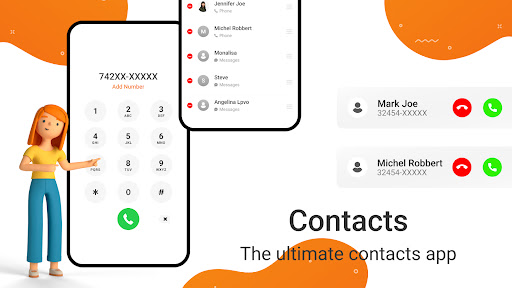
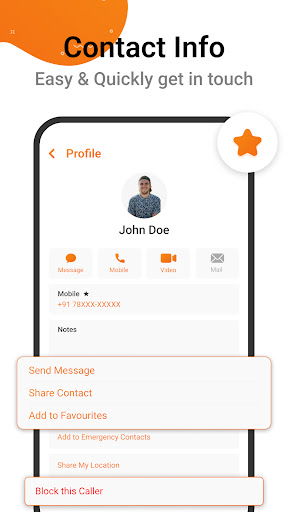
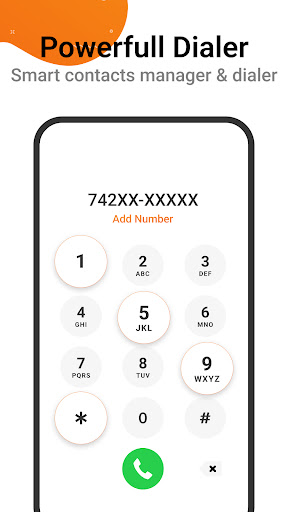
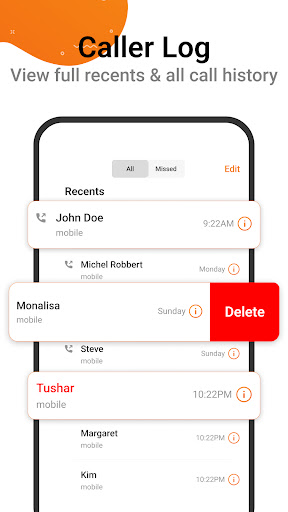
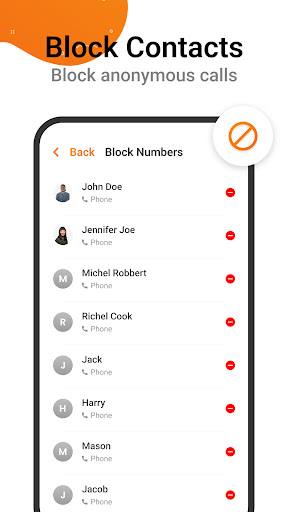
iContacts is a free contact manager focused on a clean, iOS‑style interface with fast search/filtering and smart tools to merge duplicates, organize groups, and import/export contacts.
Verdict
Verdict: A capable, easy-to-use contact manager that streamlines organization, though power users may want deeper automation.
Who is it for
Best for:
- Users who want a clean, intuitive contact UI
- People with large address books needing fast search and duplicate cleanup
- Anyone switching devices who needs import/export flexibility
Not ideal for:
- Power users seeking advanced automation or CRM-style features
- Those who prefer tight integration with default dialer-only workflows
- Users requiring cross-device sync beyond what their account already provides
Real-world User Experience
Users like it:
The sleek, well-organized interface and quick, accurate search are highlights, along with helpful tools for merging duplicates, creating groups, and keeping contact lists tidy.
Users complain about:
With a 3.9 rating, feedback suggests occasional rough edges—such as limited advanced features compared to stock/contact power apps or sporadic stability/performance hiccups on some devices.
Is it Worth Paying For?
The app is free. There’s no indication of paid plans or in-app purchases, so the value is strong if you need better organization without spending money.
How it Compares to Alternatives
Compared to Google Contacts, iContacts leans into a cleaner, iOS-like design and more guided duplicate/group management, while Google Contacts offers deeper account-sync integration and ecosystem features. Versus Simple Contacts-style apps, iContacts provides richer search and smart merge tools; against power options like Truecaller or contact/CRM hybrids, it’s simpler and lighter but less feature-dense.
Summary
iContacts delivers a tidy, user-friendly way to manage even large contact libraries, combining fast search, duplicate merging, group organization, and import/export into a streamlined package. Its 3.9 rating reflects a generally positive experience with some limitations for advanced needs or occasional stability variance across devices. If you want a straightforward, efficient contact manager that upgrades the basics without complexity—or cost—iContacts is an easy recommendation.
Ratings
Trending APP












Alternative to this app










