
Copyright 2026 © swekartor. All Rights Reserved.



App Feature
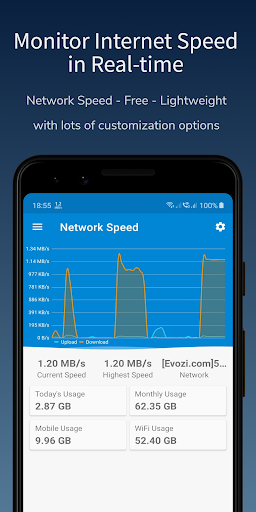
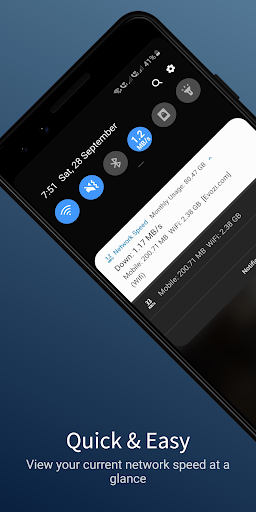
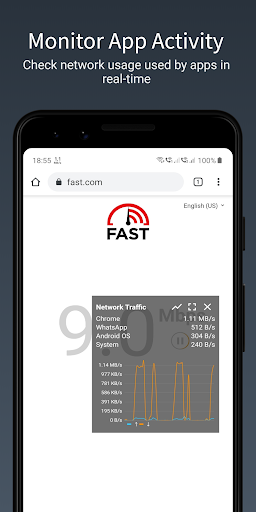
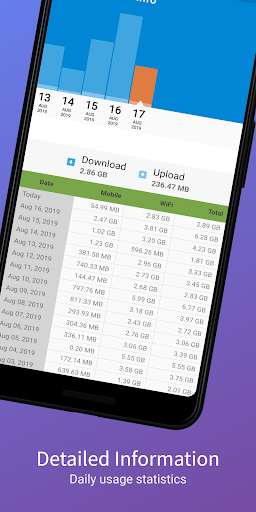
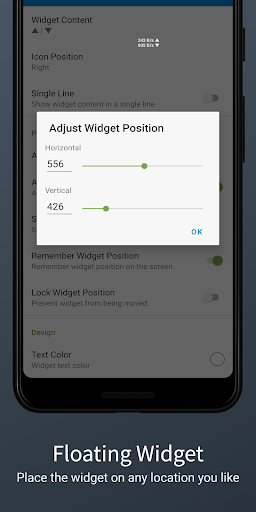
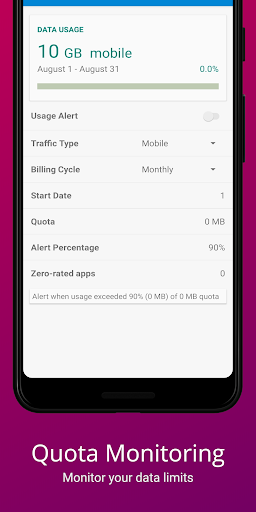
Lightweight network monitor that shows real-time upload/download speeds via status bar, floating widget, and quick settings; tracks daily data/Wi‑Fi usage, per‑app consumption, ping, and connections, with extensive customization and alerts.
Verdict
Verdict: A polished, accurate real-time speed meter with robust customization, best for ongoing monitoring rather than one-off speed tests.
Who is it for
Best for:
- Users who want persistent, glanceable speed in the status bar or a tiny floating widget
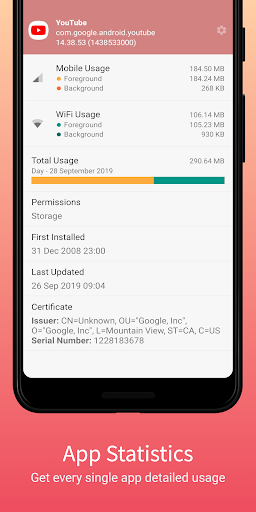
- Data-conscious users tracking daily/monthly usage and per‑app consumption
- Android phones lacking built-in network speed indicators (e.g., many Pixel devices)
Not ideal for:
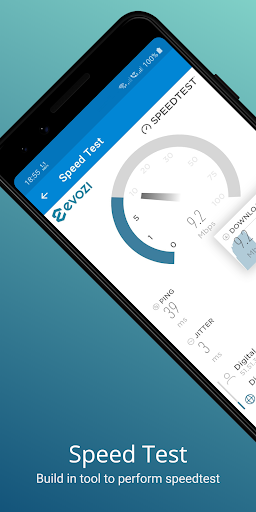
- Users who only need occasional one-tap speed tests (e.g., prefer Ookla-style tests)
- Those requiring advanced firewall/packet inspection or deep per‑profile app analytics
- Users sensitive to any background battery use or Android overlay notifications
Real-world User Experience
Users like it:
Highly accurate live speed readout; very customizable overlays (tiny, icon-only, up/down in one line, font shadows); clear per-app data usage and 30‑day stats; stable for most; good value Pro upgrade.
Users complain about:
Intermittent notification/indicator visibility on some devices/OS versions (e.g., S9+ Android Pie); occasional higher battery usage reports; overlay warning auto-dismiss not functioning; limited per‑profile app stats and no per‑app live filtering; desire for more HTTPS in feedback links.
Is it Worth Paying For?
Yes. The free version is fully usable with ads; the Pro/IAP removes ads and unlocks extra customization. Reviewers who bought Pro felt it was worth it for the cleaner experience and advanced options.
How it Compares to Alternatives
Compared to Internet Speed Meter Lite and similar tools, this app offers richer customization (icon-only, compact dual-speed line, shadows) and more detailed usage stats. Versus Speedtest by Ookla, it focuses on continuous monitoring rather than benchmark tests. It is not a firewall like NetGuard or a deep usage visualizer like GlassWire, but balances accuracy, low overhead, and always-on visibility better than most status-bar meters.
Summary
Network Speed – Internet Speed is a fast, unobtrusive tool for keeping real-time tabs on your connection. It excels at persistent indicators (status bar, floating widget), accurate up/down readings, and straightforward data-usage tracking with useful customization and alerts. With a strong 4.5 rating and 1M+ installs, it’s trusted for day-to-day visibility. Some users report notification reliability quirks on certain Android versions, occasional battery impact, and limitations around per-profile/app filtering. If you want an always-on, highly configurable speed meter and usage tracker, the free version delivers, and the Pro upgrade is a sensible quality-of-life buy.
Ratings
Trending APP












Alternative to this app










