
Copyright 2026 © swekartor. All Rights Reserved.


App Feature
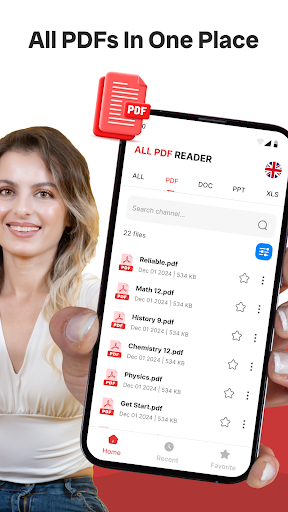
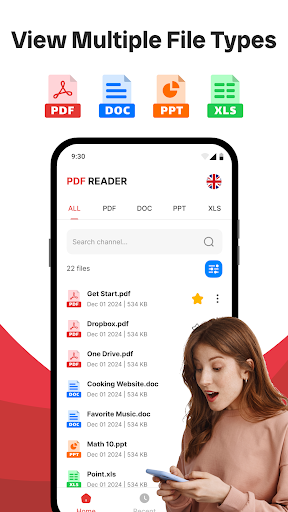
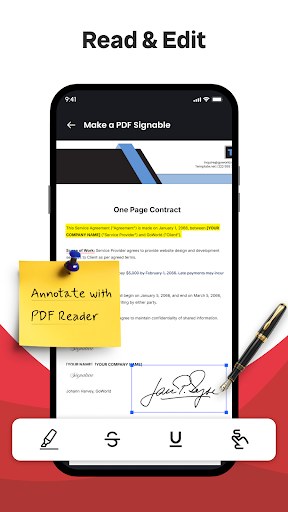
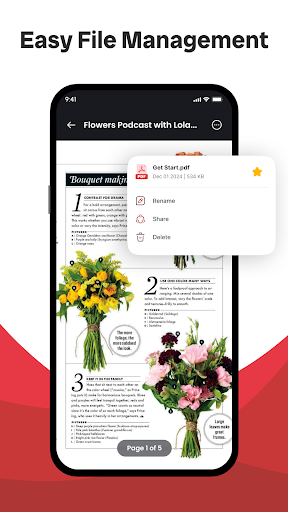
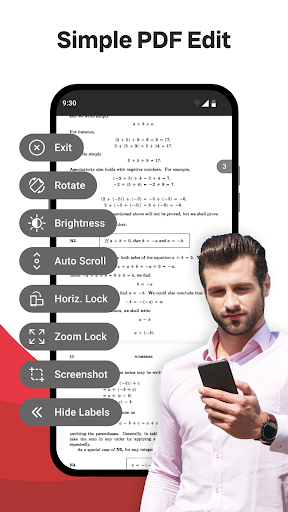
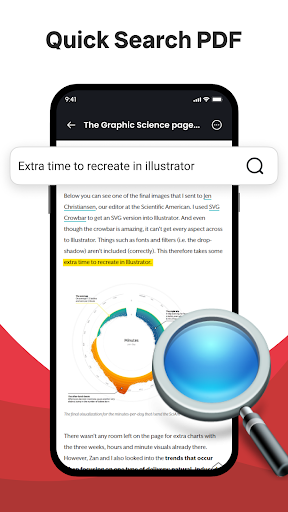
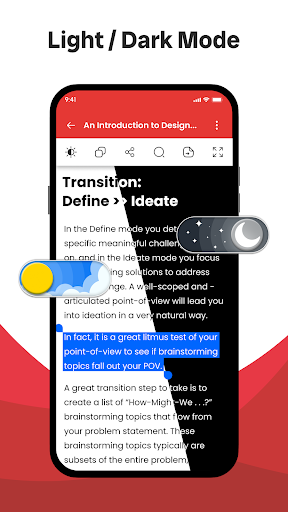
PDF Reader & PDF Viewer is a free, easy-to-use document app focused on opening, viewing, and annotating PDFs and other common document formats. It pairs a clean interface with practical tools like highlights and comments for students and professionals.
Verdict
Verdict: A capable, no-frills PDF reader with handy annotations, best for everyday viewing and marking rather than heavy-duty workflows.
Who is it for
Best for:
- Students and professionals who need quick highlighting and commenting
- Users seeking a lightweight, clean PDF viewer for everyday reading
- People handling mixed document formats beyond just PDFs
Not ideal for:
- Power users who need advanced editing, e-signature workflows, or cloud collaboration
- Users managing extremely large PDFs or complex forms frequently
- Anyone requiring deep cross-device sync and team features
Real-world User Experience
Users like it:
Smooth opening of PDFs and common document types, straightforward navigation, and reliable annotation tools; generally stable with a strong 4.4 rating suggesting consistent satisfaction.
Users complain about:
As a free app, ads may appear; occasional hiccups with very large or complex files and advanced PDF features (fillable forms, OCR) may be limited compared to premium suites.
Is it Worth Paying For?
The app is free. There is no explicit info about paid tiers or IAPs; as-is, it offers solid value for viewing and basic annotation without cost, making it easy to recommend for most users.
How it Compares to Alternatives
Compared to Adobe Acrobat Reader, this feels lighter but lacks deep cloud services, advanced form handling, and rich editing. Against Foxit PDF Reader, it’s similarly fast but not as feature-dense for enterprise use. Versus Xodo, it provides core annotations and multi-format viewing but trails on collaboration and cross-device sync. Its standout is the simple, clean UI and broad format support for everyday reading.
Summary
PDF Reader & PDF Viewer delivers a clean, reliable experience for opening and annotating PDFs and other document types. It excels at the basics: quick loading, intuitive navigation, and effective highlighting/commenting, which suits students and professionals who need to read and mark up documents without fuss. While it doesn’t target advanced workflows—such as complex form handling, cloud collaboration, or heavy editing—it offers solid performance and usability at no cost. If you want a straightforward, lightweight reader with practical annotation tools, this app is an easy recommendation; for enterprise-level features, consider heavier alternatives.
Ratings
Trending APP












Alternative to this app










