
Copyright 2026 © swekartor. All Rights Reserved.






App Feature
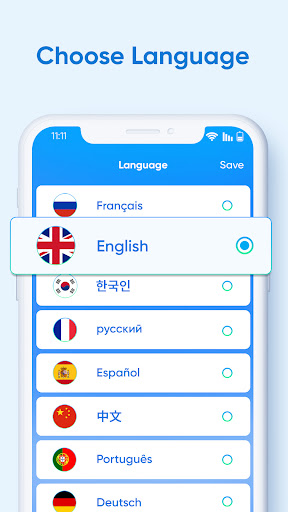
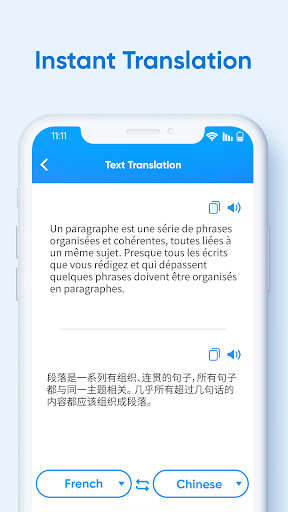
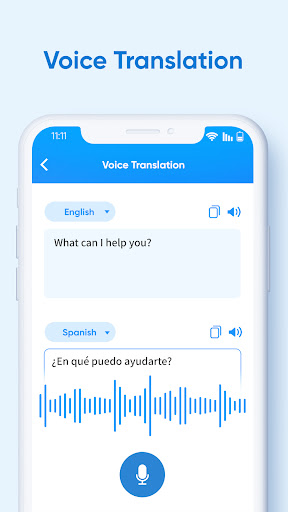
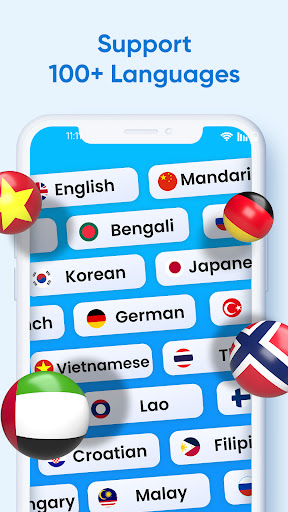
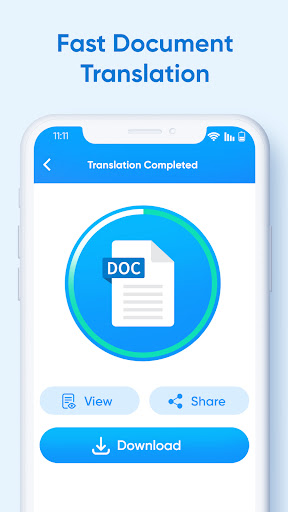
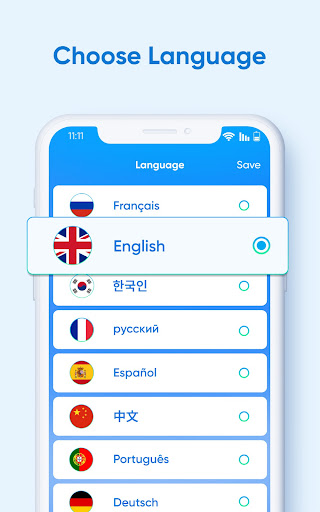
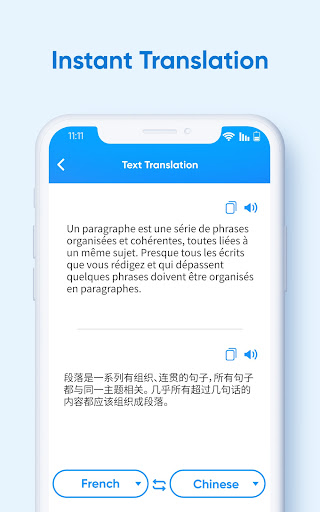
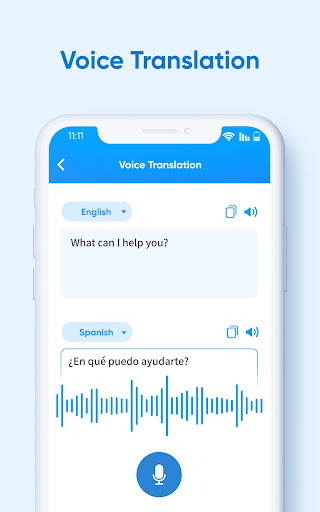
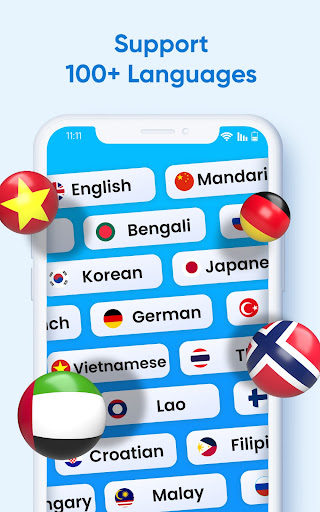
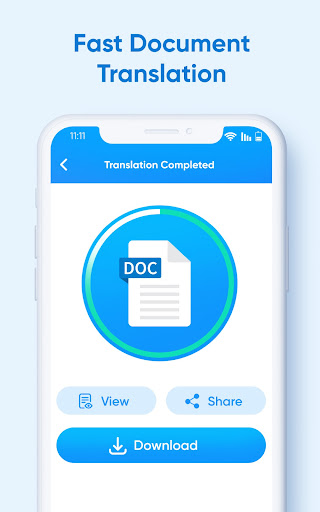
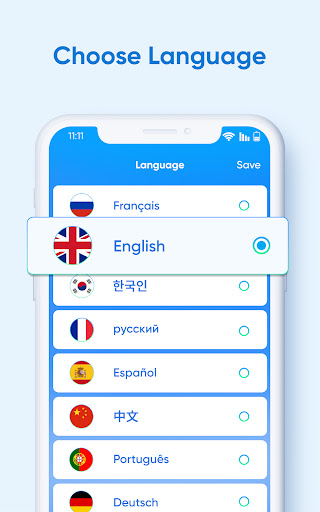
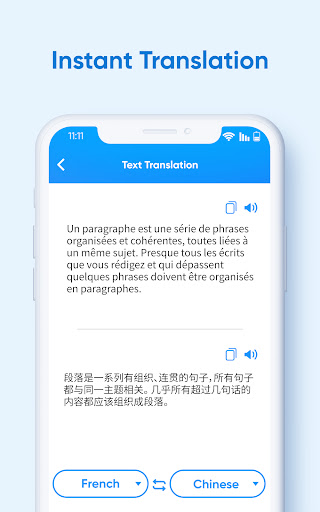
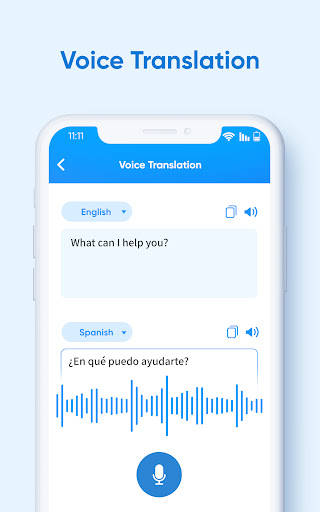
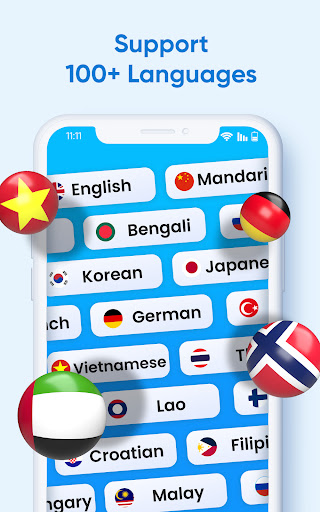
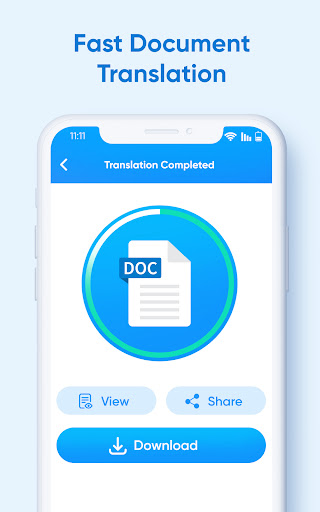
XTranslate is an AI-powered translator that handles text, voice, conversations, photos/camera, on-screen text, and full documents (PDF, DOC, XLS, CSV, slides) while preserving layout. It also includes a basic language-learning coach and supports 100+ languages in a clean, accessible interface.
Verdict
Verdict: A versatile all-in-one translator, especially strong for PDFs and images, though occasional OCR quirks and upgrade prompts may appear.
Who is it for
Best for:
- Students and professionals needing quick PDF/document translations with formatting intact
- Travelers and daily users translating signs, menus, conversations, or on-screen text
- Learners pairing translation with light speaking practice
Not ideal for:
- Power users needing advanced linguistic controls or CAT-tool workflows
- Those requiring guaranteed offline translation or enterprise-tier privacy features
- Users who dislike any ads or freemium upgrade nudges
Real-world User Experience
Users like it:
Consistently praised for accurate, readable translations across formats, including complex layouts like headers and multi-column documents. Users find the interface intuitive, the free tier generous, and the speech/coach features helpful for learning and conversation. Several note it outperforms other apps for their specific needs or languages.
Users complain about:
Occasional OCR artifacts (e.g., black bars, need to crop images) and a brief learning curve for first-time use. Some features require an upgrade and there are ads, though many users consider them manageable.
Is it Worth Paying For?
The free version covers most everyday needs (text, images, many document cases) with ads. Paying may be worthwhile if you frequently process large/complex documents, want higher limits, or prefer an ad-light experience. If your use is occasional, the free tier is likely sufficient.
How it Compares to Alternatives
Compared to Google Translate and Microsoft Translator, XTranslate stands out for full-document (PDF/DOC/XLS) translation with preserved formatting and a built-in on-screen translator. Some users report better outcomes than Google for specific tasks/languages. DeepL is strong for nuanced text in supported languages but offers less integrated camera/screen tools. For broad modality coverage in one app, XTranslate is competitive and convenient.
Summary
XTranslate brings together text, voice, camera, on-screen, and full-document translation in a single, user-friendly app. Its ability to translate PDFs and office files while keeping layout intact is a key strength for students and professionals, and the voice/conversation plus language coach features add everyday and learning value. While there can be occasional OCR hiccups and some features sit behind a paywall, the free tier is capable and ads are generally unobtrusive. If you need a versatile translator that handles documents and images as easily as plain text, XTranslate is an excellent pick.
Ratings
Trending APP












Alternative to this app










