
Copyright 2026 © swekartor. All Rights Reserved.




App Feature
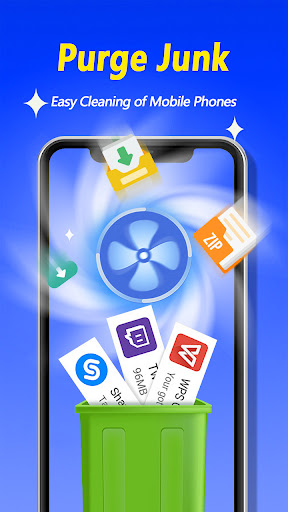
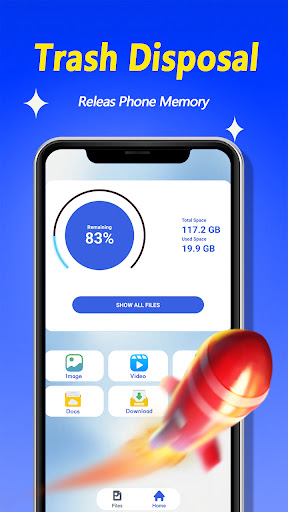
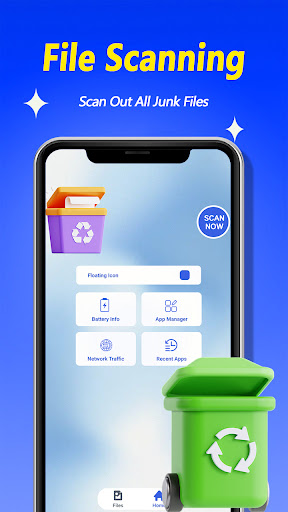
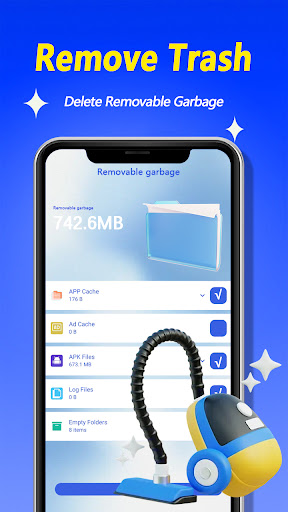
Clean Junk Faster is a free Android utility designed to scan for cache and residual junk files, categorize them clearly, and let you reclaim storage with a single tap via a simple, beginner-friendly interface.
Verdict
Verdict: A straightforward, no-frills cleaner that’s fine for quick storage tidy-ups, but limited for power users seeking deeper controls and consistency.
Who is it for
Best for:
- Users who want a simple, one-tap junk cleanup
- People with low storage who need quick space gains
- Beginners who prefer an easy, uncluttered interface
Not ideal for:
- Power users who want detailed control and automation
- Users expecting robust app management or deep system cleaning
- Anyone sensitive to potential ads or inconsistent results
Real-world User Experience
Users like it:
The interface is intuitive, setup is frictionless, and one-tap cleanup delivers quick storage relief without learning curves—reflected in steady adoption (100K+ downloads).
Users complain about:
With a middling 3.5 rating, feedback suggests mixed reliability, limited advanced features, and the possibility of ads or variable cleanup impact common to lightweight cleaner apps.
Is it Worth Paying For?
The app is free; no paid plans or in‑app purchases are indicated. As a free utility for basic cleanup, it offers decent value without monetary commitment.
How it Compares to Alternatives
Compared to Files by Google, it’s simpler but less comprehensive (no file suggestions, duplicate detection, or robust offline sharing). Against CCleaner, it lacks deeper diagnostics and scheduler options. Versus SD Maid, it’s easier for beginners but offers fewer expert tools and custom rules. Its strength is speed and simplicity; alternatives deliver richer controls and more consistent results.
Summary
Clean Junk Faster focuses on the essentials: scan, categorize, and clear out junk in a couple of taps. Its accessible design and fast cleanup make it a handy option for casual users trying to claw back storage on a cluttered device. The average rating and lightweight feature set hint at trade-offs—potential ads, variable effectiveness, and fewer advanced controls—so it’s best as a quick, free fixer rather than a comprehensive device maintenance suite. If you want deeper insights, scheduling, or power-user tools, consider established alternatives; if you just need quick space relief with minimal fuss, this app fits the bill.
Ratings
Trending APP












Alternative to this app










