
Copyright 2026 © swekartor. All Rights Reserved.



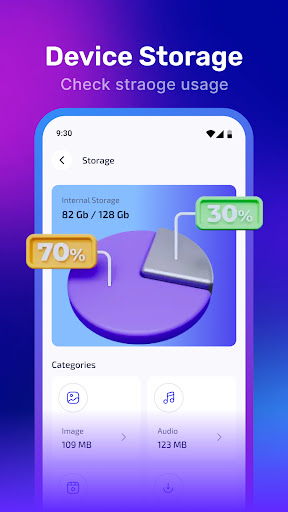
App Feature
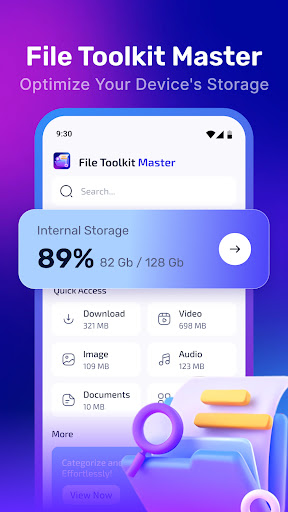
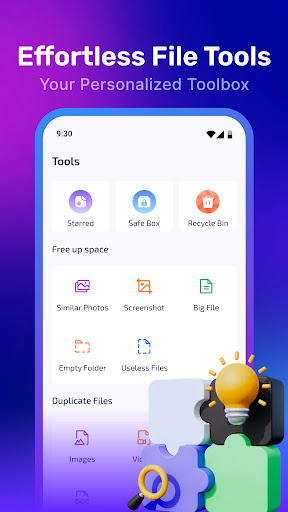
File Toolkit Master is a free file manager focused on simplicity and breadth: it streamlines everyday tasks like browsing, renaming, organizing, searching, and deleting files, and adds cloud storage integration so you can access and manage documents across services through a clean, intuitive interface.
Verdict
Verdict: A capable, easy-to-use file manager for everyday tasks, but power users may outgrow its depth.
Who is it for
Best for:
- Users who want a clean, straightforward file manager
- People managing basic local and cloud files without complexity
- Android users who value quick search and sorting tools
Not ideal for:
- Power users needing advanced features (root, scripting, dual-pane)
- Those requiring extensive network protocols or granular permission control
- Users who demand pro-level customization and automation
Real-world User Experience
Users like it:
Overall sentiment (3.9/5) suggests most find the interface intuitive and the core file operations reliable, appreciating fast search/sort and the convenience of cloud access in one place.
Users complain about:
Given the mid-to-high rating, some users likely report occasional rough edges or wish for more advanced, power-user features compared to top-tier file managers.
Is it Worth Paying For?
The app is free. With no noted in-app purchases, it offers solid value for basic to intermediate file management without a paywall.
How it Compares to Alternatives
Compared to Google Files, it focuses more on traditional file management than cleanup and suggestions; versus Solid Explorer, FX File Explorer, or MiXplorer, it is easier to start with but typically offers fewer advanced capabilities like dual-pane views, root tools, extensive network protocols (SMB/FTP/WebDAV), and deep customization. Its cloud integration is a plus, though heavy cloud users may prefer alternatives with broader provider support and sync controls.
Summary
File Toolkit Master delivers a user-friendly, no-frills file management experience that covers the essentials—browsing, renaming, organizing, deleting, and searching—while adding the practicality of cloud integration. Its clean layout makes navigation quick, and the feature set suits day-to-day tasks for most users. With a 3.9 rating and 100K+ downloads, it appears dependable for general use, though those seeking advanced capabilities (root access, dual-pane workflows, automation, rich network support) may find it limited compared with premium file managers. For a free solution that stays approachable and functional, it’s a sensible pick.
Ratings
Trending APP












Alternative to this app










