
Copyright 2026 © swekartor. All Rights Reserved.


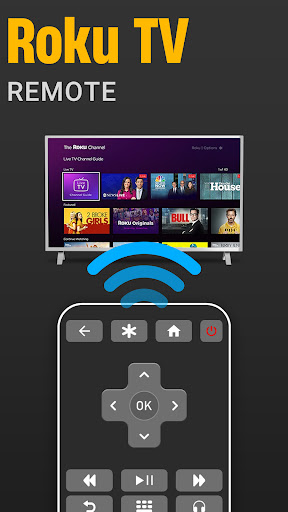
App Feature
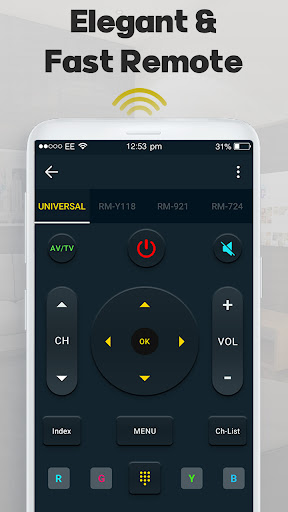
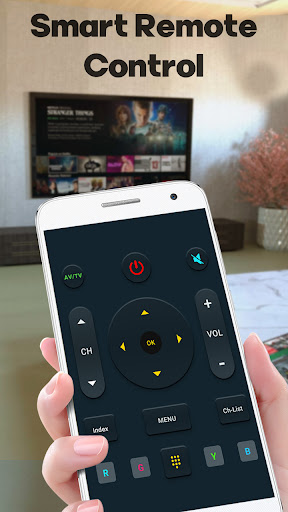
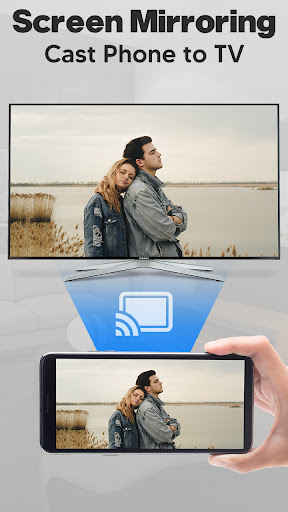
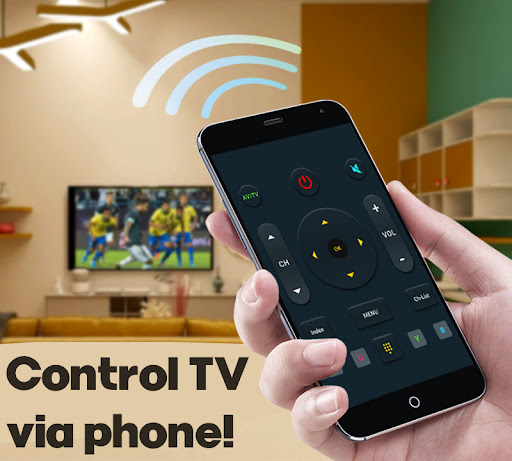
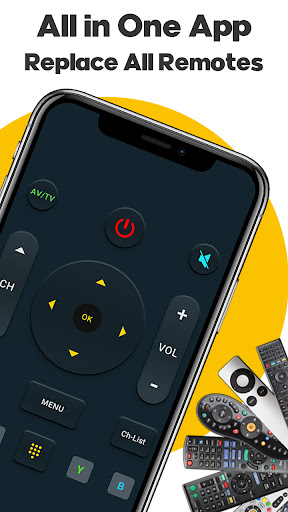
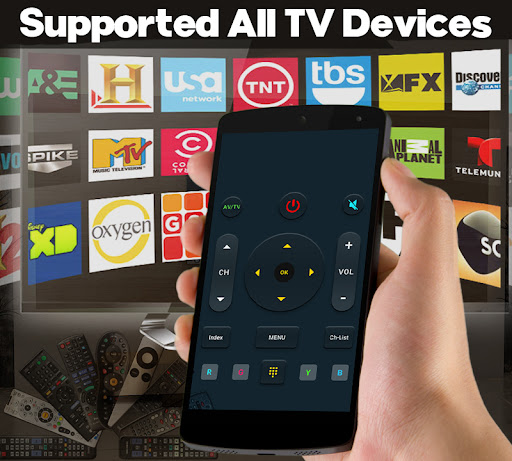
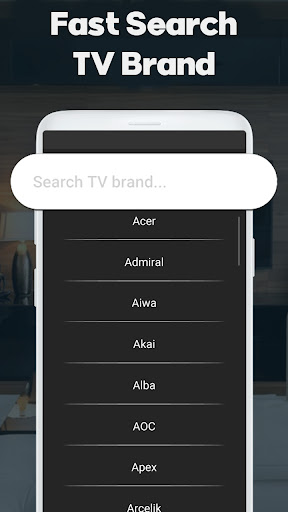
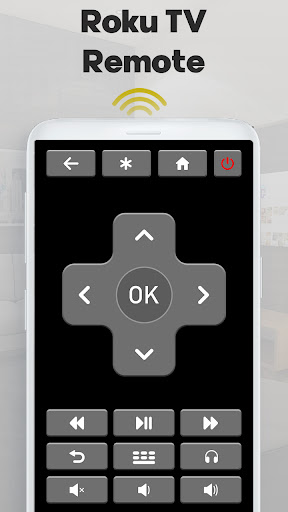
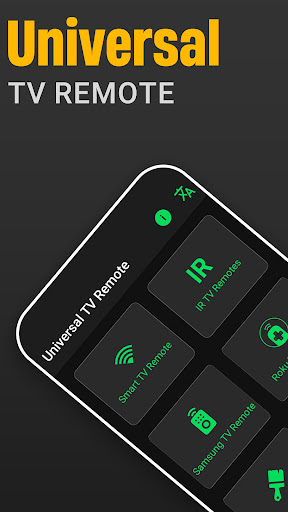
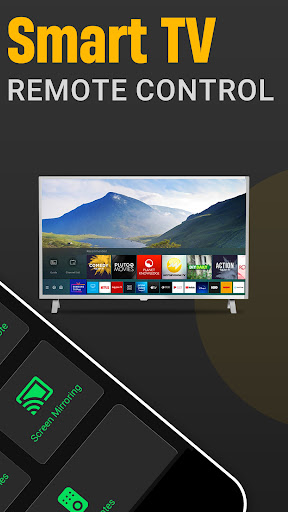
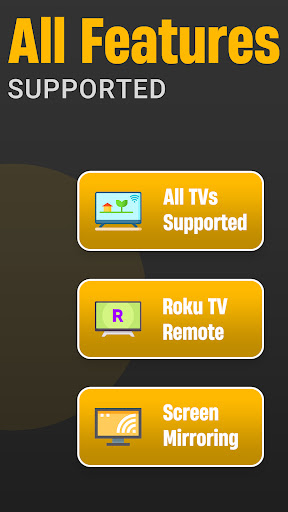
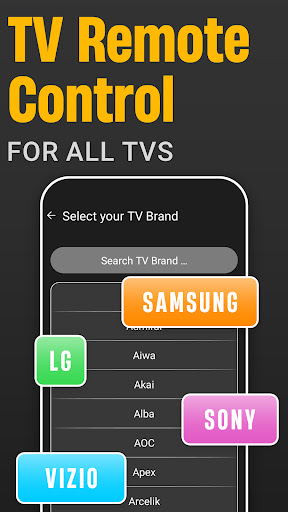
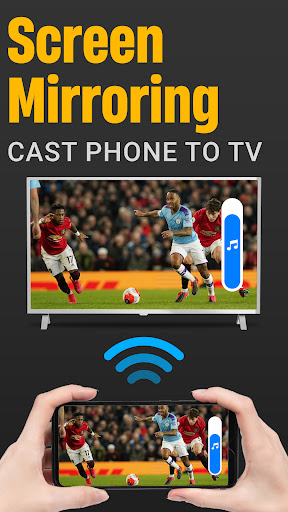
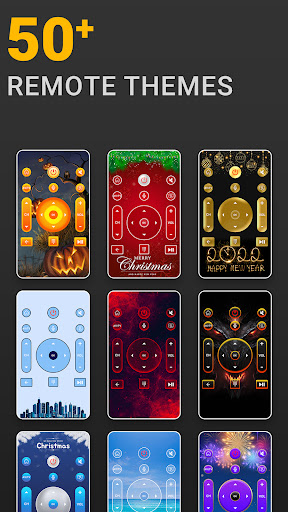
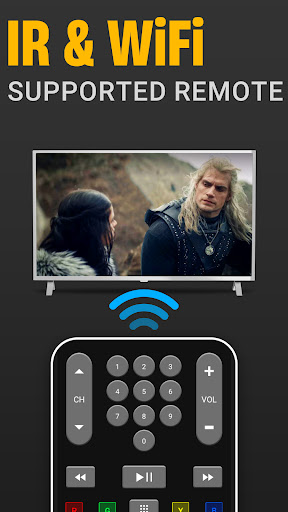
Universal Smart Tv Remote Ctrl turns an Android device into a universal TV remote. It supports most TV brands over Wi‑Fi or IR, offers core controls (power, volume, channels, input), voice commands, gesture navigation, screen mirroring/cast-to-TV, and quality-of-life tools like a virtual keyboard and media browsing from phone to TV.
Verdict
Verdict: A capable all‑in‑one TV remote and casting app that works across many brands, but expect ads and occasional reliability hiccups.
Who is it for
Best for:
- Households that lost/broke the original remote and need an instant replacement
- Users with smart TVs on the same Wi‑Fi who want casting and basic controls
- People with phones that have IR blasters needing legacy TV control
Not ideal for:
- Users who demand rock‑solid reliability without reconnecting or restarting
- Those who dislike persistent ads or prefer fully ad‑free free apps
- Power users needing advanced automation or deep device‑specific settings
Real-world User Experience
Users like it:
Quick, easy pairing and immediate functionality across different TV brands; stable connections for many; simple interface with essential controls; minimal or short ads compared with similar apps; practical alternative when the physical remote is lost or broken; works well over Wi‑Fi and supports casting/screen mirroring.
Users complain about:
Occasional need to close and reopen the app after leaving it; no smooth repeat when holding navigation buttons; persistent bottom banner ads; sporadic connectivity issues in larger spaces or after reopening, sometimes requiring reinstall.
Is it Worth Paying For?
The app is free with ads and offers in‑app purchases. Core remote functions work well without paying. Consider a purchase only if it removes ads or unlocks reliability features you value; otherwise, the free tier is sufficient for most users.
How it Compares to Alternatives
Compared to official remotes (e.g., Google TV, Roku), this covers more TV brands and adds IR support, but may be less polished in reconnection and button repeat. Versus SURE, Mi Remote, or Universal TV remotes, it’s competitive on features (Wi‑Fi + IR, casting, voice) and ad load is reported as lighter than many, though reliability quirks (restart/reconnect) appear more often than in top-tier official apps.
Summary
Universal Smart Tv Remote Ctrl delivers a broad, practical toolkit—universal remote controls, Wi‑Fi/IR support, casting/mirroring, voice commands, and a virtual keyboard—in a single app that’s easy to set up and works with many TVs. User feedback highlights reliable day‑to‑day control and comparatively unobtrusive ads, making it a strong replacement when remotes go missing. The trade‑offs are occasional reconnection issues, the need to restart the app at times, and no smooth button hold for rapid navigation. If you can tolerate light ads and minor reliability hiccups, it’s a versatile, high‑value pick; consider paying only to remove ads if that’s important to you.
Ratings
Trending APP












Alternative to this app










