
Copyright 2026 © swekartor. All Rights Reserved.


App Feature
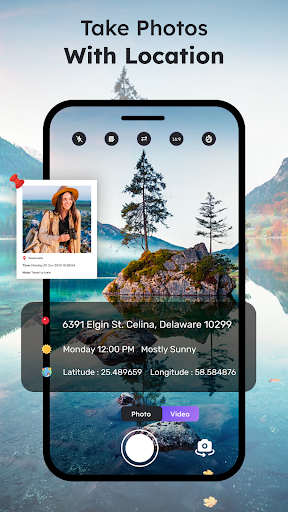
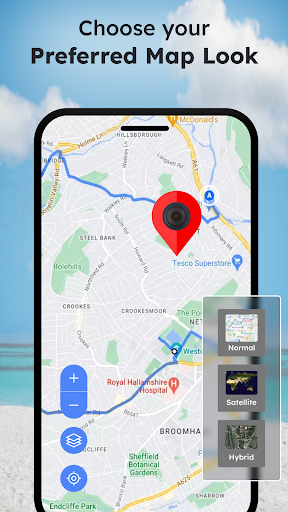
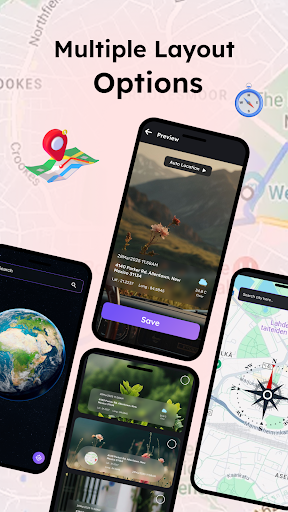
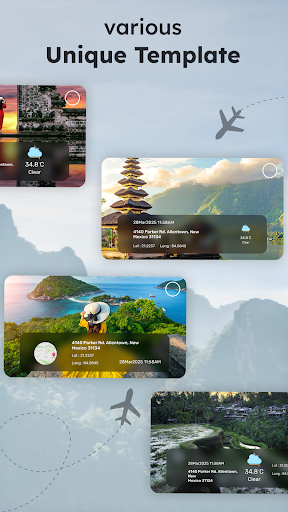
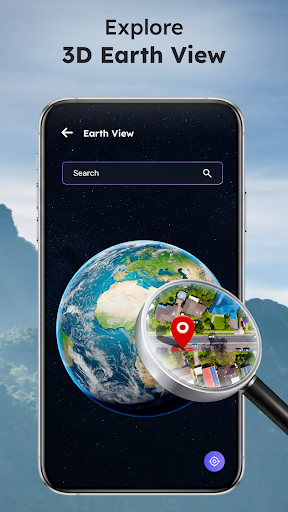
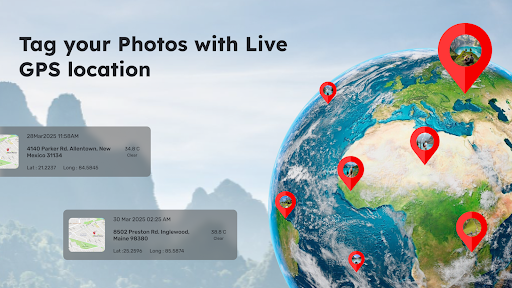
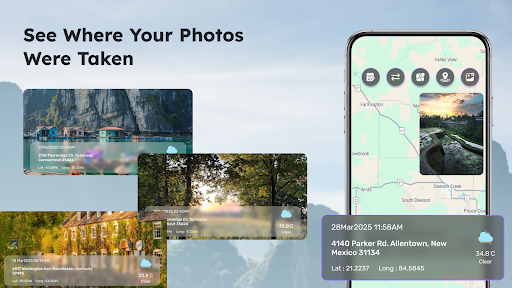
A GPS camera utility that tags photos and videos with precise coordinates, date/time stamps, and customizable overlays. It includes an interactive map to view photo locations, route planning for documenting journeys, compass mode, language switching, and template/grid options for professional or creative use.
Verdict
Verdict: Capable geotag camera for documentation and travel logs, but the experience feels uneven and may frustrate if you need polish.
Who is it for
Best for:
- Field workers, surveyors, and real estate agents needing location-stamped evidence
- Travelers wanting map-based photo logs and route documentation
- Users who value templates and overlays for professional-looking labels
Not ideal for:
- People seeking a highly polished, simple-to-use camera app
- Power users who need advanced manual camera controls or rigorous export workflows
Real-world User Experience
Users like it:
Reports of accurate GPS tagging and distance/direction help; generally seen as useful once set up, with appreciation for its practicality.
Users complain about:
A learning curve and usability friction (“not easy to manipulate”) are noted; limited broader feedback suggests potential rough edges given the modest overall rating.
Is it Worth Paying For?
The app is free with ads and offers in-app purchases. Given the mixed rating, start with the free version to evaluate GPS accuracy, templates, and map/route features on your device. Consider paying only if you rely on the extra templates/routes or want to remove ads and you find the workflow fits your needs.
How it Compares to Alternatives
Compared to alternatives like GPS Map Camera, Timestamp Camera, or using Open Camera with geotagging, this app differentiates with integrated map view, route planner, compass overlay, and template variety. However, rivals often offer smoother UX and clearer pro tiers; if you prioritize stability and straightforward stamping, Timestamp-focused apps may feel simpler, while Open Camera offers stronger manual controls but fewer label/templates out of the box.
Summary
GPS Camera with Time Stamp targets a clear niche: documenting photos and videos with precise location and time while visualizing them on a map and along routes. It adds practical touches—manual/auto tagging, compass mode, and multilingual support—plus templates and grids for professional labeling. Early users praise its accuracy and usefulness for direction/distance, but the interface can be unintuitive and the overall quality feels mixed, reflected in its average rating. If your priority is location-based documentation for work or travel, the feature set is compelling; just expect some onboarding friction and verify performance on your device before considering any paid upgrades.
Ratings
Trending APP












Alternative to this app










