
Copyright 2026 © swekartor. All Rights Reserved.


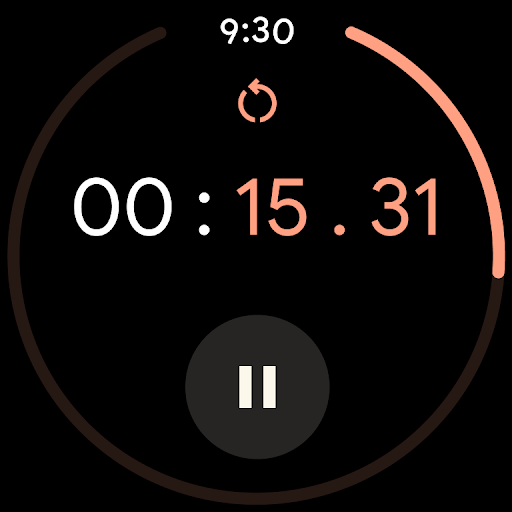
App Feature
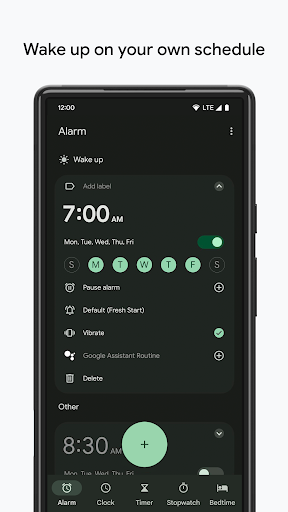
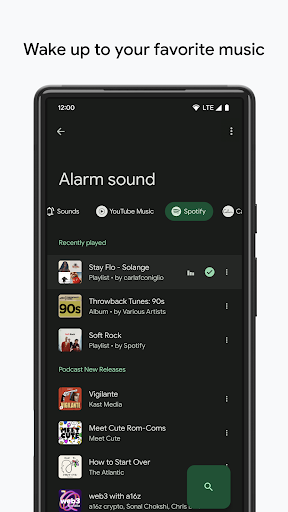
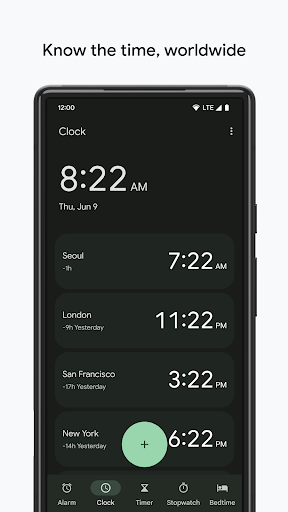
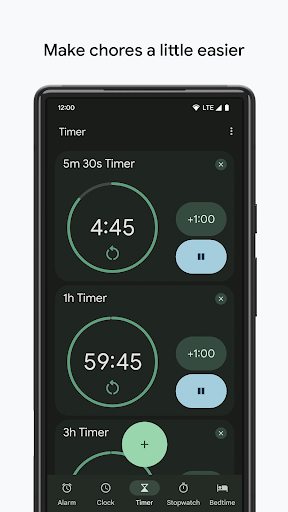
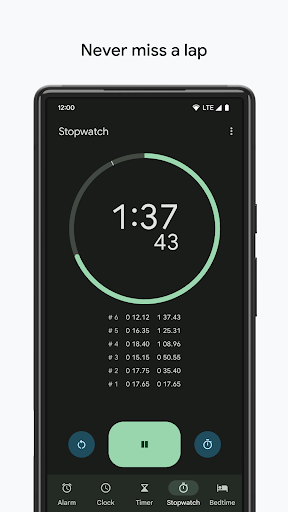
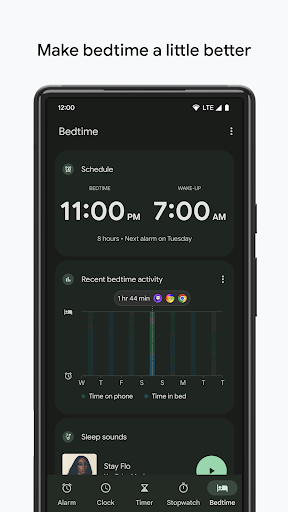
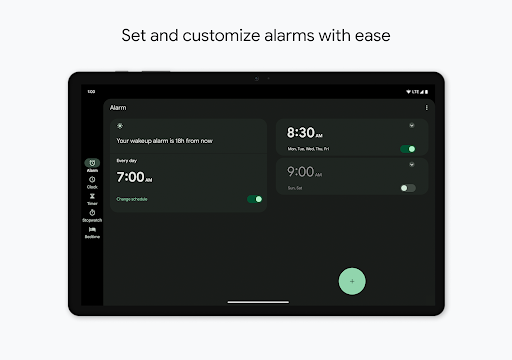
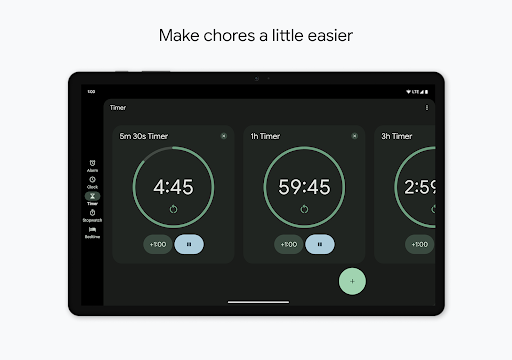
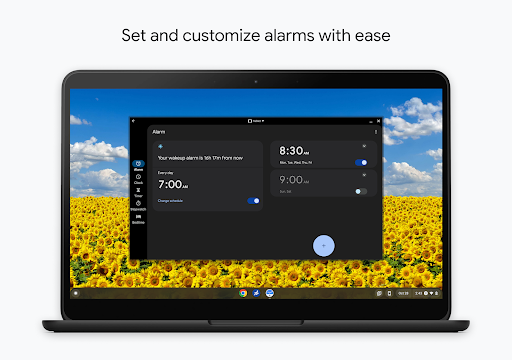
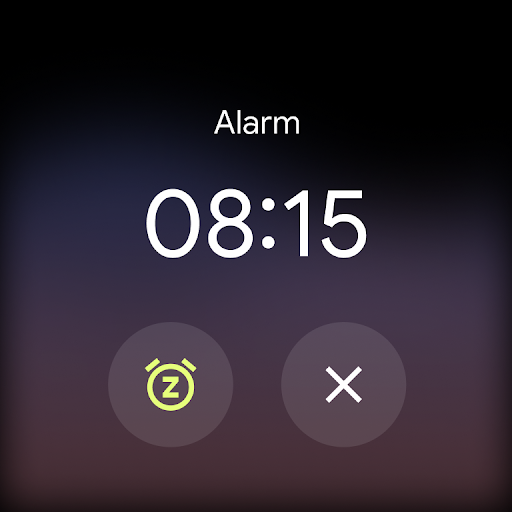
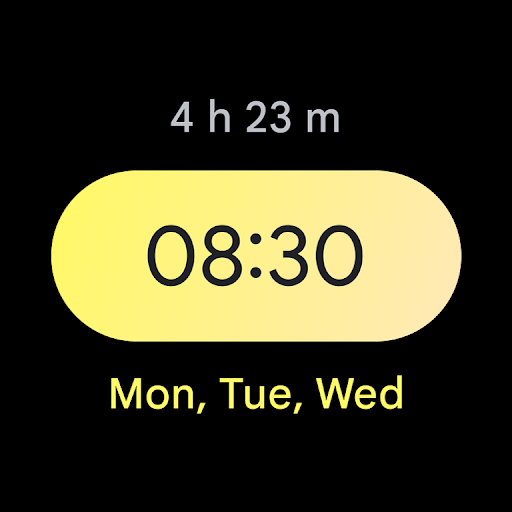
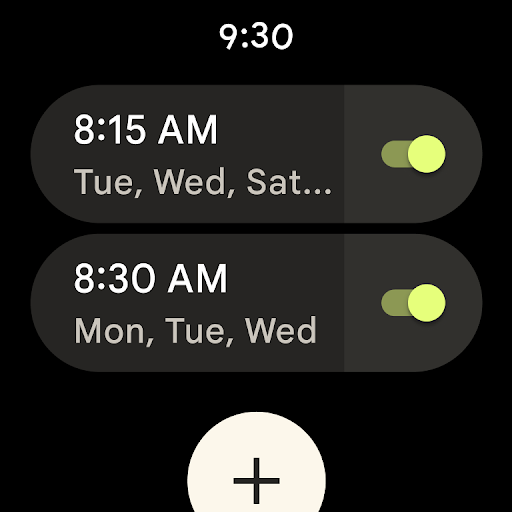
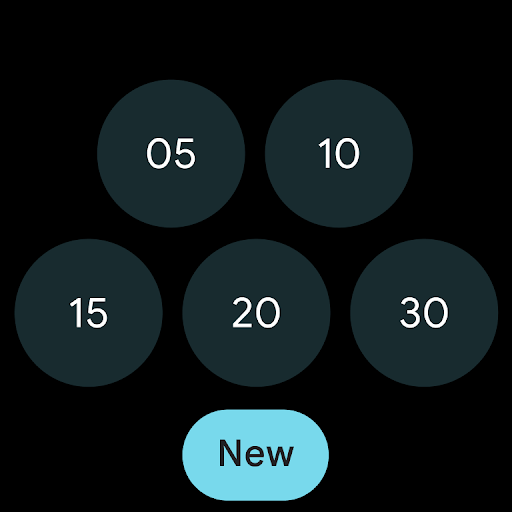
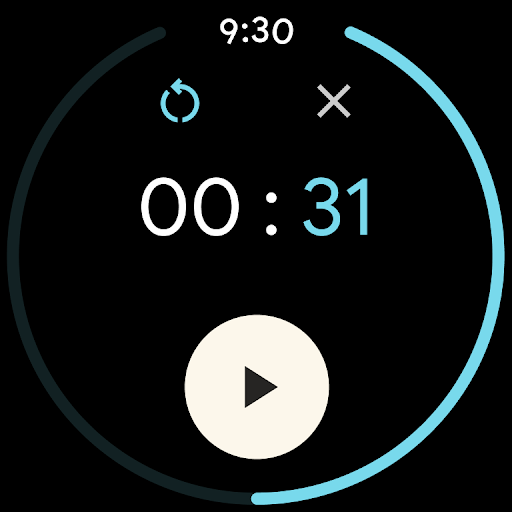
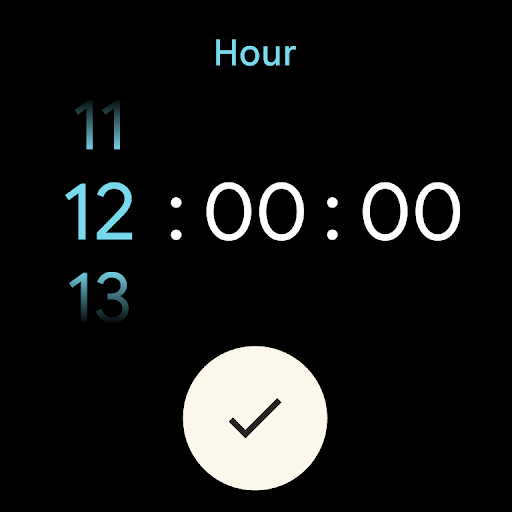
Clock by Google is a free, ad‑free timekeeping suite that bundles alarms, multiple timers, a stopwatch, a world clock, and a bedtime routine with sleep sounds. It offers a clean Material interface, customizable alarm tones and snooze duration, Spotify/YouTube Music wake-up options, calendar peek for upcoming events, and Wear OS tiles/complications.
Verdict
Verdict: A polished, reliable everyday clock and alarm for most Android users, but light on advanced scheduling and power features.
Who is it for
Best for:
- Users who want a simple, trustworthy alarm, timer, and stopwatch with a clean UI
- Android and Wear OS users who value system integration and music alarm options
- People who need a basic bedtime routine with sleep sounds and calendar glance
Not ideal for:
- Users needing complex scheduling (monthly/custom rules) or cross‑device alarm sync
- Heavy tinkerers wanting aggressive wake-up challenges or deep sleep analytics
- Those wanting highly customizable widgets (e.g., second hand, numbered analog face)
Real-world User Experience
Users like it:
Consistently praised for simplicity, reliability, and a visually pleasing interface. Many highlight flexible alarms (naming, snooze length, custom audio), multiple timers, and smooth Spotify/YouTube Music integration for wake-up. Wear OS support and Bedtime features earn points, and several users report years of dependable performance with no missed alarms.
Users complain about:
Requests recur for more control: per-day overrides of recurring alarms, a temporary 'pause all alarms' mode, monthly/custom schedules, time zone converter, and cross-device sync. Some found the new timer UI confusing and disliked a recent font change. A few noted the widget lacks a second hand/numbers, and that alarms can be easy to dismiss too far in advance (or not far enough, capped around two hours).
Is it Worth Paying For?
It’s completely free with no ads and no in‑app purchases; there’s nothing to pay for, and the value for a default clock app is excellent.
How it Compares to Alternatives
Compared to OEM apps like Samsung Clock, Google Clock is cleaner and integrates tightly with Android, Assistant, and Wear OS, but it lacks some OEM niceties and deep customization. Versus Alarmy or I Can’t Wake Up, it’s less aggressive at forcing wakefulness (no puzzle missions). Versus Sleep as Android or Alarm Clock Xtreme, it offers far fewer sleep analytics and automation features but is lighter, simpler, and more stable for everyday use.
Summary
Clock delivers the essentials—alarms, timers, stopwatch, world clock, and a basic bedtime routine—in a refined, fast, and ad‑free package trusted by over a billion installs. Its strengths are reliability, ease of use, and integrations like Spotify/YouTube Music and Wear OS. Power users may miss advanced scheduling (monthly rules, per‑day overrides), cross‑device sync, a richer widget, and more aggressive wake features. If you want a no‑nonsense clock that looks good and just works, it’s a top pick; if you need advanced automation or sleep tracking, consider pairing it with a specialized alternative.
Ratings
Trending APP












Alternative to this app










