
Copyright 2026 © swekartor. All Rights Reserved.



App Feature
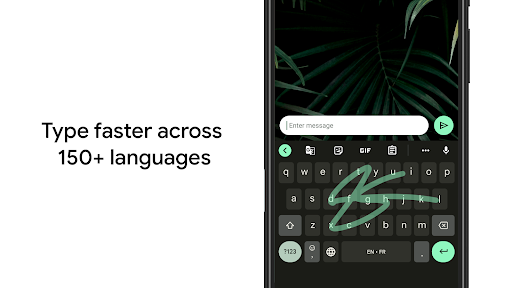
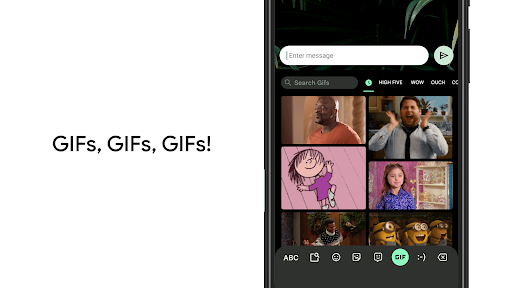
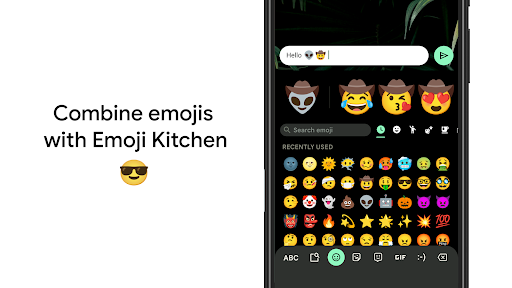
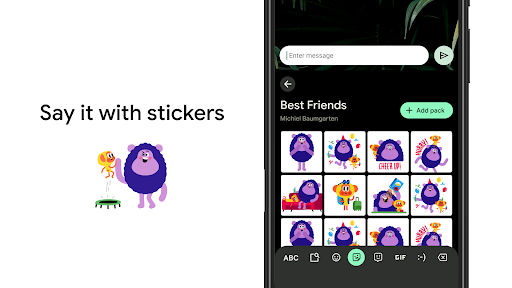
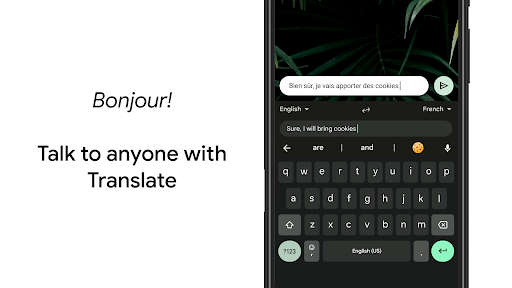
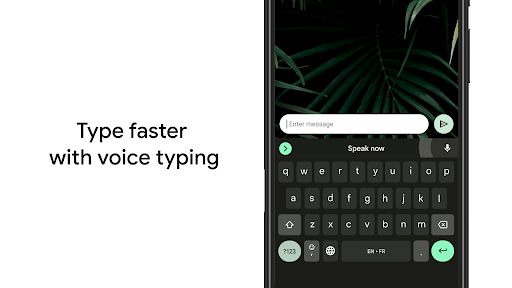
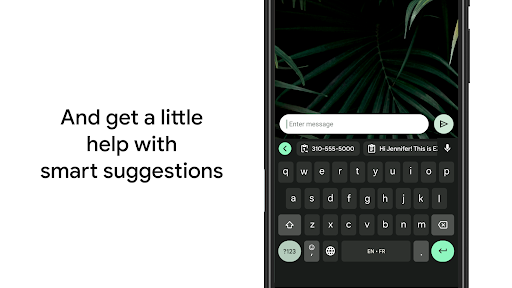
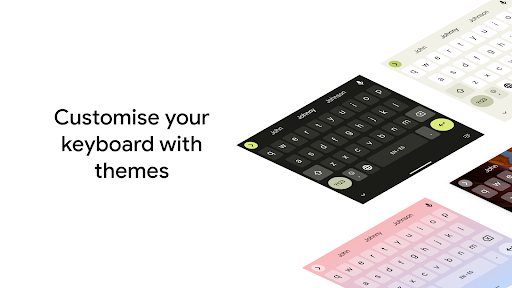
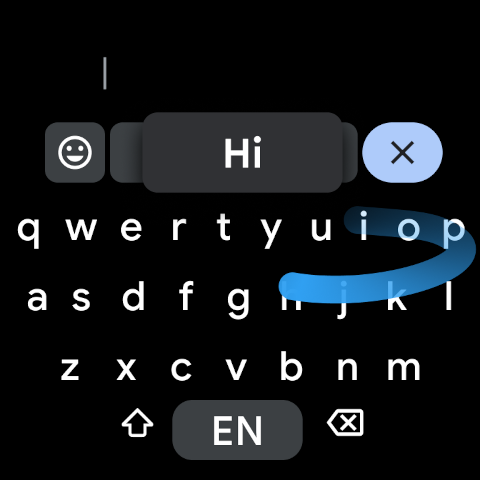
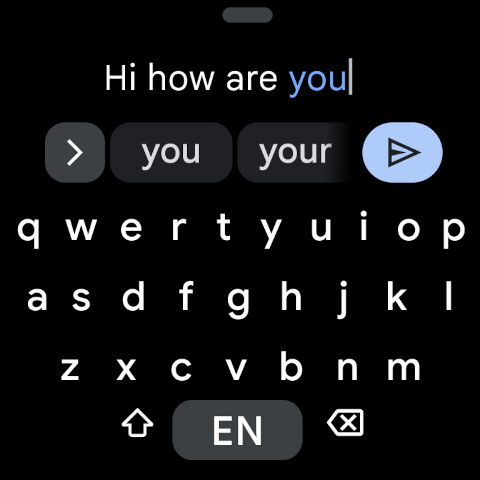
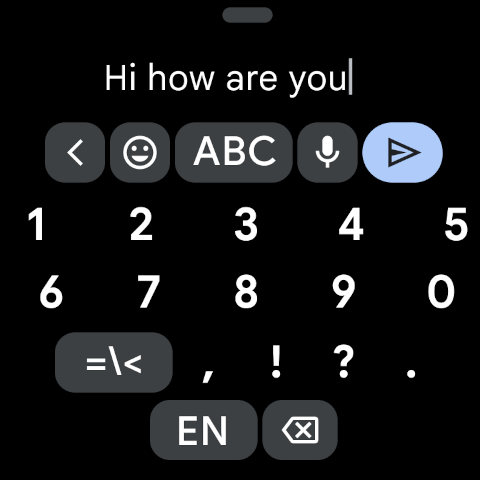
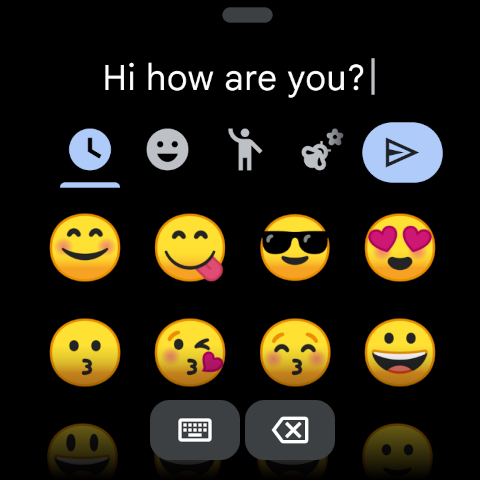
Gboard is Google’s free keyboard focused on fast, accurate, and expressive typing. Core features include Glide Typing, highly accurate voice dictation, handwriting, robust autocorrect and predictions, multilingual typing with on‑the‑fly language detection, built‑in Google Translate, Emoji/GIF search, Emoji Kitchen/stickers, clipboard tools, themes, one‑handed and floating modes, and Wear OS support.
Verdict
Verdict: A polished, versatile keyboard that excels at speed, accuracy, and multilingual convenience, with minor layout and customization trade‑offs.
Who is it for
Best for:
- Users who want fast, reliable typing with strong autocorrect, swipe, and voice input.
- Multilingual typists who need seamless language switching and inline translation.
- People who value rich expression (Emoji/GIFs/Emoji Kitchen) and accessibility options.
Not ideal for:
- Power customizers seeking deep visual/theming tweaks or granular layout changes.
- Users who prefer punctuation always on the main layout without switching (e.g., fewer taps for symbols).
Real-world User Experience
Users like it:
Consistently praised for speed, accuracy, and ease of use; excellent voice typing and swipe input; smart multilingual detection and suggestions; powerful clipboard, floating/one‑handed modes, and adjustable size; fun Emoji Kitchen/stickers and easy access to GIFs; strong accessibility and high‑contrast themes for visually impaired users; reliable performance and quick setup.
Users complain about:
Some layout quirks (period near Return key causing mistaps, punctuation hidden behind '?123'); a desire for more look/visual customization and font options; occasional friction from changed button placement/muscle memory; inline translate word cap limits; a few note larger storage footprint; rare extra suggestion layer when using symbols.
Is it Worth Paying For?
Free with no ads or in‑app purchases—excellent value at zero cost.
How it Compares to Alternatives
Compared to Samsung Keyboard, users report better autocorrect, intuitiveness, and faster setup. Versus SwiftKey, Gboard is seen as more complete for voice dictation, translation, and multilingual flow, though SwiftKey may offer different personalization. Against Apple’s keyboard, Android users highlight Gboard’s richer feature set (Translate, Emoji Kitchen, Glide Typing) and broader customization. Overall, Gboard is often the default choice for reliability and built‑in Google tools.
Summary
Gboard combines speed, accuracy, and Google’s ecosystem strengths into a top‑tier Android keyboard. Glide and voice typing make input fast, while smart multilingual detection and built‑in Translate streamline cross‑language chats. Rich expression via Emoji/GIFs and Emoji Kitchen, plus useful touches like clipboard, floating and one‑handed modes, and extensive theme options, round it out. Reviews highlight excellent accessibility and everyday reliability at scale (billions of installs). Minor gripes center on punctuation access, the period/Return proximity, and a wish for deeper visual customization or higher translate word caps. Given it’s free and ad‑free, Gboard remains the most broadly capable, hassle‑free keyboard choice for most users.
Ratings
Trending APP












Alternative to this app










