
Copyright 2026 © swekartor. All Rights Reserved.



App Feature
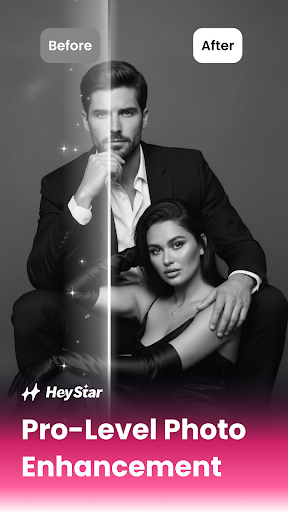
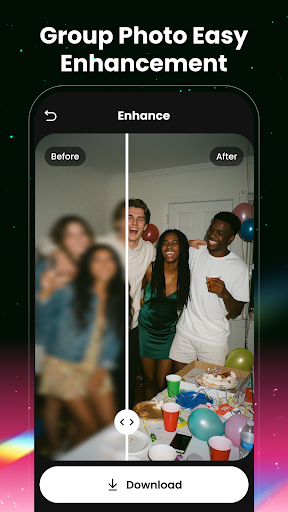
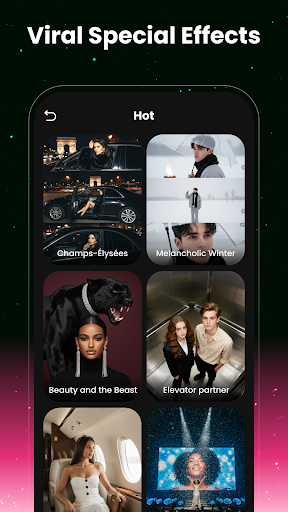
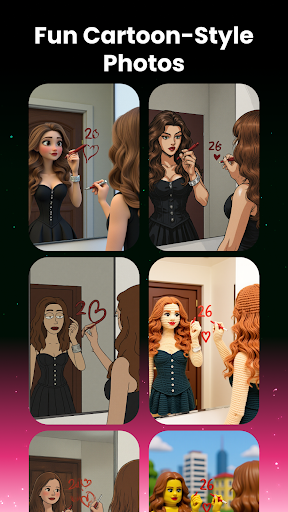
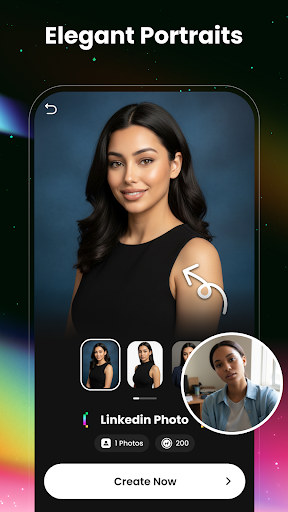
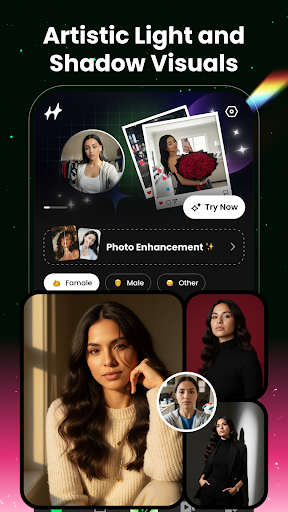
HeyStar is an AI-powered photo enhancement tool focused on one-tap fixes and quick transformations. Core capabilities include AI portrait enhancement (skin tone, exposure, sharpness with manual sliders), AI deblurring for shaky or low-resolution images, restoration and colorization of old photos, an AI eraser to remove objects/people, creative filters/effects (updated daily), and background removal with precise masking and export to transparent PNGs.
Verdict
Verdict: A powerful, easy-to-use AI photo enhancer that delivers impressive one-tap results, best for quick upgrades and social-ready edits but not a full pro editor.
Who is it for
Best for:
- Users who want fast, automatic photo improvements with minimal learning curve
- Social media creators seeking trendy effects, filters, and background swaps
- People restoring old or low-quality portrait photos
Not ideal for:
- Photographers needing deep manual controls and layer-based editing
- Users working with extremely degraded images expecting flawless recovery
Real-world User Experience
Users like it:
Overall high satisfaction (4.5 rating, 100K+ installs) points to strong one-tap enhancement quality, noticeable deblurring, and lifelike portrait improvements. Users appreciate the simple interface, fast results, and the breadth of filters and background tools that make social sharing easy.
Users complain about:
Some users likely encounter inconsistent results on very blurry or complex images (e.g., hair edges, busy backgrounds), occasional over-smoothing on portraits, and paywalled premium features via IAP. Performance may vary on lower-end devices when applying heavier effects.
Is it Worth Paying For?
The app is free with optional in‑app purchases. If you frequently enhance portraits, restore old photos, or want access to premium filters/effects, the IAP can be worth it for time savings and higher-quality outputs. Casual users can achieve solid results on the free tier without committing.
How it Compares to Alternatives
Against Remini, HeyStar is similarly strong at AI upscaling, deblurring, and portrait cleanup, with a friendlier emphasis on background tools and daily filters. Compared to Lensa, HeyStar focuses more on classic enhancement/restoration and object removal rather than stylized AI avatars. Versus Photoshop Express or PicsArt, HeyStar trades deep manual editing and design features for faster, more automatic AI results—great for quick wins, less so for granular control.
Summary
HeyStar packages modern AI enhancement into a fast, approachable toolset that can rescue soft, noisy, or poorly lit photos and elevate portraits with minimal effort. Its strengths are one-tap quality improvements, effective deblurring/restoration, and handy background removal and eraser tools, all wrapped in a simple interface with fresh filters for social sharing. While it won’t replace pro-grade editors for meticulous retouching, it strikes an excellent balance for everyday users and creators who need quick, reliable upgrades—and the optional IAP is most worthwhile if you plan to use its premium effects and enhancements regularly.
Ratings
Trending APP












Alternative to this app










