
Copyright 2026 © swekartor. All Rights Reserved.


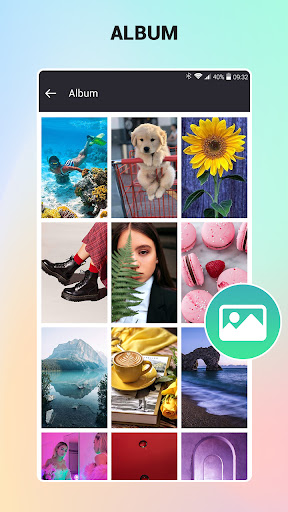
App Feature
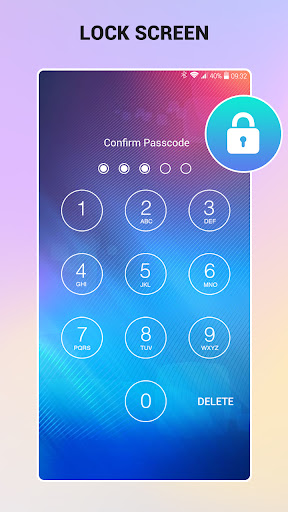
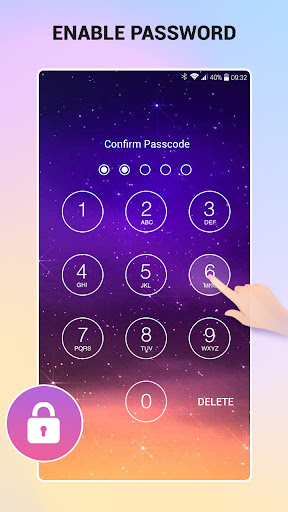
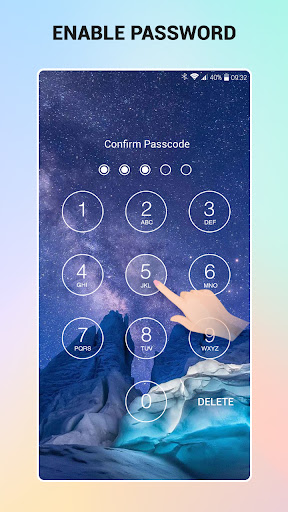
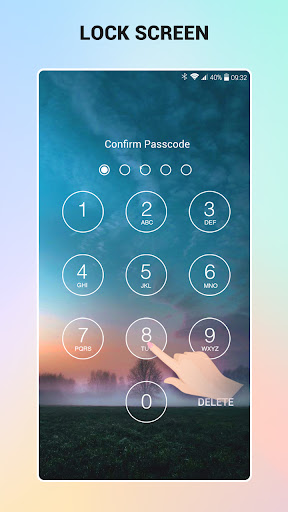
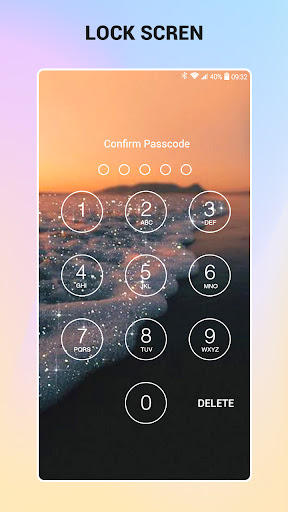
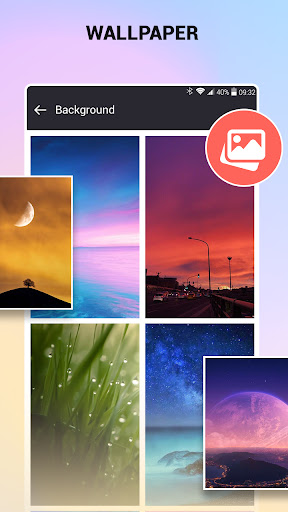
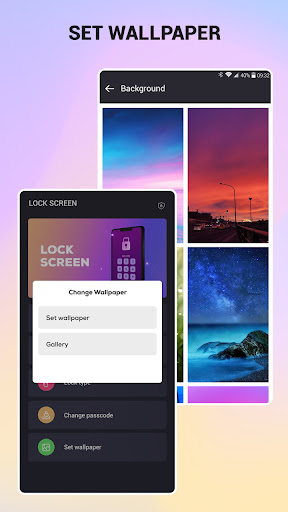
A lightweight keypad lock screen that adds an extra passcode layer, customizable themes/wallpapers, and a screen-off shortcut for devices with faulty power buttons. It focuses on quick setup, large/easy-to-tap digits, optional double-lock with the system PIN, and configurable lockscreen shortcuts.
Verdict
Verdict: A simple, effective third-party keypad lock for extra privacy and fewer accidental 911 dials, best for customization and convenience rather than maximum system-level security.
Who is it for
Best for:
- Users who want a customizable lock screen with big, easy-to-press digits and wallpapers
- People needing a screen-off shortcut (e.g., worn power button) or to reduce accidental emergency calls
- Anyone wanting an extra layer on top of the built‑in lock (double lock)
Not ideal for:
- Security purists who only trust the native Android lockscreen and device encryption
- Users who need advanced options like biometrics, long/complex PINs, or enterprise controls
- Those sensitive to occasional quirks after updates (e.g., needing to re-enable, screen-timeout oddities)
Real-world User Experience
Users like it:
Reliable basic locking with very few glitches, large keypad that’s easy to type on, simple setup, minimal or non-intrusive ads, customizable wallpapers (including personal photos), and reduced accidental emergency calls. Many report it works smoothly for years and pairs well with the system lock to create two layers.
Users complain about:
Some need to re-enable the app after updating other apps; a few report unexpected screen-timeout changes; wallpaper contrast can make numbers hard to see; PIN length options feel limited for some; occasional confusion about uninstalling without using the in‑app option.
Is it Worth Paying For?
The core lock functionality is free and generally ad-light per user feedback. If the app offers IAP to remove ads or unlock additional themes, it’s a reasonable buy only if you want zero ads or extra customization; security-wise, the free version suffices.
How it Compares to Alternatives
Compared to the native Android lockscreen, this app emphasizes customization, simplicity, and an on-screen power shortcut rather than deep OS-level security or biometrics. Versus other third-party lockers, it’s lighter, less ad-heavy, and more stable than many, but lacks advanced features (face/FP integration, granular PIN policies, detailed notifications) found in premium lockscreen suites. It stands out for reliability, keypad clarity, and the emergency-call/pocket-dial mitigation.
Summary
Lock Screen (com.highsecure.lockscreenpasscode) is a straightforward keypad lock that prioritizes ease and customization over cutting-edge security. It offers quick setup, large tap targets, and flexible wallpapers, plus a handy screen-off shortcut that’s great for worn power buttons. Reviewers highlight reliable daily use, minimal ads, and fewer accidental 911 calls, with some minor hiccups like needing to re-enable after updates or odd screen-timeout behavior. Use it as a convenience layer or to double up with the system lock for extra friction; if you need enterprise-grade security or biometric integration, stick to Android’s native lockscreen. For most users wanting a clean, dependable, and customizable lock experience, it’s a solid, free choice, with optional IAP mainly for removing ads or adding themes.
Ratings
Trending APP












Alternative to this app










