
Copyright 2026 © swekartor. All Rights Reserved.



App Feature
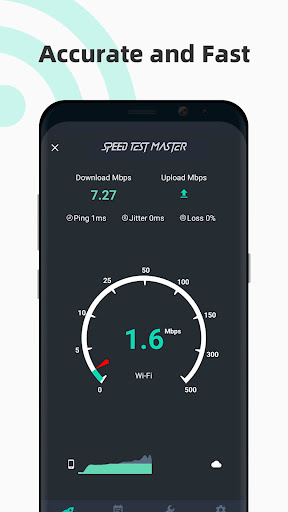
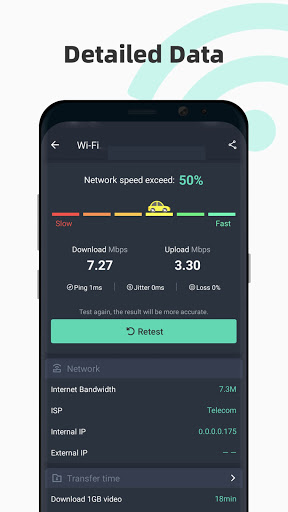
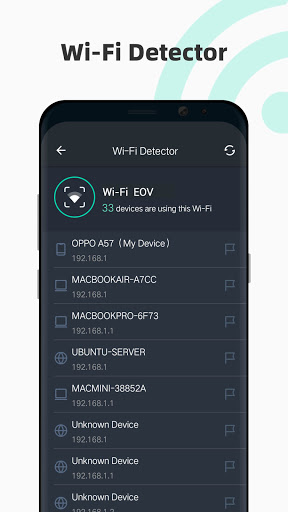
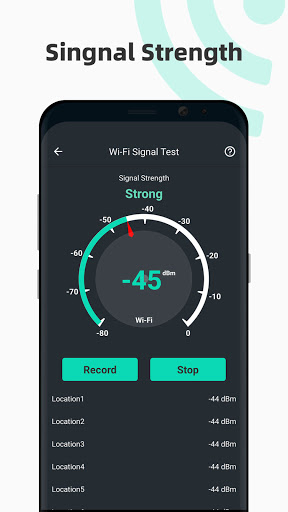
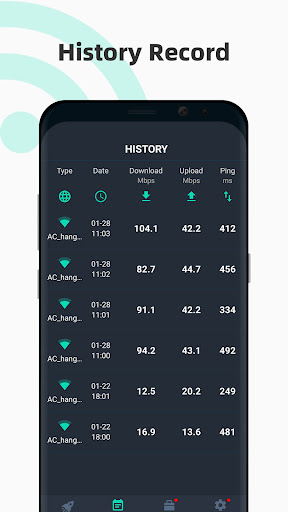
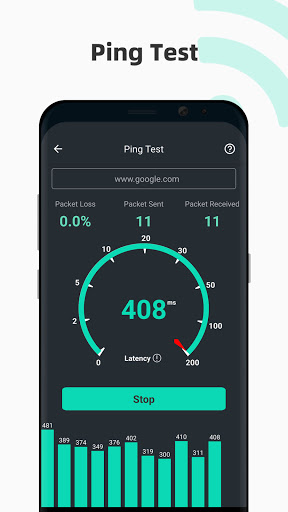
Speed Test Master measures download/upload speeds and ping, diagnoses network stability (latency, jitter, packet loss), and serves as a Wi‑Fi analyzer with signal strength heat-spotting, channel interference insights, and device scanning. It logs historical results, shows real-time speed in the status bar, and includes a data usage manager with alerts.
Verdict
Verdict: A feature-rich, accurate speed and Wi‑Fi analysis app that’s easy to use and ad-supported, ideal for quick tests and basic diagnostics.
Who is it for
Best for:
- Users who want quick, accurate internet speed tests and ping checks
- Home users troubleshooting Wi‑Fi placement, signal strength, and channel congestion
- People tracking ISP performance over time with history and simple visuals
Not ideal for:
- Power users needing lab-grade diagnostics or exportable, professional reports
- Anyone who is extremely ad-averse and unwilling to consider a premium upgrade
Real-world User Experience
Users like it:
Consistently reported accuracy comparable to ISP/technician tests; fast, simple interface with clear tabs and easy-to-understand summaries; useful Wi‑Fi tools (signal strength, channel analysis, device scan) that helped fix real issues; reasonable, mostly post-test ads; perceived better privacy than some competitors; stable performance and handy test history.
Users complain about:
Ads exist (occasionally intrusive for some in the past, e.g., a premium prompt covering the screen, reportedly resolved); minor translation/wording quirks; small variances versus other test apps (generally within ~0.2–0.8 Mbps).
Is it Worth Paying For?
The free version is sufficient for most users: tests are accurate, tools are robust, and ads are generally unobtrusive. Paying to remove ads or unlock any premium conveniences is worthwhile if you run frequent tests or strongly dislike ads, but not necessary for occasional use.
How it Compares to Alternatives
Compared to Speedtest by Ookla, this app feels more utility-oriented with built-in Wi‑Fi analysis (signal strength heat-spotting, channel interference, device scan) and data usage tracking, while still delivering similar speed-test accuracy. Against minimalist options like Fast.com, it offers far more diagnostics and history. Versus advanced analyzers (e.g., nPerf, WiFiman), it’s less technical but easier for everyday users and provides a solid one-stop toolkit.
Summary
Speed Test Master blends reliable speed testing with practical Wi‑Fi diagnostics and data tracking in a clean, approachable package. Users consistently praise its accuracy, the usefulness of features like signal strength mapping and channel analysis, and a straightforward interface that makes interpreting results easy. Ads are present but largely appear after tests, with earlier intrusive issues reportedly addressed; a premium tier can remove ads if needed. If you want a simple, trustworthy way to test speeds, spot Wi‑Fi dead zones, identify interference, and keep a history of results, this app delivers excellent value—especially for free.
Ratings
Trending APP












Alternative to this app










