
Copyright 2026 © swekartor. All Rights Reserved.


App Feature
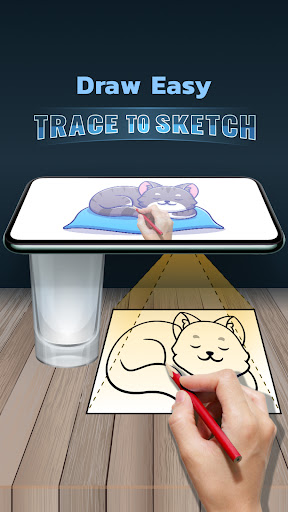
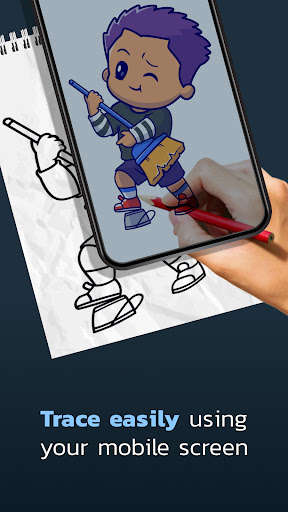
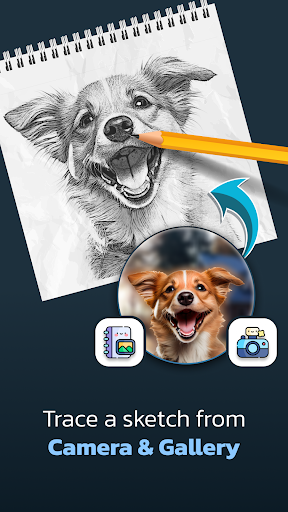
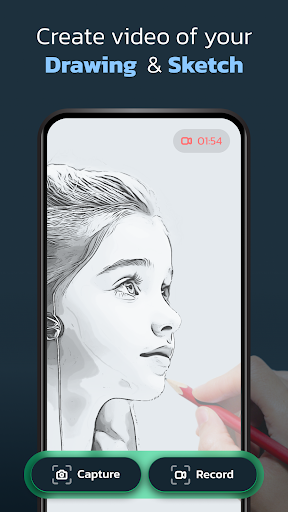
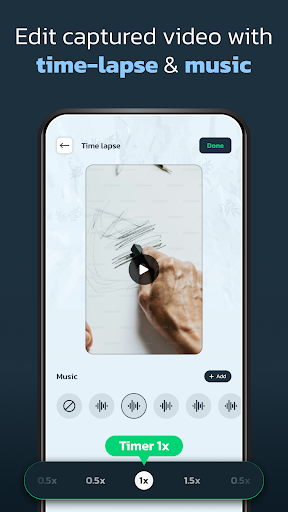
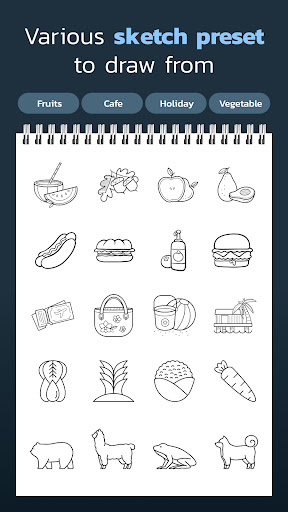
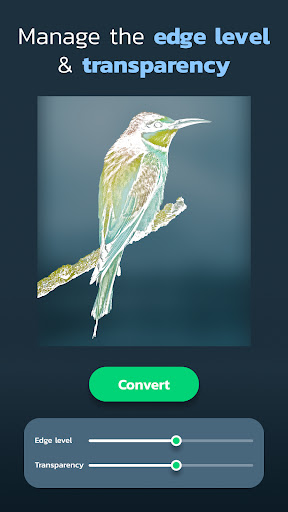
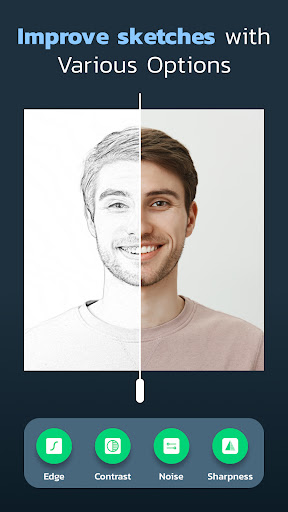
An AR-assisted tracing app that overlays images from your camera or gallery onto real paper so you can trace them, now with AI image generation from text prompts, adjustable transparency, edge/contrast/sharpness/noise filters, and optional photo/video capture with time-lapse and music.
Verdict
A powerful, beginner-friendly AR tracing tool with handy AI and filters, but ad interruptions and occasional camera blur limit polish.
Who is it for
Best for:
- Beginners learning proportions, outlines, and shading via tracing
- Students and hobbyists needing quick line art from photos (notes, crafts, fan art)
- Creators who want to record time-lapses of their drawing process
Not ideal for:
- Artists seeking full-featured digital drawing/painting suites
- Users sensitive to ads or needing perfectly stable AR in all lighting/angles
- Those requiring precise landscape/horizontal workflows and advanced alignment tools
Real-world User Experience
Users like it:
Delivers on its promise: images are easy to place, adjust, and trace; AR overlay feels stable enough to follow; transparency and edge controls help isolate outlines; AI generation and gallery import broaden subjects; time-lapse capture is fun for sharing; useful for quick study notes and kids’ drawings; offline use and multiple languages appreciated.
Users complain about:
Ads appear between actions (e.g., when switching images) and can feel frequent; occasional blur or focus drops when hands obstruct the camera; limited large-scale sizing/landscape support; some users want a one-tap grayscale/B&W mode and clearer onboarding.
Is it Worth Paying For?
The core app is free with ads and optional IAP. If an ad-removal or premium upgrade is offered in your region, it’s likely worth it if you trace frequently or record sessions, as fewer interruptions improve flow. Casual users can stick with the free tier without losing essential functionality.
How it Compares to Alternatives
Compared to other AR tracing apps (e.g., well-known AR sketch aids), Draw Easy stands out with built-in AI image generation, simple filters for cleaner outlines, and integrated time-lapse. Some competitors offer more robust alignment, calibration, and tutorial depth, but often behind pricier paywalls. Draw Easy feels more accessible and lightweight, trading pro-grade controls for speed and ease.
Summary
Draw Easy: Trace to Sketch simplifies learning to draw by projecting photos or AI-generated images onto your workspace for straightforward tracing. Its transparent overlay, edge/contrast/sharpness controls, and quick recording tools make it great for beginners, students, and anyone who wants clean outlines fast. While ads and occasional camera blur can disrupt momentum, the experience is generally stable and effective. If you value a no-fuss workflow with AI variety and time-lapse sharing, it’s an easy recommendation; power users wanting advanced AR calibration and ad-free polish may consider a premium upgrade or explore more specialized alternatives.
Ratings
Trending APP












Alternative to this app










