
Copyright 2026 © swekartor. All Rights Reserved.



App Feature
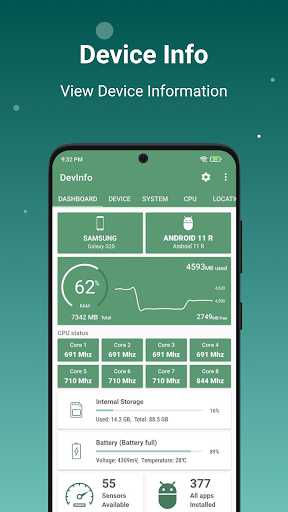
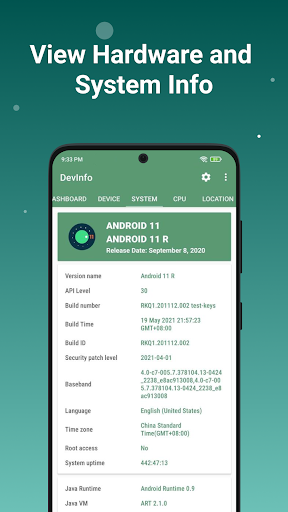
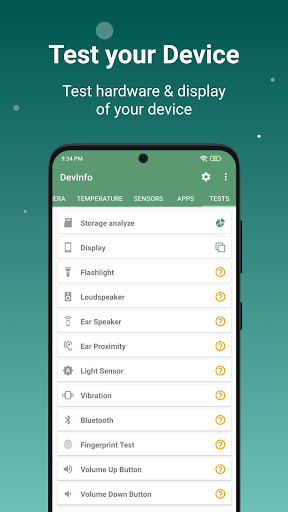
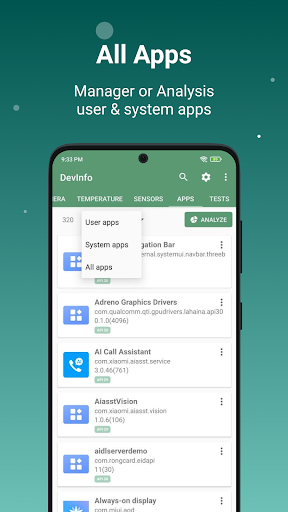
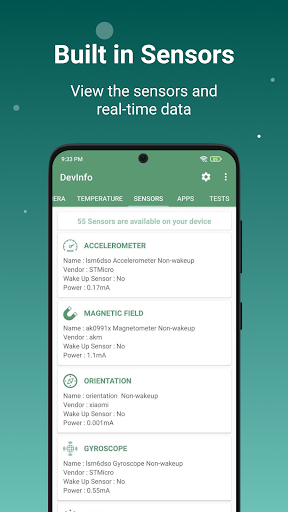
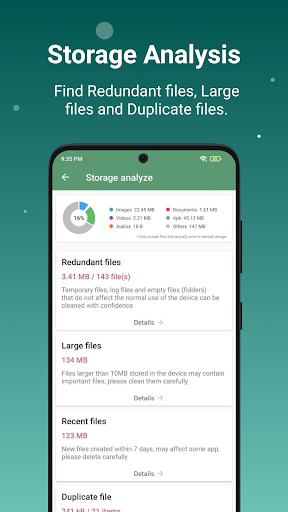
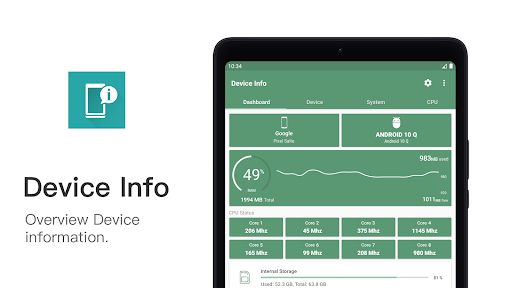
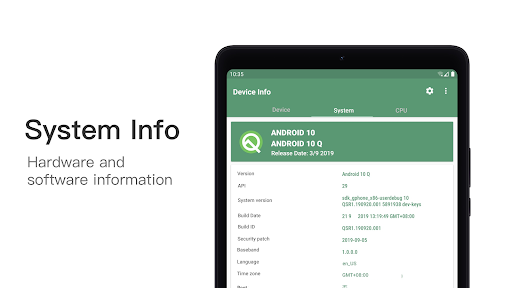
Device Info: View phone info is a comprehensive Android toolkit that surfaces deep hardware, system, and app details, runs hardware and sensor tests, analyzes storage and installed apps, and offers real-time floating monitors for CPU/GPU, RAM, battery, and network. It also includes device IDs, camera and network info, app manifest inspection, basic cleaning (duplicates/empties/large files), and benchmarking.
Verdict
Verdict: A powerful, detail-rich device diagnostics and monitoring suite that shines for enthusiasts, though the ads and information depth may overwhelm casual users.
Who is it for
Best for:
- Power users, technicians, and tinkerers who want exhaustive device metrics and tests
- Gamers and performance-minded users who benefit from floating monitors and benchmarks
- Privacy/security-curious users needing app analyzer details (permissions, SDKs, components)
Not ideal for:
- People who want automatic fixes/optimization rather than diagnostics and insights
- Users who dislike ads or find interstitials confusing to close
- Anyone seeking a super-simple, beginner-only overview without dense technical data
Real-world User Experience
Users like it:
Consistently praised for depth and clarity: extensive phone/system/app info, helpful pop-up explanations, robust app analyzer, storage and duplicate file tools, diverse hardware/sensor tests (incl. multitouch), and a highly useful floating monitor for RAM/CPU/network that works over other apps. Free version is generous, ads are often described as relatively unobtrusive, and widgets/root support add extra value.
Users complain about:
Some report more frequent or confusing ads over time (tricky to close), occasional data inconsistencies (e.g., mobile data status or legacy device info), inability to auto-clean caches due to OS limitations, overwhelming amount of information without guided remediation, rare purchase/upgrade flow errors, and that analysis doesn’t directly ‘fix’ issues.
Is it Worth Paying For?
The free tier is exceptionally capable and sufficient for most. Paying to remove ads and potentially unlock extras (details not clearly stated) makes sense for heavy users who rely on the floating monitor, tests, and app analyzer daily. If ads bother you or you want a cleaner experience, premium is reasonable; otherwise, stick with the free version.
How it Compares to Alternatives
Compared to CPU-Z or AIDA64 on Android, this app adds broader utilities—storage analysis, app manifest/permissions auditing, tests, and floating monitors—making it more of an all-in-one toolkit. Versus DevCheck or System Monitor-style apps, it’s similarly strong on live metrics but distinguishes itself with deeper app analysis and built-in file/duplicate cleaning. If you only want a clean, minimal snapshot, simpler tools may feel lighter; for versatility and diagnostics, this app often offers more under one roof.
Summary
Device Info: View phone info is a comprehensive diagnostics and monitoring app that consolidates hardware/system details, app analysis, benchmarking, storage tools, and real-time floating monitors into a single, capable package. Users love its breadth, clarity, and practical testers, especially for troubleshooting games or verifying device specs and app behavior. The trade-offs are more ads (and occasionally confusing ones), dense information that won’t automatically solve issues, and rare inconsistencies or upgrade hiccups. For enthusiasts and problem-solvers, it’s an outstanding free starting point—with a paid upgrade worth considering to remove ads and streamline daily use.
Ratings
Trending APP












Alternative to this app










