
Copyright 2026 © swekartor. All Rights Reserved.



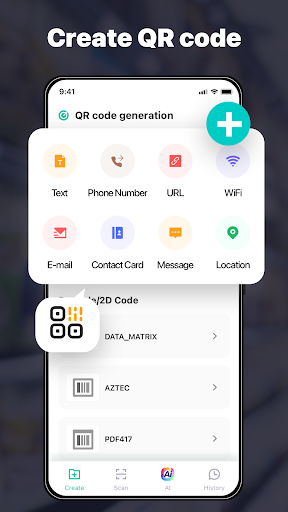
App Feature
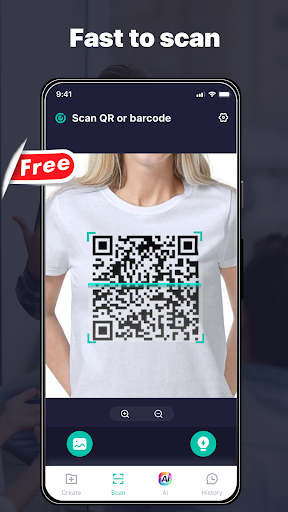
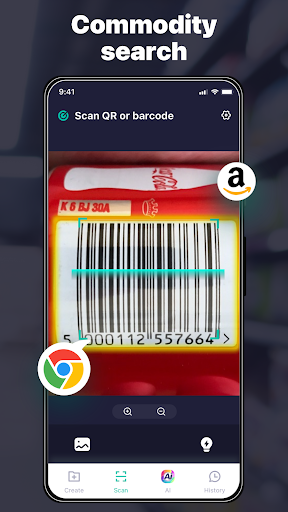
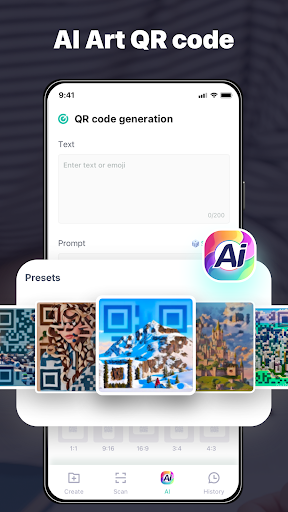
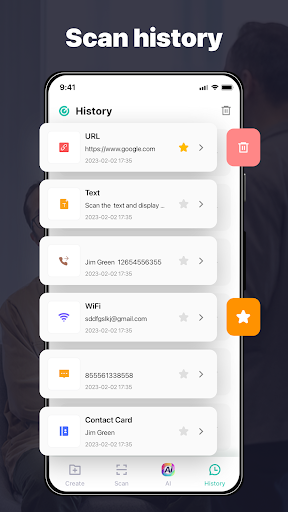
OCR Swift Scanner & AI Art is a free, ad-supported utility that combines text extraction (OCR) from images and documents with AI-powered artistic filters, multi-language recognition, and—per its Play Store page—QR/barcode scanning and QR code creation.
Verdict
Verdict: A versatile, free scanner with fun AI filters, but branding and feature focus feel inconsistent.
Who is it for
Best for:
- Users who need quick OCR across multiple languages
- Anyone wanting a simple QR/barcode scanner and QR creator
- People who enjoy applying AI artistic effects to scans
Not ideal for:
- Power users needing enterprise-grade document management and export workflows
- Those who want a purely professional scanner without creative effects
- Users sensitive to ads or seeking clear, tightly focused app scope
Real-world User Experience
Users like it:
Reviewers describe it as easy to use, visually appealing, and effective for quick checks (even helping spot suspicious content).
Users complain about:
No consistent negatives appear in the limited reviews provided; however, the mixed branding (OCR/AI art vs. QR focus) may confuse expectations.
Is it Worth Paying For?
It’s free with ads and no in‑app purchases. For most users, the current feature set offers good value at no cost.
How it Compares to Alternatives
Compared to Adobe Scan or Microsoft Lens, it’s lighter on document organization, export options, and reliability guarantees but adds playful AI art filters. Versus dedicated QR tools (e.g., Kaspersky QR Scanner), it offers more breadth (OCR and filters) but may be less streamlined for security features or enterprise scanning accuracy.
Summary
OCR Swift Scanner & AI Art blends practical OCR with QR/barcode scanning and creative AI filters in a single, free tool. Its multi-language recognition and straightforward interface make it handy for quick digitization and sharing, while the AI effects add a fun twist. That said, the Play Store listing emphasizes QR functions, which may not align perfectly with the app’s name and advertised features, leading to some expectation mismatch. If you need a no-cost, do‑it‑all scanner for casual use—with occasional artistic flair—this is a solid pick. Professionals needing advanced document workflows or ad‑free reliability may prefer established OCR suites.
Ratings
Trending APP












Alternative to this app










