
Copyright 2026 © swekartor. All Rights Reserved.


App Feature
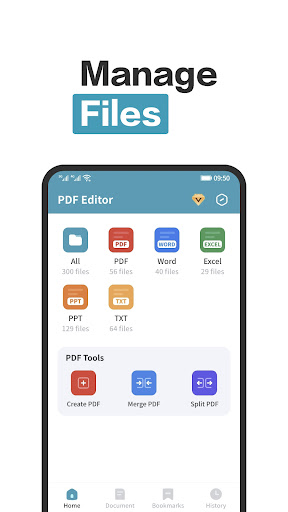
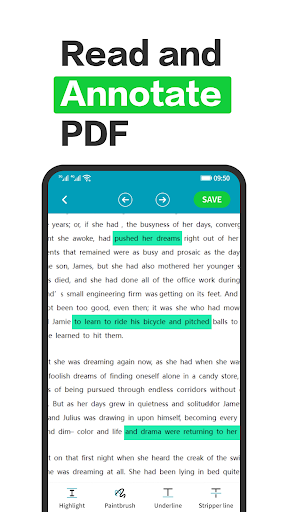
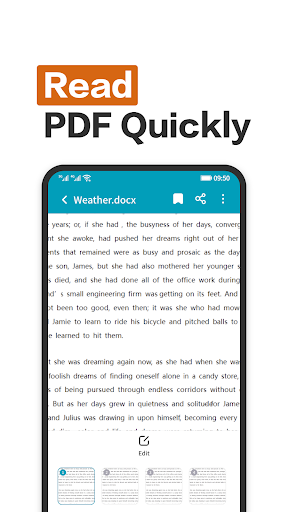
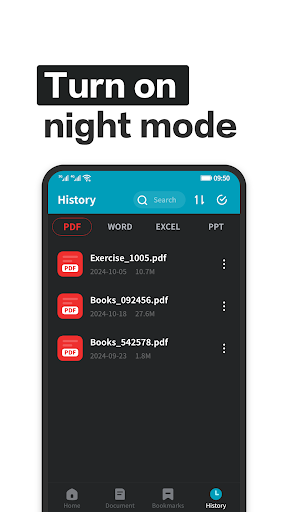
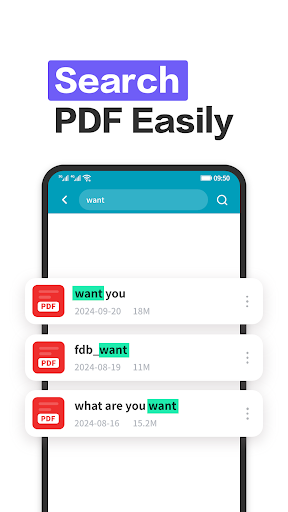
PDF Editor - PDF Reader is a free PDF toolkit focused on quick reading and light-to-moderate editing. It supports annotations, highlights, signatures, and basic content insertion (text, images, shapes), with multi-format viewing (PDF, Word, PPT, Excel) and cloud-friendly, multi-device access.
Verdict
Verdict: A capable, lightweight PDF reader/editor for everyday use, but power users may outgrow its tools and polish.
Who is it for
Best for:
- Students and professionals needing quick reading and basic annotations
- Users who want a simple interface and multi-format document viewing
- People who switch devices and use cloud storage for PDFs
Not ideal for:
- Users requiring advanced PDF editing (form creation, OCR, redaction, batch tools)
- Those who are sensitive to ads or prefer fully offline readers
- Enterprises needing robust security, admin controls, and team workflows
Real-world User Experience
Users like it:
Clean, intuitive interface and straightforward tools for reading, annotating, and signing; convenience of opening system files and handling multiple document formats.
Users complain about:
Presence of ads and potential paywalls for some features; occasional friction around file permissions and reliability expected of mid-tier PDF apps (implied by a 3.9 rating and limited review volume).
Is it Worth Paying For?
The free version should satisfy casual reading and basic edits. If the IAP unlocks an ad-free experience or specific editing tools you use often, it can be good value. However, if you need advanced capabilities (OCR, editing existing text, powerful forms), your money may be better spent on a more full-featured alternative.
How it Compares to Alternatives
Compared with Adobe Acrobat Reader, Xodo, and Foxit, this app emphasizes simplicity and quick access over breadth. Acrobat leads in advanced editing, OCR, and ecosystem; Xodo excels at annotation and collaboration with a strong free tier; Foxit balances performance and pro features. PDF Editor - PDF Reader is lighter and easier to pick up, but trails on deep editing, enterprise-grade features, and long-term polish.
Summary
PDF Editor - PDF Reader delivers a clean, approachable way to read and lightly edit PDFs on the go, with support for popular office formats and convenient access to local system files. Its strengths are simplicity, essential annotation/signing tools, and multi-device friendliness. The trade-offs are ads, potential IAP gating, and a feature ceiling that advanced users will hit quickly. For everyday reading, highlighting, and signatures, it’s a practical choice—if you need pro-level editing, OCR, or enterprise features, consider established alternatives.
Ratings
Trending APP












Alternative to this app










