
Copyright 2026 © swekartor. All Rights Reserved.



App Feature
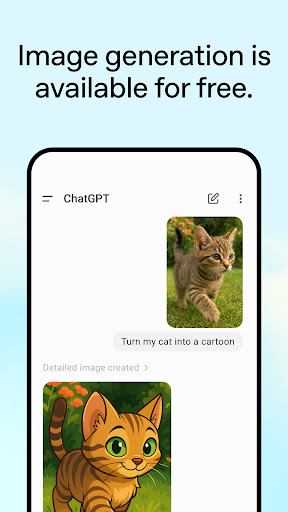
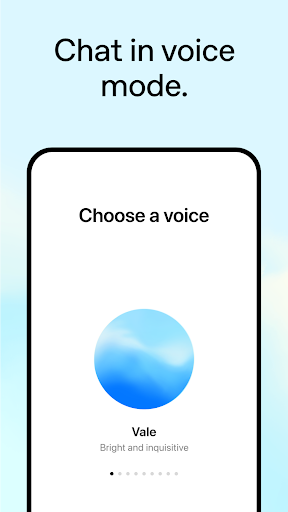
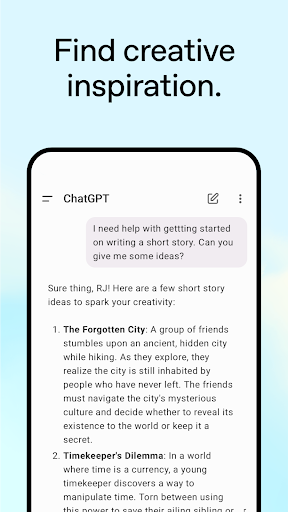
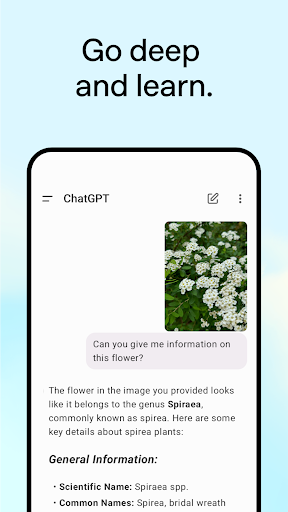
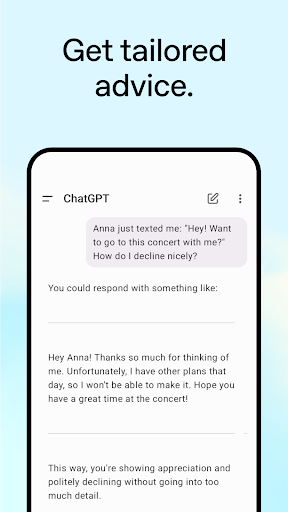
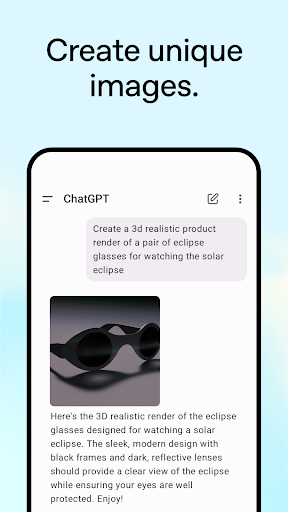
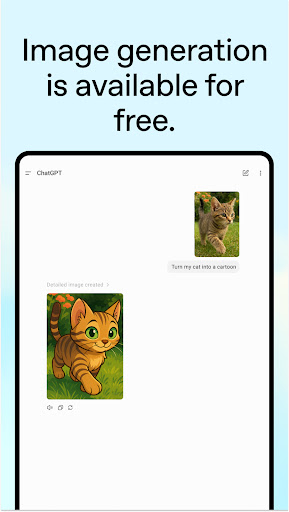
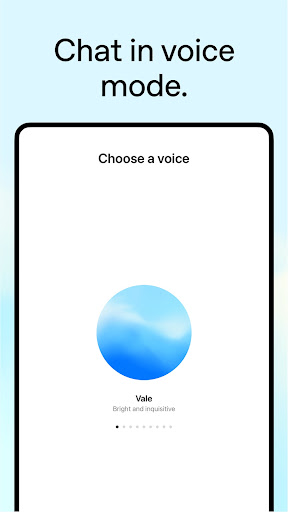
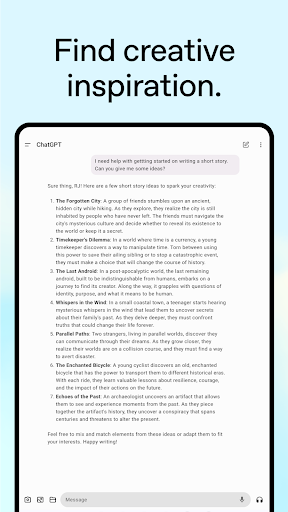
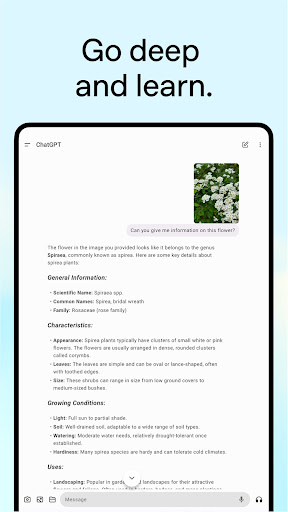
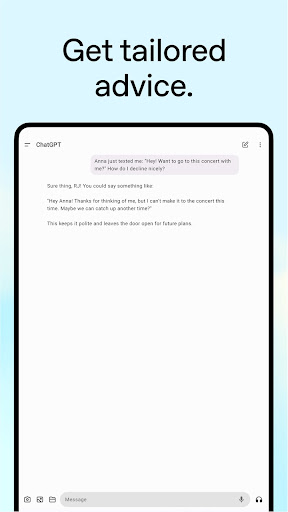
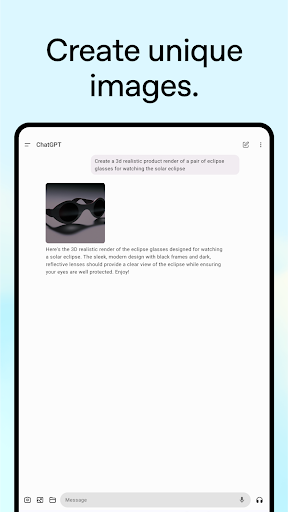
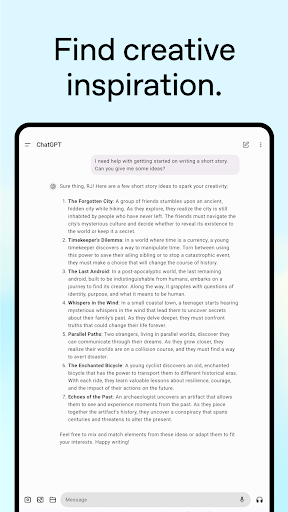
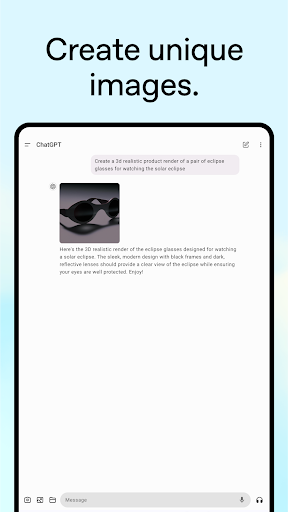
ChatGPT is OpenAI’s official AI assistant for Android that syncs across devices and provides conversational answers, image generation and editing, photo understanding, and voice-based real‑time conversations. It helps with writing, coding, translation, brainstorming, math, and planning, delivering structured, context-aware responses within a simple chat interface.
Verdict
Verdict: A versatile, polished AI assistant for everyday tasks and learning, though some features and higher limits sit behind a paywall.
Who is it for
Best for:
- Students, professionals, and creators seeking fast help with writing, coding, brainstorming, and explanations
- Users who want voice conversations, image generation, and photo-based Q&A in one app
- People who prefer a clean, ad-light chat interface over traditional web searching
Not ideal for:
- Users who require guaranteed real-time, source-linked information or deep web results
- Those wanting tight phone OS controls (timers/alarms/notifications) or offline access to past chats
- Anyone unwilling to accept usage limits or upgrade prompts for advanced features
Real-world User Experience
Users like it:
Fast, easy-to-use interface; strong writing assistance; helpful coding and math support; context retention for longer chats; high-quality brainstorming and learning help; effective voice mode; useful image and photo features; many users report replacing or reducing web searches.
Users complain about:
Some advanced features/limits require a paid upgrade; occasional inaccuracies or overly general answers; limited long‑term memory/personalization; desire for in-chat search and better offline viewing; upload limits; sporadic glitches requiring chat resets.
Is it Worth Paying For?
The free tier is excellent for most daily tasks (writing help, explanations, quick problem-solving). Paying is worthwhile if you need higher usage limits, faster performance, the newest models, and heavier multimodal use. Casual users can stay free; power users and professionals may find premium good value.
How it Compares to Alternatives
Compared with other AI assistants (e.g., Gemini, Microsoft Copilot), ChatGPT stands out for natural conversation quality, structured outputs, and a smooth mobile experience with strong voice and image tools. Competitors may offer tighter search integration, real-time web grounding, or deeper OS hooks, but ChatGPT is often preferred for clarity, consistency, and breadth of creative and coding tasks.
Summary
ChatGPT for Android brings a refined, cross-device AI assistant that excels at writing, brainstorming, coding, translation, math, and planning, now with capable voice conversations, image generation, and photo understanding. Reviews highlight speed, clarity, and useful context handling, with many users relying on it instead of search. Trade‑offs include occasional inaccuracies, limited memory, and some features capped or paywalled, plus requests for better offline viewing and in‑chat search. If you want an all‑purpose assistant that’s simple yet powerful, the free version is already compelling; if you work extensively with AI or hit limits, the paid upgrade meaningfully enhances the experience.
Ratings
Trending APP









Alternative to this app









