
Copyright 2026 © swekartor. All Rights Reserved.





App Feature
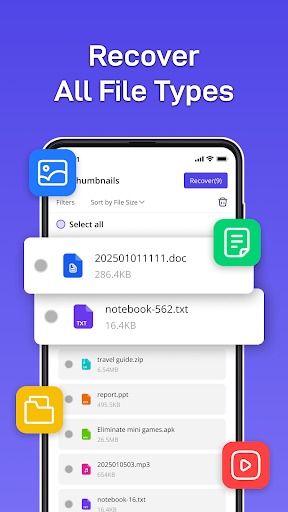
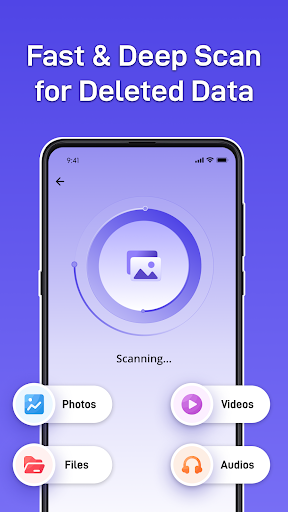
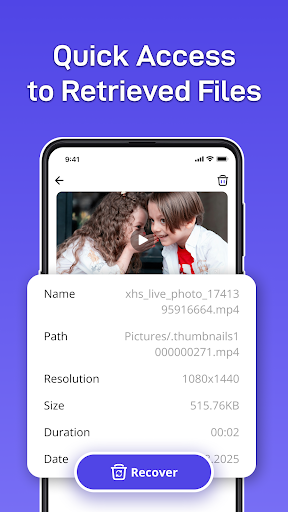
PhotoRecovery & FilesRecovery is a free, ad‑supported Android tool that scans internal storage to recover deleted photos, videos, and documents. It offers quick and deep scans, preview-and-selective restore, multi-format support, duplicate/similar photo detection, and smart large-file/duplicate scanning to help reclaim space—no root required.
Verdict
Verdict: A capable, no-cost recovery utility for everyday mishaps, but results vary and power users may want more advanced controls.
Who is it for
Best for:
- Users who need fast, simple recovery of recently deleted photos/videos
- People who want preview-based, selective restores and duplicate cleaning
- Anyone seeking a free, no‑root tool to tidy storage and attempt basic recovery
Not ideal for:
- Users needing forensic-level recovery or file system imaging
- Those who require guaranteed restoration of long‑deleted or overwritten files
- Ad-averse users who want an ad-free or premium experience
Real-world User Experience
Users like it:
Straightforward interface and quick scans; helpful previews and selective restore; useful duplicate/similar photo detection and large-file scan to free space. Many report successful recovery of recently deleted media without root.
Users complain about:
Mixed success on older/overwritten files; deep scans can be slow; ad interruptions; some devices limit access to certain folders due to Android permissions, leading to incomplete results.
Is it Worth Paying For?
The app is free with ads and no in‑app purchases. There’s no paid tier to assess, so it’s easy to try with zero cost—just be aware of ad-supported interruptions.
How it Compares to Alternatives
Compared with staples like DiskDigger, Dumpster, or EaseUS MobiSaver, this app focuses on a clean UI, quick/deep scans, and selective restore plus duplicate detection. It lacks advanced features some competitors offer (root-assisted deep file system access, cloud backup/versioning, or forensic imaging). Recovery success is similar for non-root, modern Android constraints: best for recent deletions; inconsistent for long‑deleted items.
Summary
PhotoRecovery & FilesRecovery provides a pragmatic balance of speed and simplicity for restoring recently deleted photos, videos, and files, complemented by smart duplicate and large-file detection to reclaim storage. It’s free, requires no root, and includes preview-based selective recovery that helps avoid restoring unwanted items. Like most Android recovery apps without root, results can vary—especially for older or overwritten data—and ads may bother some users. If you want a no-cost first attempt at getting back accidental deletions and tidying storage, it’s a sensible option; for guaranteed or deep forensic recovery, specialized tools or professional services are still preferable.
Ratings
Trending APP












Alternative to this app










