
Copyright 2026 © swekartor. All Rights Reserved.



App Feature
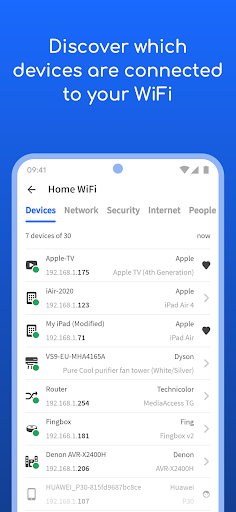
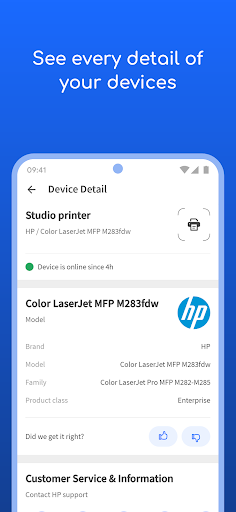
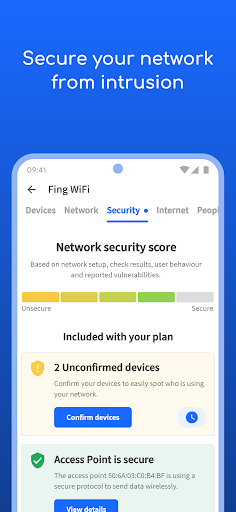
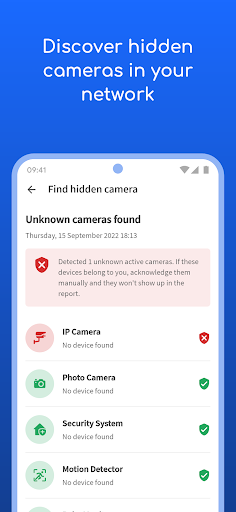
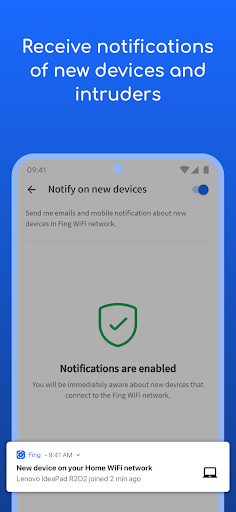
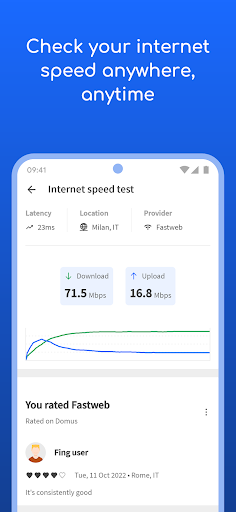
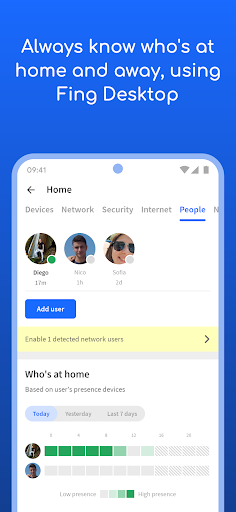
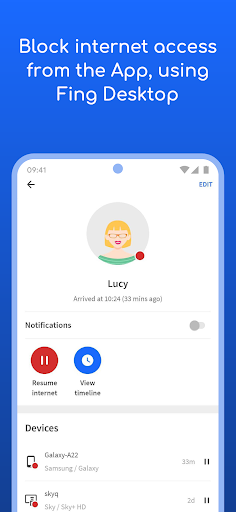
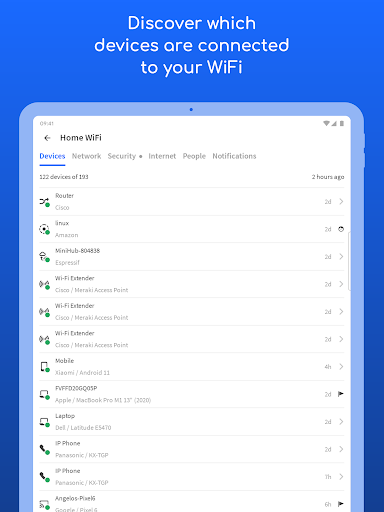
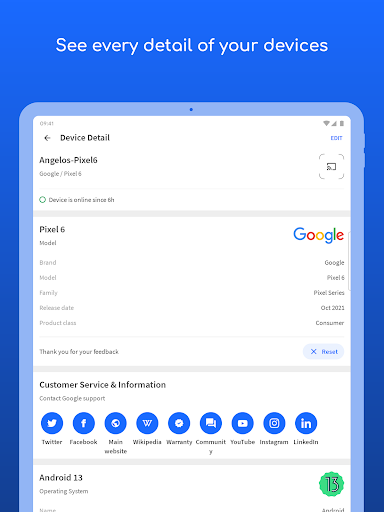
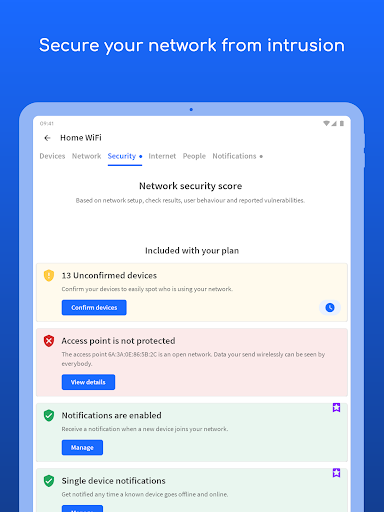
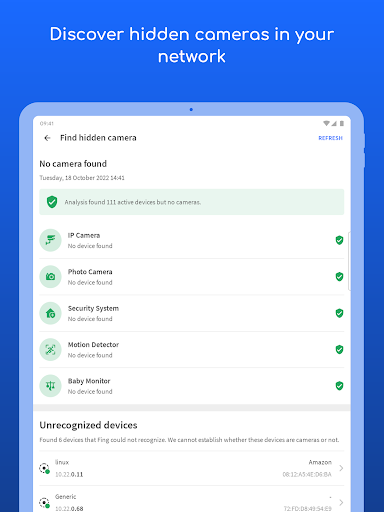
Fing - Network Tools scans your Wi‑Fi/LAN to identify connected devices, runs internet speed tests, and offers advanced diagnostics like port scanning, traceroute, DNS lookup, and vulnerability checks. With optional Fingbox/Pro, it adds presence detection, intruder blocking, parental controls, automated tests, and bandwidth analysis.
Verdict
Verdict: A powerful, user-friendly network scanner ideal for home monitoring, with true pro-grade extras gated behind Fingbox/Pro.
Who is it for
Best for:
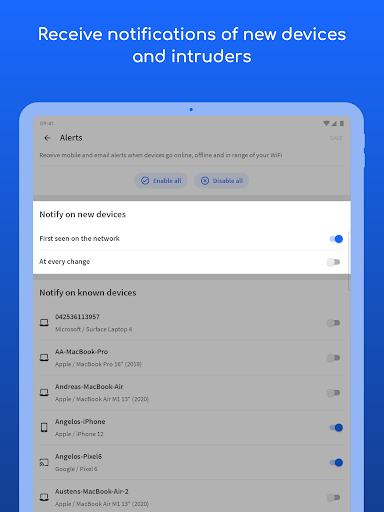
- Home users who want to see every device on their Wi‑Fi and get alerts for new joiners
- Power users/admins needing quick port scans, OS/vendor identification, and diagnostics
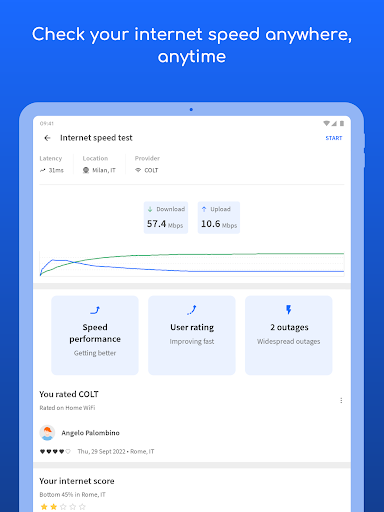
- People benchmarking ISP speed and troubleshooting streaming or coverage issues
Not ideal for:
- Those wanting full router management or deep packet inspection directly in-app
- Privacy purists who dislike location permissions or upgrade prompts
- Environments with strict network isolation/firewalls where discovery results will be limited
Real-world User Experience
Users like it:
Accurate device discovery with clear vendor/OS details, custom naming, and helpful notifications when new devices appear. Interface is clean, intuitive, and ad-free. Developers respond quickly to platform changes (e.g., Android 10 MAC issues). Works great alongside the Fingbox hardware for presence, security, and monitoring.
Users complain about:
Occasional misreporting of device online status, limited visibility on networks with firewalls/isolation, and reduced scanning while on VPN. Requires location for discovery. Some users report frequent upgrade nudges, and the Android app has fewer deep discovery details compared to desktop. Lacks direct router management.
Is it Worth Paying For?
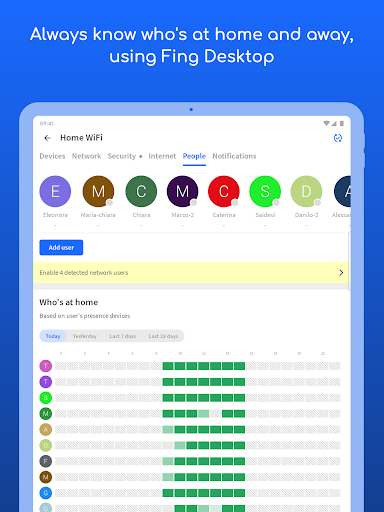
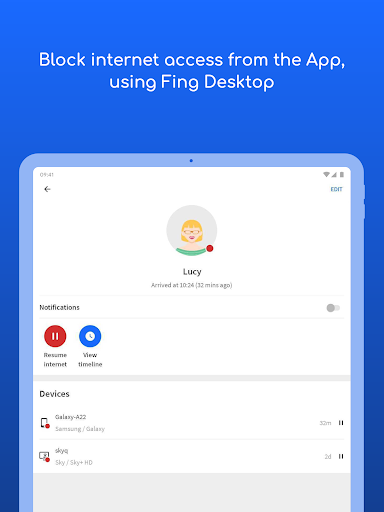
The free app is excellent and sufficient for most users: robust scanning, speed tests, and essential tools without ads. Paying (Fingbox/Pro) makes sense if you want always-on monitoring, automatic intruder blocking, presence detection, parental controls, and automated speed/bandwidth reports; otherwise, the free tier delivers strong value.
How it Compares to Alternatives
Compared to generic network scanners (NetX, Network Analyzer) and router dashboards, Fing stands out for superior device identification, alerting, and a polished UX without ads. Versus nmap/Termux, Fing is far easier and faster for non‑experts, though nmap remains deeper for advanced audits. Ubiquiti’s WiFiman is excellent on Ubiquiti gear, but Fing is vendor‑agnostic and pairs with Fingbox for unique home security features.
Summary
Fing - Network Tools is a top-tier, ad-free network scanner and troubleshooter that identifies every device on your network, runs dependable speed tests, and provides quick diagnostics like ports, ping, and traceroute. Users praise its accurate device recognition, rename/organize options, and instant alerts for new devices, while noting limitations on heavily firewalled networks, occasional status inaccuracies, and location/VPN constraints. The free tier is generous and practical for routine monitoring; the paid Fingbox/Pro ecosystem adds meaningful value for households that want automated security, presence, and performance insights. Overall, it’s a reliable, approachable way to keep tabs on your home network and spot intruders without diving into command-line tools.
Ratings
Trending APP












Alternative to this app










