
Copyright 2026 © swekartor. All Rights Reserved.



App Feature
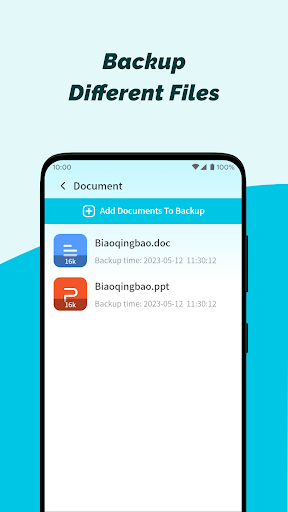
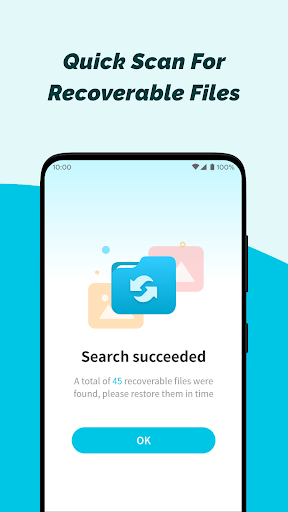
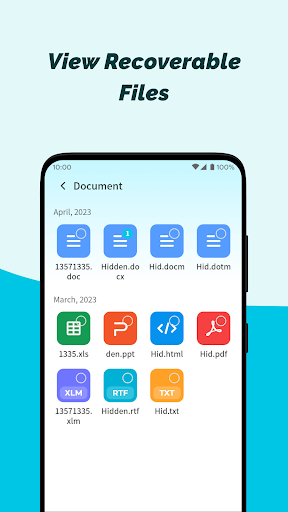
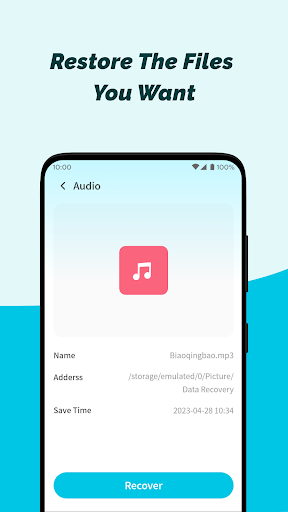
Photo Recovery-File Recovery is a free, ad-supported Android tool that scans local storage to restore deleted photos, videos, audio, and documents. It emphasizes a clean, beginner-friendly interface, broad file-type support, and on-device processing, while noting recovery success varies by device, file system state, and cannot reverse factory resets.
Verdict
Verdict: A straightforward, beginner-friendly file recovery app that works for simple deletions but lacks advanced, forensic-grade recovery features.
Who is it for
Best for:
- Users who need quick recovery of recently deleted photos or media
- People who prefer a simple, guided interface with no technical setup
- Privacy-conscious users who want local-only scanning
Not ideal for:
- Power users needing deep scans, raw partition recovery, or root-level tools
- Those expecting guaranteed recovery after factory resets or heavy overwrites
- Users who dislike ads or session limits (e.g., capped restores per visit)
Real-world User Experience
Users like it:
Reports of successfully recovering mistakenly deleted videos and photos; users praise the simplicity, accessibility, and speed of getting key files back.
Users complain about:
A cap on how many items can be restored per session (e.g., 10 pictures) and the inherent variability of results common to mobile recovery tools; presence of ads.
Is it Worth Paying For?
It’s free with ads and lists no in-app purchases; there’s nothing to buy. Value is good for basic, no-cost recovery, provided you can tolerate ads and possible per-session limits.
How it Compares to Alternatives
Compared to alternatives like DiskDigger, Dumpster, or EaseUS-style recovery tools, this app focuses on quick, local scans with a very simple UI. It lacks more advanced options some competitors offer (e.g., deeper scan modes, richer filtering, cloud backup/versioning, or root-assisted recovery), but in exchange it’s easy to operate and suitable for basic photo/video restoration.
Summary
Photo Recovery-File Recovery offers an accessible, on-device way to scan and restore deleted photos, videos, audio, and files. Its clean design and step-by-step flow make it approachable for non-technical users, and real-world feedback shows it can rescue accidentally deleted media. Like most mobile recovery apps, results aren’t guaranteed and are limited after factory resets or significant data overwrites. The free, ad-supported model is attractive, though some users may find the per-session recovery cap and ads limiting. If you need fast, simple recovery for recent deletions, it’s a practical choice; if you require deep forensic recovery or advanced options, consider more feature-rich alternatives.
Ratings
Trending APP












Alternative to this app










