
Copyright 2026 © swekartor. All Rights Reserved.




App Feature
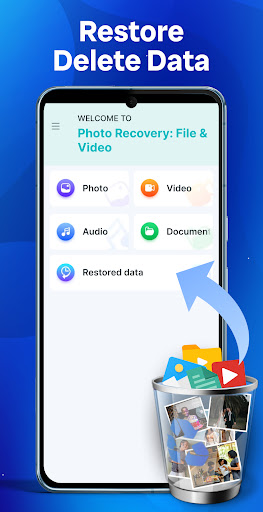
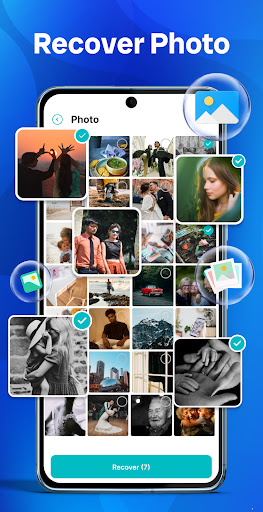
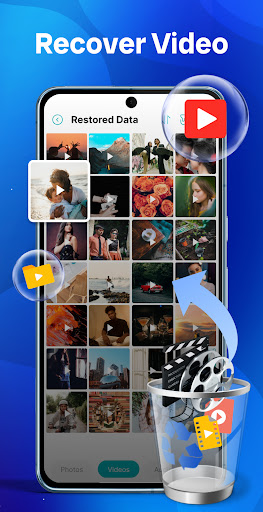
Photo Recovery: File & Video is a free Android tool that helps restore deleted photos, videos, audio, and documents. It offers deep scanning across device storage, previews before restore, and selective recovery, with a simple interface and an optional in-app purchase. Requires "Access all files" permission to search thoroughly.
Verdict
Verdict: A capable, easy-to-use on-device recovery app that’s great for quick restores, but not a guaranteed solution for permanently overwritten data.
Who is it for
Best for:
- Users who accidentally deleted photos, videos, audio, or documents and want quick on-device recovery
- People who value preview-and-select restoration with a simple interface
- Anyone comfortable granting full storage access for deeper scans
Not ideal for:
- Users expecting guaranteed recovery after long periods or heavy device use (overwritten data)
- Privacy-conscious users unwilling to grant "Access all files" permission
- Those who need advanced forensic tools or desktop-class recovery features
Real-world User Experience
Users like it:
Reviewers report successfully retrieving important memories (including fully restored photos and large batches after major deletions), find it straightforward to use, and note that ads are present but not overly disruptive. Some mention image quality issues seen in older feedback appear improved.
Users complain about:
Limited explicit complaints in the highlighted reviews; typical caveats apply: deep scans may take time, recovery isn’t guaranteed (especially post-reset/overwrites), and the app contains ads with optional IAP.
Is it Worth Paying For?
The app is free with ads and offers in-app purchases. Given its solid free functionality, try the free version first; consider paying only if a premium tier meaningfully improves scan depth, removes ads, or lifts export limits for your specific case.
How it Compares to Alternatives
Compared to dumpster-style recycle bin apps, this focuses on post-deletion deep scans across storage. Versus desktop tools (e.g., Dr.Fone/Tenorshare), it’s more convenient and cheaper but less powerful for severely corrupted or overwritten data. It’s broadly similar to DiskDigger on-device recovery: quick, selective restores with no cables, but success depends on how recently files were deleted and whether sectors were overwritten.
Summary
Photo Recovery: File & Video delivers a practical, user-friendly way to restore deleted photos, videos, audio, and documents directly on Android. Its deep scan and preview-before-restore help you recover only what you need, and user feedback highlights successful retrievals and ease of use. As with all recovery tools, results aren’t guaranteed—especially after factory resets or heavy device use that overwrites storage—and it requires broad storage access. With a high rating, over a million installs, and a usable free tier, it’s a strong first stop for accidental deletions, while power users or severe-loss cases may still prefer desktop-grade recovery.
Ratings
Trending APP












Alternative to this app










