
Copyright 2026 © swekartor. All Rights Reserved.



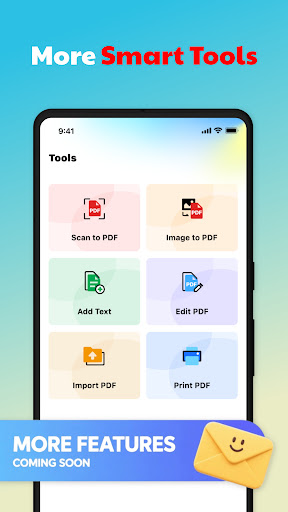
App Feature
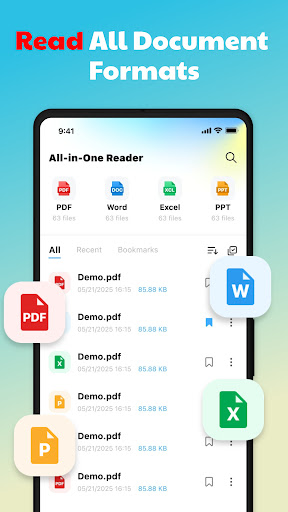
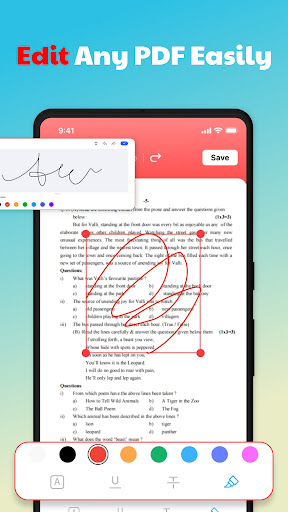
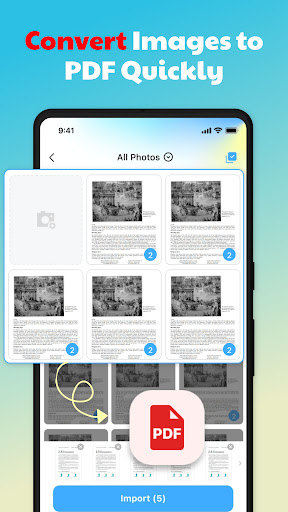
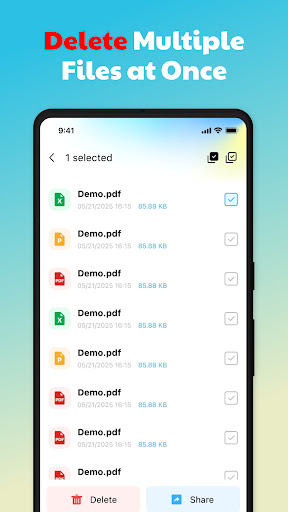
QuickDoc: PDF Reader Tools is a free, ad-supported document viewer and lightweight PDF editor. It offers fast multi-format viewing (PDF, Word, Excel, PPT), core PDF annotations (highlight, text, drawing, signatures, form filling), image-to-PDF conversion, local file management with search and classification, and optional cloud sync for backup and cross-device access. PDF editing is limited to PDFs; other formats are view-only.
Verdict
Verdict: A fast, capable free PDF reader with handy annotations, best for everyday document tasks but not for advanced editing.
Who is it for
Best for:
- Students and professionals needing quick PDF viewing, annotations, and image-to-PDF conversion
- Users who want simple local file organization with search and batch actions
Not ideal for:
- Users requiring deep PDF editing, OCR, or complex form workflows
- Anyone who wants an ad-free experience or edits in Word/Excel/PPT
Real-world User Experience
Users like it:
Overall sentiment is strong (4.5 score from ~2.7K ratings), suggesting users appreciate the quick loading, clear rendering, and straightforward annotation tools, plus the convenience of organizing and searching local files.
Users complain about:
Some may dislike ads, the restriction that only PDFs can be edited, and the broad storage/foreground service permissions that can feel intrusive to privacy-conscious users; with only 23 written reviews, detailed pain points are sparsely documented.
Is it Worth Paying For?
There is no paid plan or IAP. For a free app, the feature set is generous; the trade-off is advertising and no premium upgrade to remove ads.
How it Compares to Alternatives
Against Adobe Acrobat Reader, QuickDoc feels lighter with fast viewing and essential annotations but lacks Acrobat’s advanced editing, OCR, and cloud ecosystem. Compared to Xodo, it’s similar for core annotation and image-to-PDF, though Xodo tends to offer richer collaboration and cloud integrations. Versus Foxit PDF Reader, QuickDoc is simpler and free-with-ads, while Foxit provides more enterprise-grade features at the cost of complexity or paid tiers. If you just need speedy viewing, basic markup, and local file tools, QuickDoc holds up well; power users will prefer the big names.
Summary
QuickDoc: PDF Reader Tools focuses on speed, clarity, and everyday PDF tasks. It opens documents quickly, supports smooth navigation, and includes practical annotation features plus image-to-PDF and simple local file management. Editing is limited to PDFs, and the app uses storage and foreground service permissions to handle large local files. With a high average rating and a clean, approachable design, it’s a strong free option for students and professionals who mostly view and mark up PDFs. If you need advanced editing, OCR, or a premium ad-free experience, consider Acrobat, Xodo, or Foxit; otherwise, QuickDoc is an efficient, no-cost utility for daily document work.
Ratings
Trending APP











Alternative to this app










