
Copyright 2026 © swekartor. All Rights Reserved.




App Feature
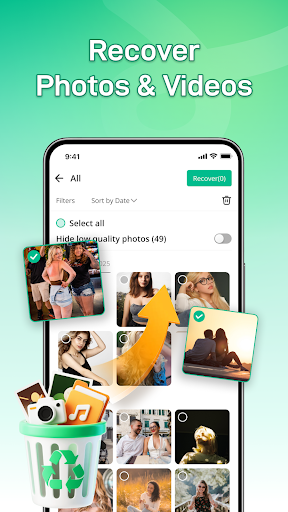
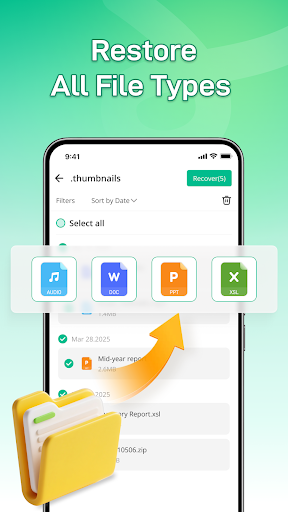
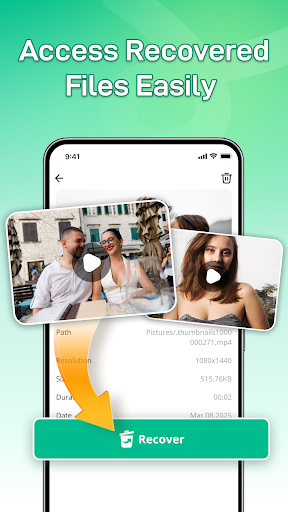
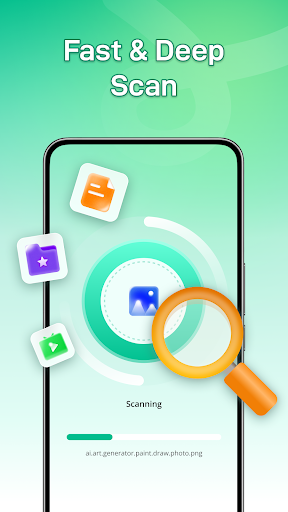
All Recover - Photos & Files helps you find and restore deleted photos, videos, and documents from internal storage and SD cards. It offers quick and deep scan modes, previews before recovery, and supports common formats like JPEG, PNG, MP4, PDF, and DOC.
Verdict
Verdict: A capable free recovery utility for recent deletions, but results can be inconsistent for older or overwritten files.
Who is it for
Best for:
- Users who accidentally deleted recent photos or files
- People who want a simple, guided recovery with previews
Not ideal for:
- Those needing guaranteed recovery of long-deleted or overwritten data
- Power users seeking advanced forensic controls or file system-level tools
Real-world User Experience
Users like it:
The quick scan often surfaces recently deleted images, previews help selectively restore what matters, and the app is straightforward to navigate.
Users complain about:
Recovery success varies for older or fragmented files; deep scans can be slow, and outcomes depend on whether data has been overwritten—reflected in the midrange 3.6 rating.
Is it Worth Paying For?
It’s free. With no paid plan information provided, there’s no cost barrier—making it worth trying before considering premium desktop tools if needed.
How it Compares to Alternatives
Versus Dumpster or DiskDigger-style apps, All Recover offers similar quick/deep scans and preview-based restore, with the added focus on common documents (PDF/DOC) as well as media. It lacks the professional-grade depth and support breadth of desktop solutions like EaseUS or Recuva, but matches typical mobile recovery convenience for recent deletions.
Summary
All Recover - Photos & Files provides a practical, no-cost way to attempt recovery of recently deleted photos, videos, and documents. Its quick and deep scan options plus previews make it easy to target the right items, and external storage support broadens coverage to SD cards. As with all mobile recovery tools, success drops the longer files have been deleted or if they’ve been overwritten, which aligns with its 3.6 average rating. For accidental, recent deletions it’s a solid first stop; for critical, long-lost data, a specialized desktop recovery suite may be more reliable.
Ratings
Trending APP












Alternative to this app










